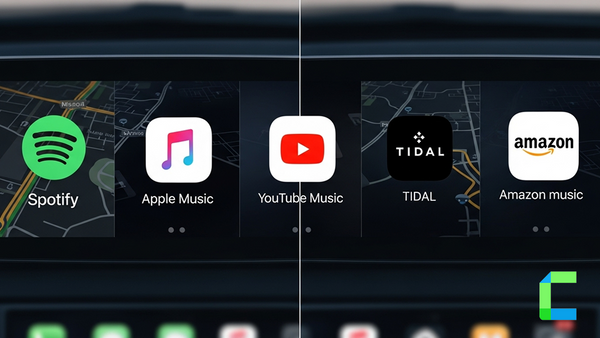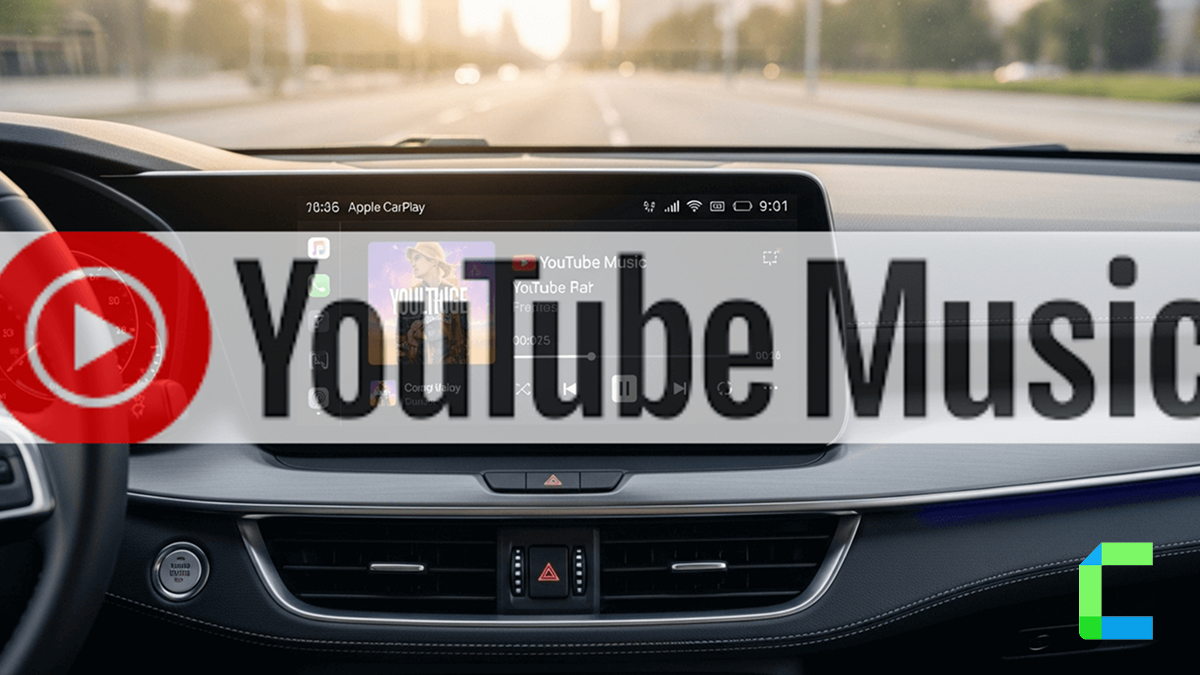
Do you like to drive with music? It is music lovers’ nature to listen to music whenever the time permits to. especially when they are on a long drive. That’s when the need for CarPlay YouTube Music comes in. YouTube Music is Google's official music app, and it is one of the best CarPlay music apps. And now it supports Apple CarPlay enabling drivers to enjoy their long drives with music.
Many users have accepted that YouTube music is the best CarPlay music App. What makes this YouTube music app even better is support Siri voice assistant. As well as driver does not need to hand for controlling the app. Through the voice can control all features.
This is not CarPlay YouTube, officially Apple restrict the video streaming apps, if you are interesting add YouTube for CarPlay you can use our hardware and software solutions.
How to add YouTube Music app to Apple CarPlay?
If you can't see the app in the CarPlay App menu you can follow the below steps
What are the features of YouTube Music on CarPlay?
- Supports Siri voice assistant so that you can navigate among music through voice commands.
- You can easily search for what music you want to listen to.
- You are allowed to simply create Playlists so that you can simply listen to them while driving.
- App provides recommendations for you based on time, location etc.
CarPlay YouTube Music free version and premium version
Free Version
- The free version enables you to play music on CarPlay. So, you can enjoy music by opening the app on screen. So, YouTube Music app without premium version cannot be used concurrently with another app.
- Advertisements will play between songs.
- You can’t download music for offline use.
Premium Version
- provides you an uninterrupted advertisement free experience.
- Enables you to use it as a background playback. That you can just use maps or any other app on the CarPlay screen while listening to music.
- Allows you to download music that you can listen to them even if you do not have an internet connection.
How to add YouTube video on Apple CarPlay?
Apple officially does not support video streaming apps (YouTube, Netflix) for Apple CarPlay Because safety reasons. But if you are interest about add video streaming app for CarPlay You Can use our software and hardware solutions to enable video streaming apps for CarPlay.
Add YouTube Video to Apple CarPlay with Software Solutions
WheelPal
you must go for an app like WheelPal to get any Apple CarPlay video app like YouTube, Netflix etc on CarPlay, while you can enjoy YouTube Music CarPlay app without any extra steps like that. because Apple officially restrict video streaming apps for CarPlay. As well as you need to have a jailbroken iPhone to add those non-official apps on CarPlay
Add YouTube Video to apple CarPlay with Hardware Solutions
Carlinkit AI Box
Carlinkit AI Box enable the video streaming app (You Tube, Netflix) for the Apple CarPlay. As well as added to CarPlay without jailbreak. Also, it enhances driving experience for iPhone users.
Features
- Compatible with iOS 18.5
- Automatic connect after the initial connection
- Works with almost all the iPhone models from iPhone 6s to iPhone 16 series
Pros and cons of Carlinkit AI Box
| Pros | Cons |
|---|---|
| Works with most vehicle models | Performance depends on hardware specifications |
| Enables streaming apps | |
| No need to Jailbreak your iPhone |
MMB AI Box
MMB wireless CarPlay adapter is CarPlay smart adapter that supports video streaming on Apple CarPlay. You will be given the USB cables with the adapter, and you can easily connect it to the CarPlay wired or wireless.
Features
- Add any app to CarPlay like YouTube, Netflix, Hulu, Prime video, TikTok
- Available for iPhone from 6s to 16 series
- Compatible for iOS 10- iOS 18.5 and iOS 26
Pros and cons of MMB AI Box
| Pros | Cons |
|---|---|
| Enable video streaming apps | Requires stable internet connection |
| Automatic connection after initial connection | |
| No need to Jailbreak your iPhone |
Final Thoughts
YouTube Music on Apple CarPlay offers a convenient and safer way to enjoy music while driving, with features like voice control and easy playlist access. Whether using the free or premium version, it enhances the overall in-car entertainment experience for music lovers. and if you interest play YouTube video on CarPlay you can use our software and hardware solutions like WheelPal App, Carlinkit AI Box, MMB AI Box.
Apple CarPlay officially restricts video streaming apps for safety reasons. Any third-party solutions mentioned are used at the user’s own risk and may not comply with manufacturer or legal guidelines. Always ensure safe driving practices.