Last updated: July 2026
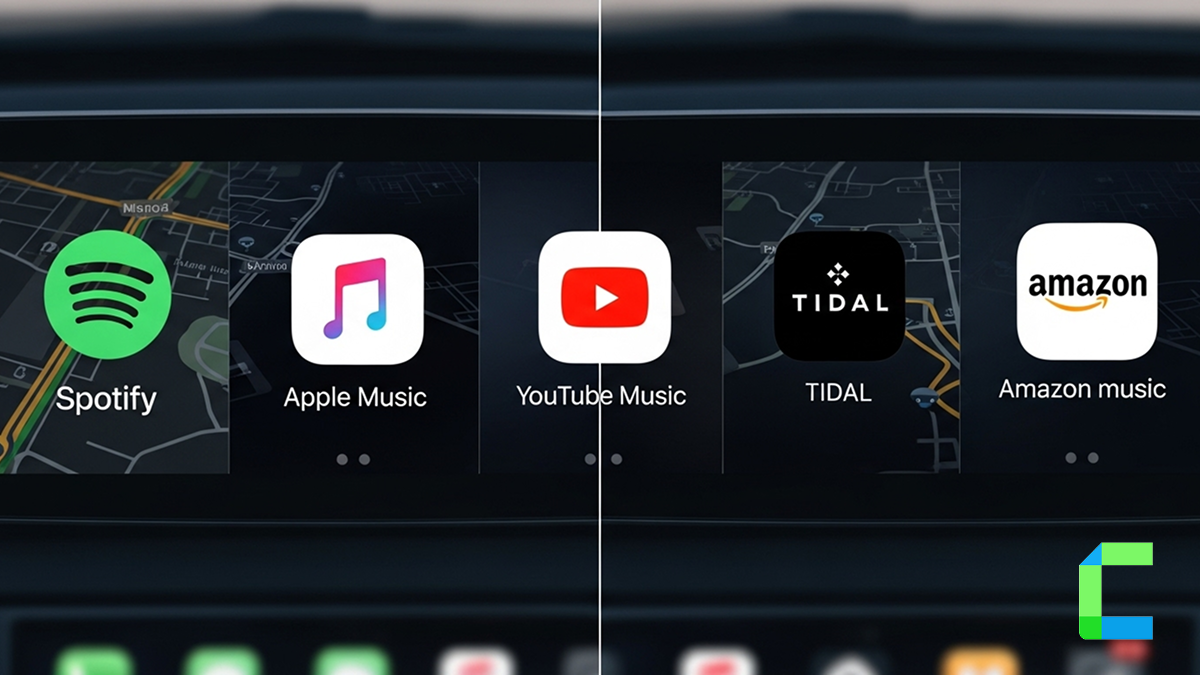
The best Apple CarPlay music apps in 2026 are Apple Music, Spotify, Amazon Music, TIDAL, and YouTube Music. Apple Music and Spotify work natively through CarPlay's built-in support, while YouTube Music and TIDAL's full library need a wireless adapter like Carlinkit AI Box since Apple restricts them by default.
Recommended Solution list


Which Music Streaming Apps Are Officially Supported on CarPlay?
Apple only allows CarPlay-certified apps to appear automatically on your screen. As of 2026, officially supported streaming apps include:
- Apple Music
- Spotify
- Amazon Music
- TIDAL
- Audible
- Pandora
Apps like YouTube Music aren't officially certified for CarPlay, which is why they don't show up even when installed on your iPhone. To use YouTube Music, TIDAL's full catalog, or any app CarPlay blocks by default, a wireless adapter such as Carlinkit AI Box bypasses Apple's certification list entirely.
YouTube Music Apple CarPlay
YouTube music is also not different from YouTube itself. YouTube Music has thousands of music libraries, music playlists, artists-based music collections, covers, live performances and many more music libraries. If you are wondering on how to watch YouTube music CarPlay integration on your screen, then click here to access a complete YouTube Music Apple CarPlay installation guide.
BBC iPlayer Radio CarPlay
BBC iPlayer Radio is a music streaming service offered by BBC. The BBC iPlayer app is a bit different from other apps, you have not just music streaming but also you can enjoy podcasts, news streaming, and live news updates.
This app will identify your streaming habits, times and suggest you the ideal suggestions that match your preferences. Most importantly BBC iPlayer Radio is a free platform where you can enjoy all these features. Now you can download BBC iPlayer Radio on your CarPlay via WheelPal apps as well.
Apple Music CarPlay
As we all know, Apple Music is Apple’s very own music streaming app. Apple Music gives you options such as love / dislike to mark your selections. Your feedback is a great way to filter your choices and suggestions in future based on your music preferences. Apple music app is supported for the Apple CarPlay and comes with a subscription. If you aren't comfortable with subscriptions, you can jailbreak your iPhone and use Apple Music CarPlay free.
Spotify Apple CarPlay
Spotify is one of the largest and most popular music streaming apps among all iOS and android users. Spotify also comes with a subscription option and a free version as well. And also, Spotify is up to its standards with a large number of music libraries collections, count of artists and many more. With Spotify CarPlay you can search and find most of your loved music, artists within a few seconds.
Now you can enjoy your favorite music with Apple Car Play Spotify music. Check this out to play Spotify on Apple CarPlay
Amazon Music by Amazon Prime CarPlay
If you're already an Amazon prime user, now you can enjoy Amazon music Apple Car integration on your screen. Amazon prime is also full of different types of music genres for you to select from. Nearly ten million or more different music to select. If you are already an Amazon prime subscriber, the Amazon music CarPlay function will surely be a free added advantage for your Apple CarPlay. To get the most out of your audio experience, enable Amazon Music Apple CarPlay, this assures high-quality streaming.
TIDAL Apple CarPlay
The addition of Tidal CarPlay is the most preferred choice when it comes to studio-quality sound. TIDAL stands out due to its offering of both HiFi and MQA (Master Quality Authenticated) audio features that make you able to listen to even the slightest details in the songs of your choice using the sound system of your vehicle.
Free Music Apps for Apple CarPlay
If you don't want a subscription, several CarPlay music options work on a free tier:
- Spotify Free - full CarPlay support with ads, no subscription needed
- Amazon Music Free - ad-supported tier works on CarPlay for Prime and non-Prime users
- YouTube Music Free - ad-supported, only reaches CarPlay through a wireless adapter like Carlinkit AI Box
- BBC iPlayer Radio - completely free, works via WheelPal or Carlinkit AI Box
Spotify Free and Amazon Music Free are the most reliable native free options. Carlinkit AI Box opens up the free ad-supported apps Apple otherwise blocks.
How to install Music Apps on Apple CarPlay
As we all know Apple CarPlay is concerned more about the drivers and passengers safety other than its apps and the other features. So Apple limited most of the app categories from installing on CarPlay. Netflix, YouTube and streaming apps. But now you don't have to worry about these limitations anymore.

Carlinkit Ai Box
Carlinkit AI box plus is one of the best CarPlay and Android Auto AI box in the CarPlay/Android Auto world. Know all the benefits and advantages of this amazing Carlinkit box.
- Wireless CarPlay and Android Auto
- Auto-connects when you start the car
- Streaming Apps on Your Car Screen
- Play Store App Downloads
- Storage and RAM (varies, often 4GB/64GB or higher)
- Plug-and-Play Setup
Pros and Cons of the Carlinkit Ai Box
| Pros | Cons |
|---|---|
| Unlocks ALL Music Apps | Requires Wired CarPlay Compatibility |
| No Jailbreak Needed | Internet Dependency |
| Wireless CarPlay + Android + streaming | |
| Can run apps even without your phone | |
| Split screen (maps + music/video) | |
| GPS navigation apps |

CarBridgeX
Transform your wired CarPlay into a wireless entertainment hub!
- Auto-connects when you get in
- Zero wear - fully wireless
- Phone stays in pocket or bag
- Better Driving Experience - unlock more features on the road with smooth wireless performance.
- Easy Plug-and-Play - just plug in the Mini and instantly access the full functionality of CarPlay and Android Auto.
Pros and Cons of CarBridgeX
| Pros | Cons |
|---|---|
| Unlocks Unsupported Apps | Wired CarPlay is required |
| No Extra Device Needed | |
| Cleaner Integration |
WheelPal App
You can jailbreak your iPhone and install all your loved apps on Apple CarPlay with the help of WheelPal apps store. All you have to do is follow a few simple steps to jailbreak iOS and install WheelPal app on your iPhone device. Click here to visit our WheelPal Installation guide to find how to install WheelPal on CarPlay.
And also, If you need to get all these solutions in one place, Hacks Finder is the best place for your CarPlay solutions.
| Criteria | CarPlay AI Box (Carlinkit) | CarBridgeX | WheelPal |
|---|---|---|---|
| Setup difficulty | ⭐⭐⭐⭐☆ (plug & play) | ⭐⭐☆☆☆ (complex) | ⭐⭐☆☆☆ (still jailbreak) |
| Works on latest iOS | ⭐⭐⭐⭐⭐ | ⭐⭐⭐☆☆ | ⭐☆☆☆☆ |
| App freedom (YouTube Music, TIDAL) | ⭐⭐⭐⭐⭐ | ⭐⭐⭐⭐☆ | ⭐⭐⭐⭐☆ |
| Ease of use (daily driving) | ⭐⭐⭐⭐☆ | ⭐⭐⭐☆☆ | ⭐⭐☆☆☆ |
| Performance smoothness | ⭐⭐⭐☆☆ | ⭐⭐⭐⭐☆ | ⭐⭐⭐☆☆ |
| Long-term reliability | ⭐⭐⭐⭐⭐ | ⭐⭐⭐⭐☆ | ⭐☆☆☆☆ |
| Cost | Expensive | Expensive | Cheap |
With my knowledge out of all of these solutions The best way to stream music on CarPlay is by using a CarPlay AI Box (hardware solution). It allows you to install and use any music app like YouTube Music, TIDAL, Spotify, BBC iPlayer Radio, Apple Music, Amazon music on CarPlay without restrictions.
- Unrestricted Access to Music Apps
- No Jailbreak Required
- Reliable Daily Performance
Conclusion
Now Apple CarPlay users can install Apple Music, YouTube Music, BBC iPlayer Radio, Spotify, Amazon Music by Amazon Prime,TIDAL or any of your favorite apps on Apple CarPlay including podcasts, navigation apps, entertainment apps, best CarPlay apps with the help of these solutions.
FAQs Related to Best Apple CarPlay Music Apps in 2026
Apple Music CarPlay
Spotify CarPlay
Amazon Music CarPlay
TIDAL CarPlay
YouTube Music
BBC iPlayer Radio
Install the app on your iPhone
Connect your phone to CarPlay
The app appears automatically (if supported)