


Last updated: September 2026
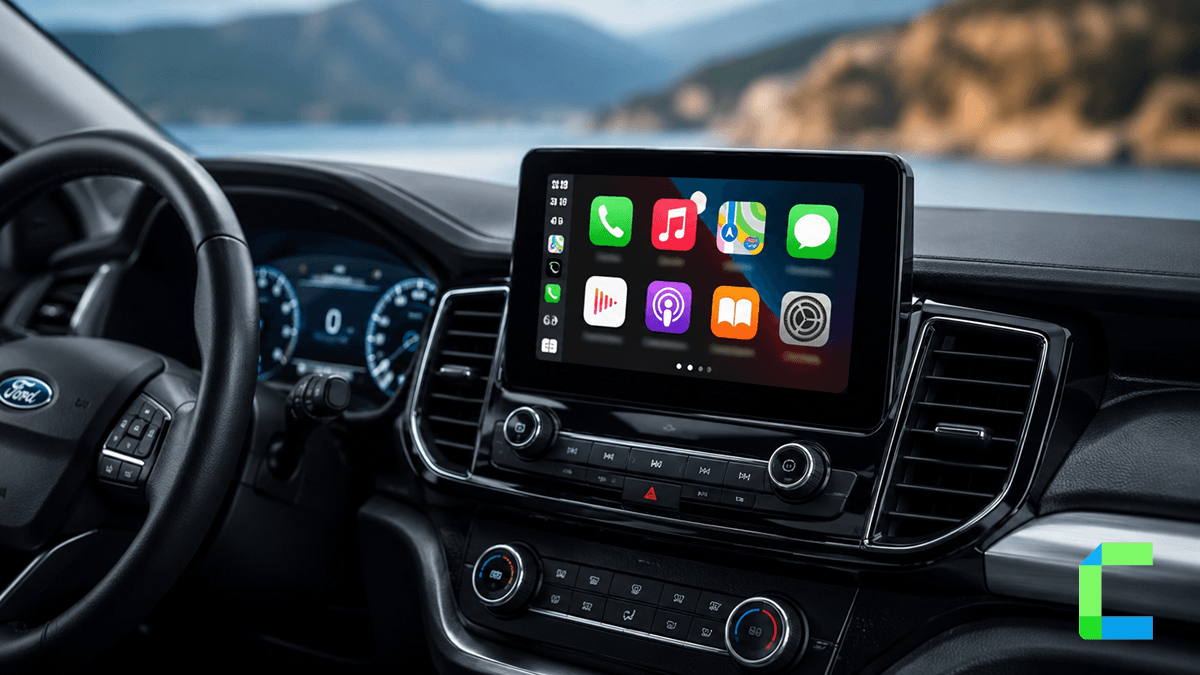
Ford remains a dominant force in the global automotive market, with the Ford Ranger securing its spot as Australia's best selling vehicle for three years running through 2025. In the United Kingdom, the brand maintained its status as the 3rd largest brand by total registrations in 2025, moving over 118,000 units. For these millions of drivers, ford carplay is the essential bridge between their smartphone and their vehicle's dashboard.
Which Ford Models Support CarPlay? (The SYNC 3 vs SYNC 4 Split)
Compatibility for ford carplay is determined primarily by the generation of the SYNC infotainment system installed in your vehicle. Support generally began with select 2016 and newer models equipped with SYNC 3 or the newer Ford Digital Experience.
The technical differences between these generations are significant and dictate how you connect your device:
- SYNC 3: This version requires software version 2.0 or higher to function. Crucially, SYNC 3 requires a wired USB connection for Apple CarPlay and does not support native wireless functionality.
- SYNC 4 and 4A: These modern systems were designed with native wireless connectivity as a standard feature, though they still support wired connections.
- Ford Digital Experience: This system is found in newer electric models like the Electric Explorer and supports both wired and wireless setups.
Important Hardware Note: It is not possible to upgrade a SYNC 3 system to SYNC 4 through a software update alone. The underlying hardware module (APIM) differs between the two generations, so a physical retrofit of the screen and module would be required for such an upgrade.
SYNC Version Comparison
| Feature | SYNC 3 | SYNC 4 / 4A |
|---|---|---|
| Connection Type | Wired USB only | Wireless and Wired |
| Software Requirement | Version 2.0 or higher | Native support |
| Hardware Module | Legacy APIM | Modern high speed module |
Ford CarPlay Compatibility by Year and Model
While most Ford vehicles produced from 2016 onwards offer some level of support, there are specific cutoffs for when ford carplay became available or transitioned to wireless as a standard feature. Newer 2025 and 2026 model years increasingly ship with SYNC 4 wireless as standard across most trims, including the Bronco Sport and Transit.
| Model | Supported Years (Approx.) | SYNC Generation |
|---|---|---|
| F-150 | 2016+ | SYNC 3 or 4 |
| Explorer | 2017+ | SYNC 3 or 4 |
| Escape | 2017+ | SYNC 3 or 4 |
| Mustang | 2016+ | SYNC 3 or 4 |
| Bronco Sport | 2021+ | SYNC 4 |
| Ranger | 2017+ | SYNC 3 or 4 |
| Edge | 2016+ | SYNC 3 or 4 |
| Transit | 2016+ | SYNC 3 or 4 |
For owners of older vehicles equipped with SYNC 2 (typically found in 2013 to 2016 models), native support is not included. However, third party wireless retrofit interfaces are available for many of these models, including the C-Max, Focus, Fusion, and Mondeo, to add modern smartphone integration.
How to Set Up Ford CarPlay (Step-by-Step)
Wired Connection (SYNC 3)
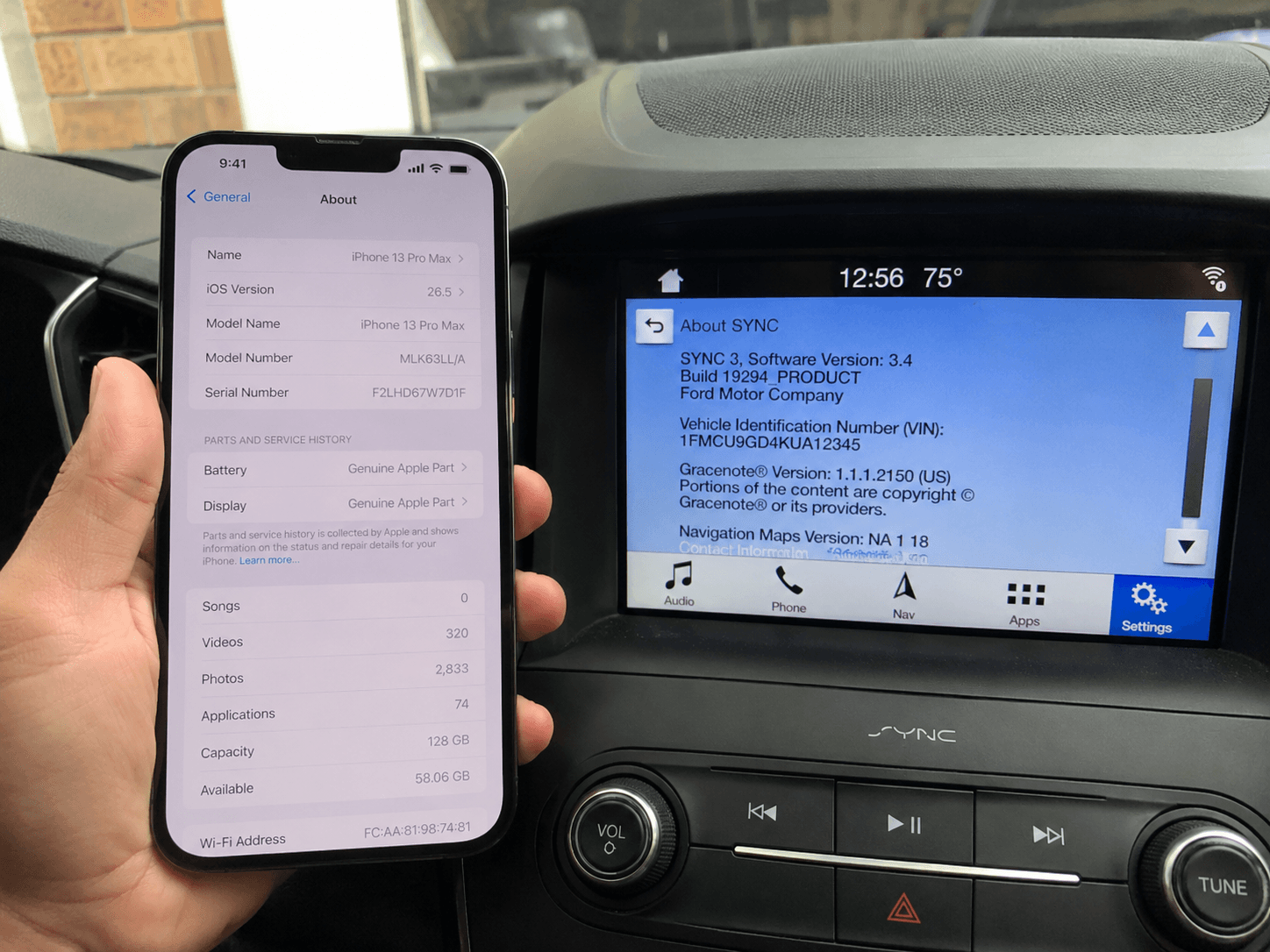
We conducted firsthand testing of the wired integration using a 2019 Ford running SYNC 3 version 3.4 and an iPhone 13 Pro Max on iOS 26.5.
Wireless Connection (SYNC 4)
The wireless setup for SYNC 4 avoids the need for cables by using a Bluetooth handshake to trigger the WiFi connection required for CarPlay.
Setting up the Electric Explorer
The Electric Explorer utilizes the Ford Digital Experience, which offers a tailored setup process.
- Wireless Setup: Pair your phone via Bluetooth. A prompt will appear asking if you want to use Bluetooth or Apple CarPlay. Select Apple CarPlay and accept the confirmation on your iPhone.
- Wired Setup: Plug your phone into the USB port using a certified cable. When the system asks if you want to connect with Apple CarPlay, select Connect
Best Wireless CarPlay Adapter for Ford (Recommended)
If you own a SYNC 3 vehicle and want the convenience of a wireless connection without the high cost of a full hardware retrofit, a wireless adapter is an excellent solution. We recommend the Carlinkit 5.0, which converts your existing wired USB port into a wireless hub so your phone can stay in your pocket while still providing full access to the ford carplay interface. For the full ranked comparison of every option, see our guide to the best wireless CarPlay adapters.
Once your Ford is running wireless CarPlay, WheelPal is the app to install alongside it. It sideloads directly onto your iPhone, no jailbreak and no App Store listing required, and adds apps to your CarPlay screen that Apple doesn't allow natively. It's the primary way SYNC 3 and SYNC 4 owners expand what their Ford's CarPlay screen can actually do.
Ford CarPlay in the UK: 2026 Update
Ford is currently the 3rd largest brand in the UK by registrations, a strategic market where smartphone integration is a top priority for buyers. Popular UK models such as the Puma and the All-Electric Capri come with standard ford carplay integration. For many UK drivers, using Google Maps through CarPlay is the preferred alternative to built in satellite navigation, which is often an additional cost on lower trims. If you are researching compatibility for other brands, you can explore our guides for BMW or Audi.
Ford Ranger CarPlay Australia: The Regional Specialist
The Ford Ranger's status as Australia's best selling vehicle is supported by its advanced technology suite. All modern Rangers in Australia support ford carplay, with the latest models featuring the SYNC 4 wireless interface. As with any CarPlay-equipped vehicle, keeping your iPhone updated to the latest supported iOS version is recommended for the most stable connection. This integration allows drivers to use Siri for voice commands, helping them stay connected safely while navigating diverse Australian terrain.
Troubleshooting Common Ford CarPlay Issues
- Siri Activation: CarPlay relies heavily on Siri for voice control. Ensure Listen for "Hey Siri" or Press Side Button for Siri is enabled in your iPhone's Siri & Search settings.
- Cable Quality: For wired SYNC 3 systems, faulty or low quality USB cables are the most common cause of failure. Use an original Apple cable or a certified high quality data cable.
- Phone State: Make sure your iPhone is unlocked when you plug it in or attempt a wireless pairing, especially on first time setups.
- Master Reset: If the software becomes unresponsive and the CarPlay icon will not appear, you can perform a Master Reset in the SYNC settings under General. Note that this will erase all personal data and saved settings from the vehicle.