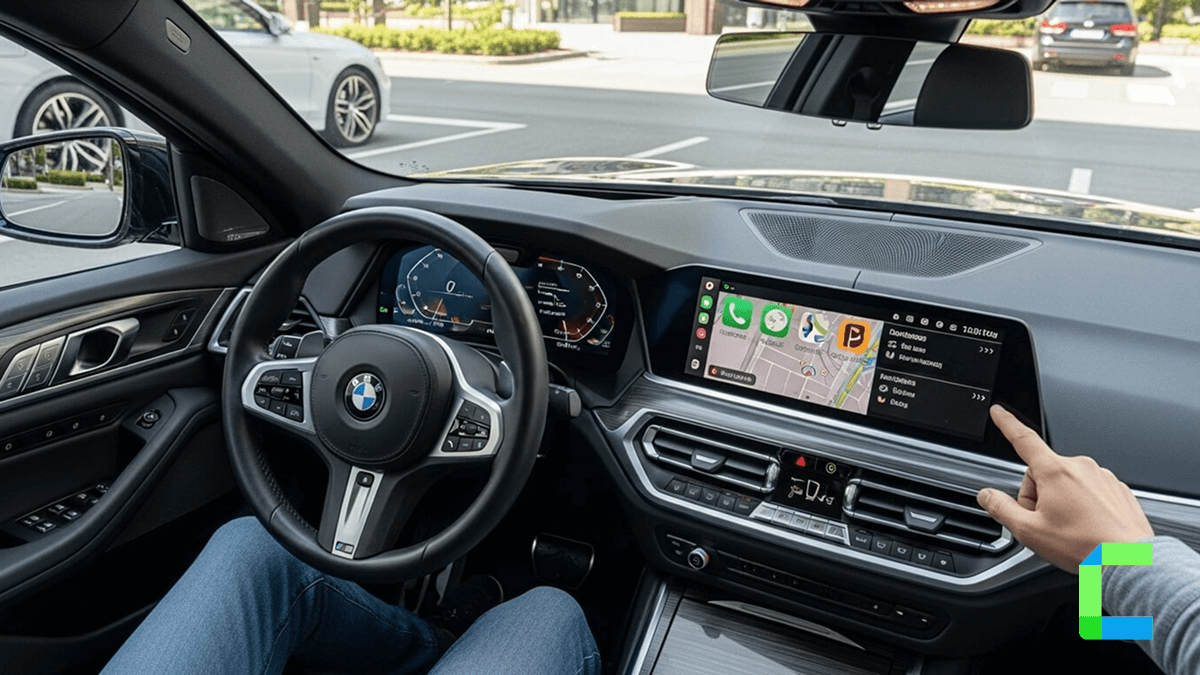
CarPlay is the best solution to mirror your iPhone to your car so that the driver can engage with iPhone functions without getting distracted while driving.
Yes, but native Apple CarPlay does not support full iPhone screen mirroring. You need either a CarPlay AI box, a compatible mirroring app/head unit, or a jailbreak tweak.
Table of Content
What Is CarPlay Mirroring?
CarPlay mirroring is the process of showing iPhone apps, media, or screen content on a vehicle’s CarPlay display beyond the apps Apple officially supports. Since Apple CarPlay does not include full iPhone screen mirroring to CarPlay by default, users usually need a CarPlay AI box, compatible mirroring app, aftermarket head unit, or jailbreak tweak to mirror more content to CarPlay.
| Type | What It Means |
|---|---|
| Native CarPlay display | Apple’s official CarPlay interface showing supported driving apps |
| CarPlay mirroring | Showing extra iPhone apps or screen content on the car display |
| Full iPhone screen mirroring | Duplicating the entire iPhone screen on the CarPlay display |
| CarPlay AI box mirroring | Using an external device to run video apps or mirror content without jailbreaking |
| Jailbreak CarPlay mirroring | Using tweaks like CarBridge or NGXPlay to show unsupported apps on CarPlay |
Best Ways to Mirror CarPlay in 2026
If you want full Apple CarPlay mirroring, such as showing unsupported apps, video apps, or more of your iPhone screen on the car display, you usually need one of these methods:
- A CarPlay AI box
- A jailbreak-based CarPlay mirroring tweak
1. Mirror CarPlay Without Jailbreak Using a CarPlay AI Box
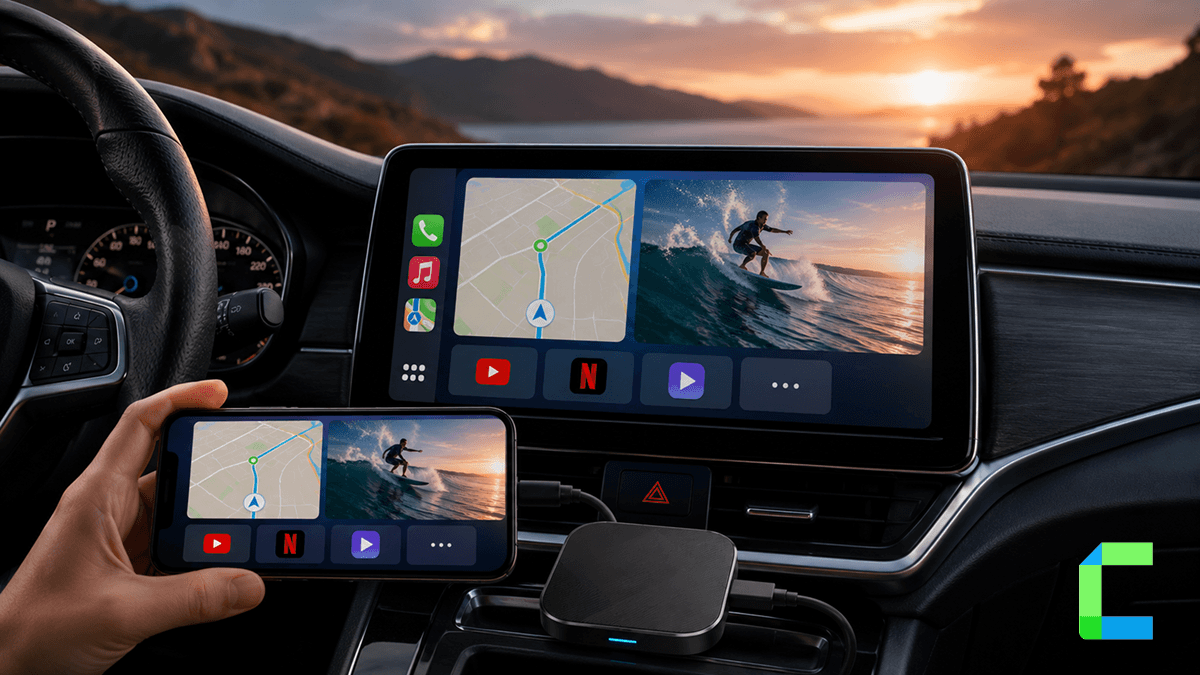
The easiest way to mirror CarPlay without jailbreak is by using a CarPlay AI box. This is a small external device that connects to your car’s USB CarPlay port and adds extra features to the factory CarPlay screen.
Best for:
- Users who do not want to jailbreak their iPhone
- Cars with built-in wired Apple CarPlay
- Watching videos while parked
- Using entertainment apps during charging stops or rest breaks
- Adding wireless CarPlay to a wired CarPlay system
- Users who want a plug-and-play solution
Main benefits:
- No jailbreak required
- Easier setup than jailbreak tweaks
- Works with many factory CarPlay systems
- Can support apps that are not normally available on CarPlay
- Good option for parked entertainment
Main limitations:
- Usually requires a car with built-in wired CarPlay
- Compatibility depends on the car model and infotainment system
- Performance can vary by device quality
- Not all apps may work perfectly
- Should not be used for distracting content while driving
Carlinkit Ai Box

Carlinkit wireless AI box
Compatible iPhone Models:
iPhone 5 to the latest
Compatible iOS Versions:iOS 10 or higher
Prerequisites:Compatible with models with built-in CarPlay
- Supports YouTube, Netflix, and video streaming
- Upgrade from Wired CarPlay to Wireless CarPlay (Automated and wireless CarPlay connectivity without the need for a USB cable.)
- Connectivity Technology: Wi-Fi and Bluetooth.
- Product size - Smaller than a mobile
- Come with a one-year global guarantee and ongoing technical support.
MMB AI Box

MMB Ai Box
Compatible iPhone Models:
iPhone 5 to the latest
Compatible iOS Versions:iOS 10 or higher
Prerequisites:Compatible with models with built-in CarPlay
- Comes with a USB-A, USB-C cable for cars with USB-C ports.
- Connectivity Technology: Wi-Fi and Bluetooth.
- Supports YouTube, Netflix, and any video streaming.
- Automatic connection
- Wireless CarPlay option enabled
Carlinkit AI Box vs MMB AI Box Comparison Table
| Feature | Carlinkit AI Box | MMB AI Box |
|---|---|---|
| Best for | Overall non-jailbreak CarPlay mirroring | Premium entertainment and multimedia use |
| Jailbreak required? | No | No |
| Car requirement | Usually factory wired CarPlay | Usually factory wired CarPlay |
| Wireless CarPlay | Yes, depending on model | Yes, depending on model |
| Android system | Android-based AI box, newer models list Android 15 | Android-based AI box, version depends on model |
| Streaming apps | Supported on AI box models | Supported on AI box models |
| Hardware flexibility | Stronger on newer models with SIM/TF support | Good multimedia-focused hardware options |
| Best advantage | Better all-round flexibility | Strong entertainment-focused experience |
| Recommended? | Yes, top pick | Good alternative |
How to Mirror iPhone to CarPlay Without Jailbreak
Follow these steps:
2. Mirror CarPlay With Jailbreak
Jailbreak-based tools are another way to mirror iPhone to CarPlay, especially for users who want deeper control over which apps appear on the CarPlay display.
Best for:
- Advanced users
- Older iPhones with jailbreak support
- Users who understand jailbreak risks
- People who want deeper CarPlay customization
- Users who want to enable unsupported apps on CarPlay
Main benefits:
- More control over CarPlay apps
- Can enable unsupported apps
- Good for users with older jailbreak-compatible iPhones
- More flexible than standard CarPlay
Main limitations:
- Requires jailbreak
- May not support the latest iOS versions
- Can reduce device security
- Can cause app crashes or instability
- Not beginner-friendly
- May affect warranty or support
WheelPal
WheelPal is a third party app store that lets you download apps like NGXplay, Cartube, Carplay++, Carbridge, Carmovie that allows you to download your favourite apps onto CarPlay.
Jailbreaking an iPhone may violate Apple's policies, void warranty and raise security concerns. The recommended way is not to jailbreak your iPhone, if you wish to jailbreak your iPhone, please do so with caution. No software solution has the power to directly add video streaming on CarPlay without jailbreaking.
Conclusion
The best way to mirror CarPlay depends on the car you use, your iPhone and how much control you want. For most users a CarPlay AI box is the easiest and safest non-jailbreak option especially if your car already supports wired CarPlay. Jailbreak methods can offer more control but they come with extra risks and are better suited for advanced users.
Overall if you want CarPlay mirror iPhone without jailbreak start with a trusted CarPlay AI box and use mirroring features responsibly while parked.
Do not watch videos, play games, or interact with distracting apps while driving. Apple CarPlay mirroring should be used only when parked or by passengers where local law allows. Always follow your vehicle’s safety rules and road regulations.