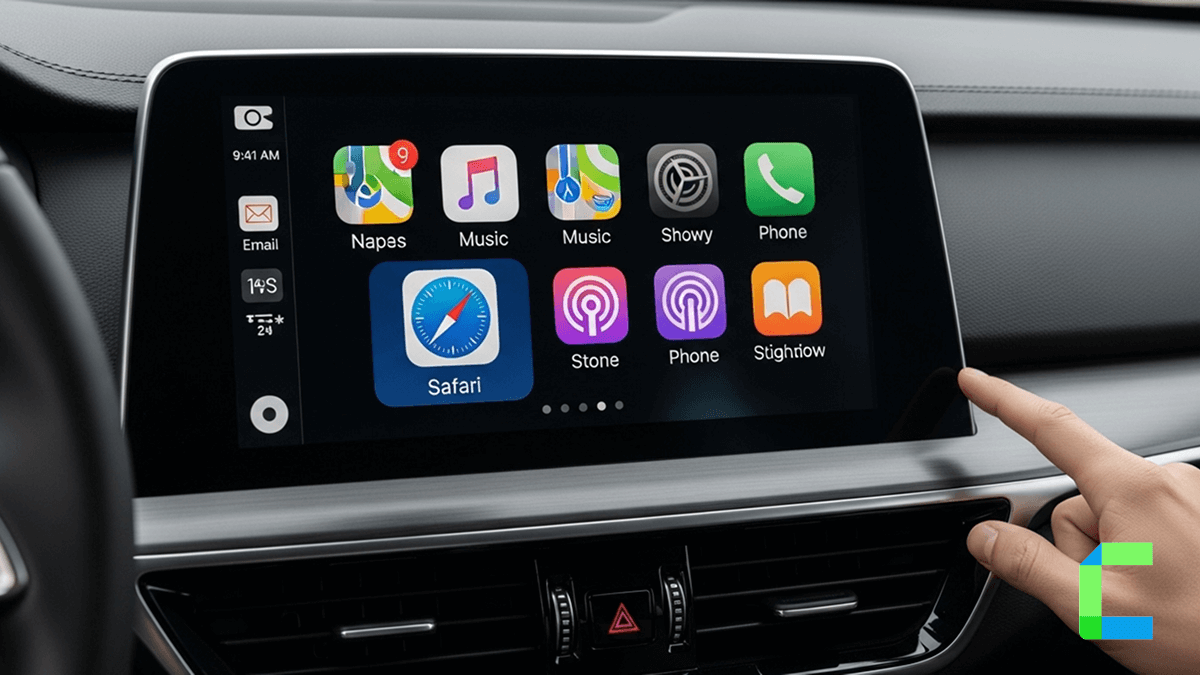
Imagine your car becoming as smart as your phone That’s exactly what’s happening, thanks to voice tech and car innovation. Now a days our cars are evolving into smarter machine, much like smartphones. With the integration of voice assistant as well as automative innovation, driving has become safer and more enjoyable. The collaboration between Amazon’s Alexa and Apple CarPlay alongside the introduction of Echo Auto, allows us to transform our vehicles into hands fee environments.
Additionally, if you are interest about add more app to Apple CarPlay, Apple officially does not support some apps for the CarPlay, but we have listed some method to add more apps on apple CarPlay, get ready for a smoother and more fun ride.
How to Add Amazon Alexa App to Apple CarPlay?
What are the Benefits of Alexa on CarPlay?
Driving requires our undivided attention, and Alexa's integration with Apple CarPlay is here to make it safer and more convenient.
- Hands free convenience
- Smart home control
- Voice activated searchers
- Real time information
- Music and audio streaming
How to Get Alexa in Your Car with Echo Auto?
Echo Auto is a small, compact device developed by Amazon that brings Amazon's virtual assistant, Alexa, into your car. It's designed to provide voice-controlled access to various Alexa features and capabilities while you're driving. Echo Auto connects to your car's audio system via an auxiliary port or Bluetooth, enabling you to interact with Alexa using voice commands.
Also, allowing us to use voice commands to activate various Alexa features without diverting our attention from the road. That enhance the driving experience.
What are the Features of Echo Auto?
- Voice Control: With Amazon Echo Auto, you can make calls, send messages, get directions and play music, using voice commands while driving.
- Integration with Alexa Skills: Echo Auto supports thousands of Alexa skills, letting you access a wide range of third-party services and features.
- Navigation Assistance: Get directions, traffic updates and locations using apps like Google Maps, Apple Maps, or Waze through voice commands.
- Music and Entertainment: Stream music, podcasts, audiobooks, and news from services like Amazon Music and Spotify through Alexa.
- Smart Home Control: If you have smart home system you can Control devices like lights, thermostats, and locks at home using Alexa voice commands from your car.
- Hands-Free Calls and Messaging: Make calls and send or receive messages hands-free while driving.
- Road Safety: Echo Auto helps reduce distractions by enabling voice-based control so you can focus on driving.
How to setup Echo Auto on Apple CarPlay?
How to Add any App on Apple CarPlay?
Apple CarPlay for support both apps like Navigation app, Audio streaming apps, Messenger apps. But Apple officially does not support video streaming apps (YouTube, Netflix) but if you are interesting add more apps for the CarPlay we have listed software and hardware solutions for that.
Apple CarPlay with Software Solutions
WheelPal
WheelPal is a CarPlay upgrade software that can add more apps on CarPlay. It lets you use non-default CarPlay apps like YouTube and Netflix on your car's screen. As well as enhance your driving experience.
You should have a jailbroken iPhone to add those non-default apps on CarPlay. If your iPhone is not jailbroken one, it shows non-jailbreak solutions as well.
WheelPal is not compatible with the iOS 18.5 version due to the unavailability of jailbreak tools.
InCar
InCar app is a CarPlay simulation app, you can use your iPhone as the CarPlay screen. YouTube, Netflix, Prime Video, etc can be watched via a CarPlay user interface.
The InCar app is good for users who don't have CarPlay or who like to watch YouTube, Netflix, etc in the car.
The app is compatible with all iPhone models and iOS versions, including the iOS 18.5
Apple CarPlay with Hardware Solutions
Carlinkit AI Box
Apple restrict the video streaming apps for CarPlay. But You can enjoy any app on Apple CarPlay with this Carlinkit AI box. Video streaming like Netflix, YouTube or TikTok are enabled with the AI Box.
Features
- Available on video streaming app
- Compatible with iOS 18.5
- Works with almost all the iPhone models from iPhone 6s to iPhone 16 series
- Wired CarPlay to wireless CarPlay
Pros and cons of Carlinkit AI Box
| Pros | Cons |
|---|---|
| No need to Jailbreak your iPhone | Performance depends on hardware specifications |
| Enables streaming apps |
Ottocast AI Box
Ottocast AI box enable stream YouTube, Hulu, and Netflix videos. This gadget is plug and play gadget and once it is connected no need to connect again as it automatically connects after the first connection.
Features
- Automatic connection after initial connection
- Available for iOS 10- iOS 17 and all the subversions
- Compatible with all the built-in CarPlay-supported cars.
Pros and cons of Ottocast AI Box
| Pros | Cons |
|---|---|
| Fast and smooth performance | Not compatible with Tesla and BMW car models |
| Compatible with video streaming apps |
Final Thoughts
Integrating Alexa with CarPlay or using devices like Echo Auto and AI boxes can enhance your driving experience by adding voice control, entertainment, and smart features, making your journey more convenient and connected. And if you want to enhance your driving experience with video streaming apps for CarPlay. it's you can enable through our software and hardware solutions.
Some features and methods mentioned may not be officially supported by Apple or may vary depending on your device, vehicle compatibility, and software versions, so use them at your own discretion. As well as ensure safety while driving in your car.
Frequently Asked Questions About Apple CarPlay on Alexa