Last Updated: July 2026
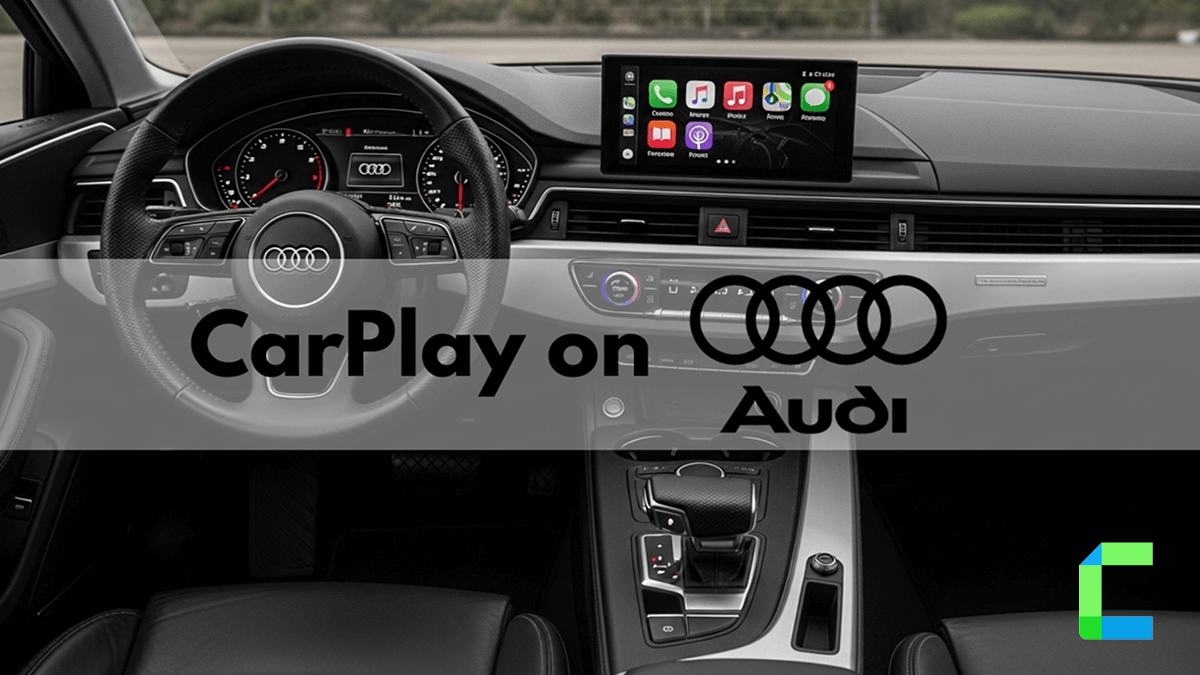
Yes, Audi has offered Apple CarPlay since the 2017 model year, and it's standard across nearly the entire current lineup. It connects through the Audi Smartphone Interface, which links your iPhone to the MMI system so you can use Maps, Music, Messages, and Siri on the dashboard display.
In this guide, you will learn how CarPlay Audi systems work, how to connect to your iPhone (wired or wireless), and what solutions you can use to unlock more apps on your Audi CarPlay screen.
Does My Audi Have CarPlay?
- 2017-2020 models: Wired CarPlay only
- 2021+ models: Wireless CarPlay standard
- 2025+ models: Wireless CarPlay standard on every trim
- Pre-2017 models: No native support, retrofit required
Quick Answer: How Do You Use Apple CarPlay in Audi?
Quick steps:
- Start your Audi and turn on the Audi MMI system
- Enable Bluetooth, Wi-Fi, and Siri on your iPhone
- Go to Phone → Connect mobile device on the Audi screen
- Select Apple CarPlay
- Confirm pairing on both devices
Once connected, the Audi smartphone interface will launch Apple CarPlay and display your iPhone apps.
Which Audi models support Apple CarPlay?
Audi began the rollout of CarPlay support in 2017. This interface is now standard across the entire lineup. All 2025 and newer Audi models include wireless connectivity as a standard feature. The newest models, such as the A6 e-tron and Q6 e-tron, use an Android-based infotainment system that still supports CarPlay functionality
| Model | Years | CarPlay Type | MMI System |
|---|---|---|---|
| Audi A3 | 2017-2026 | Wired (2017-2020), Wireless (2021+) | MIB2 / MIB3 |
| Audi A4 | 2017-2026 | Wired (2017-2020), Wireless (2021+) | MIB2 / MIB3 |
| Audi A5 | 2017-2026 | Wired (2017-2020), Wireless (2021+) | MIB2 / MIB3 |
| Audi A6 | 2017-2026 | Wired (2017-2019), Wireless (2020+) | MIB2 / MIB3 |
| Audi A7 | 2018-2026 | Wired (2018-2019), Wireless (2020+) | MIB2 / MIB3 |
| Audi A8 | 2018-2026 | Wireless (all years) | MIB3 |
| Audi Q3 | 2019-2026 | Wired (2019-2020), Wireless (2021+) | MIB2 / MIB3 |
| Audi Q5 | 2018-2026 | Wired (2018-2020), Wireless (2021+) | MIB2 / MIB3 |
| Audi Q7 | 2017-2026 | Wired (2017-2019), Wireless (2020+) | MIB2 / MIB3 |
| Audi Q8 | 2019-2026 | Wireless (all years) | MIB3 |
| Audi Q4 e-tron | 2022-2026 | Wireless | MIB3 |
| Audi e-tron GT | 2021-2026 | Wireless | MIB3 |
Check your MMI version before buying a retrofit. For a full list of every CarPlay-compatible vehicle in 2026, see our complete CarPlay cars guide. The apple carplay audi a3 and apple carplay audi q5 experiences vary by year, as older models rely on a physical USB connection while newer versions use audi carplay wireless.
For the most current list of every CarPlay-compatible vehicle, see Apple's official CarPlay availability page.
What MMI system does your Audi have and why it matters
The version of your Audi infotainment system determines whether you get wired CarPlay, wireless CarPlay, or if you need a retrofit. You can identify your system by navigating to Settings, then Service/Maintenance, and selecting Version Information
MMI 3G (2009 to 2015 models)
These older models do not have native CarPlay support. If you drive one of these vehicles, you must use a retrofit module or adapter to get the interface on your original screen.
MIB2 (2015 to 2020 models)
Wired CarPlay works natively on these units. Wireless functionality is sometimes possible through software activation on certain units, but this depends on the specific hardware version. Using CarBridge you can expand your app access beyond the standard factory restrictions
MIB3 (2020+ models)
These systems support full audi carplay wireless as a standard feature. They use an advanced architecture designed for faster performance. Newer 2024+ MIB3 units also feature Audi Connect PLUS and a dedicated Audi App Store, which acts as a separate ecosystem from CarPlay
What Are the Best Solutions to Add More Apps to Audi CarPlay?
Apple normally restricts which apps can appear on CarPlay. Some users want additional apps like video streaming or social media.
CarBridge
CarBridge requires a jailbroken iPhone. Once installed, it removes the app restrictions Apple places on CarPlay, letting you run full iPhone apps directly on your Audi screen, real browsers, streaming apps, and games, not just CarPlay-approved versions. No hardware box is needed. WheelPal handles the jailbreak and installs CarBridge on your Audi MMI screen automatically; just follow the on-screen instructions.
What Is the Carlinkit AI Box and How Does It Upgrade Audi CarPlay?
The Carlinkit AI Box is a hardware adapter that plugs into your vehicle’s USB port. This device acts as a mini-Android system that runs through your Audi infotainment screen.
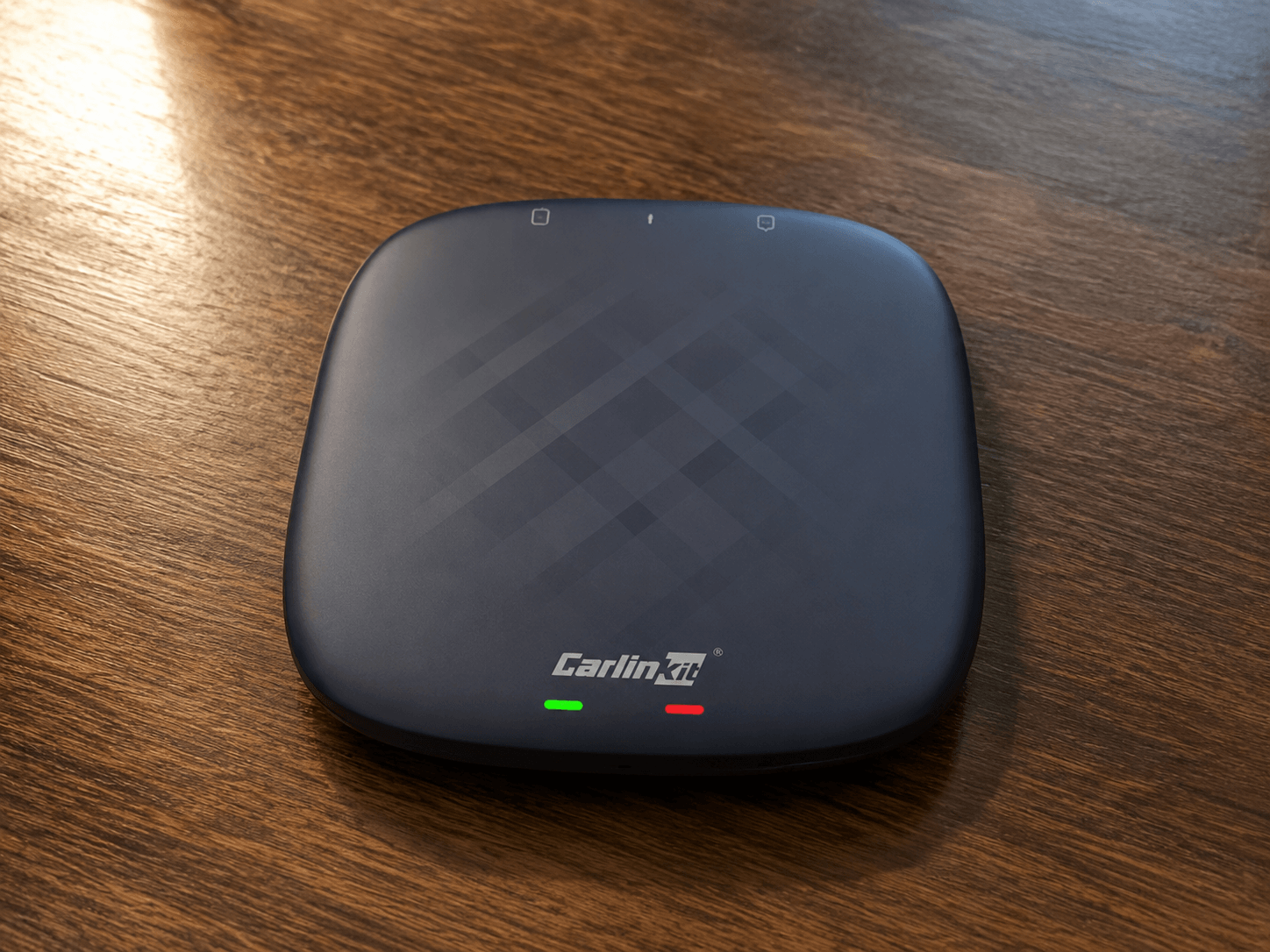
- Converts wired CarPlay into Audi CarPlay wireless
- Allows video streaming apps
- Supports social media apps
- Runs Android-based applications on the Audi MMI CarPlay screen
Once connected to the Audi smartphone interface, the AI box launches its own operating system through the car display. Because the device runs Android software internally, it can install and run apps that normally do not appear in standard Audi Apple CarPlay.
Here are the advantage and disadvantages of Carlinkit AI Box:
| Pros | Cons |
|---|---|
| Works with most vehicles that support Audi MMI CarPlay | Requires a stable internet connection |
| No need to jailbreak your iPhone | Performance depends on hardware specifications |
| Enables streaming apps | Not all Audi models support touchscreen interaction |
Ottocast AI Box
The Ottocast AI Box is another hardware upgrade designed to extend the capabilities of CarPlay Audi systems. Ottocast connects to the Audi smartphone interface through the USB port and launches its own operating system.
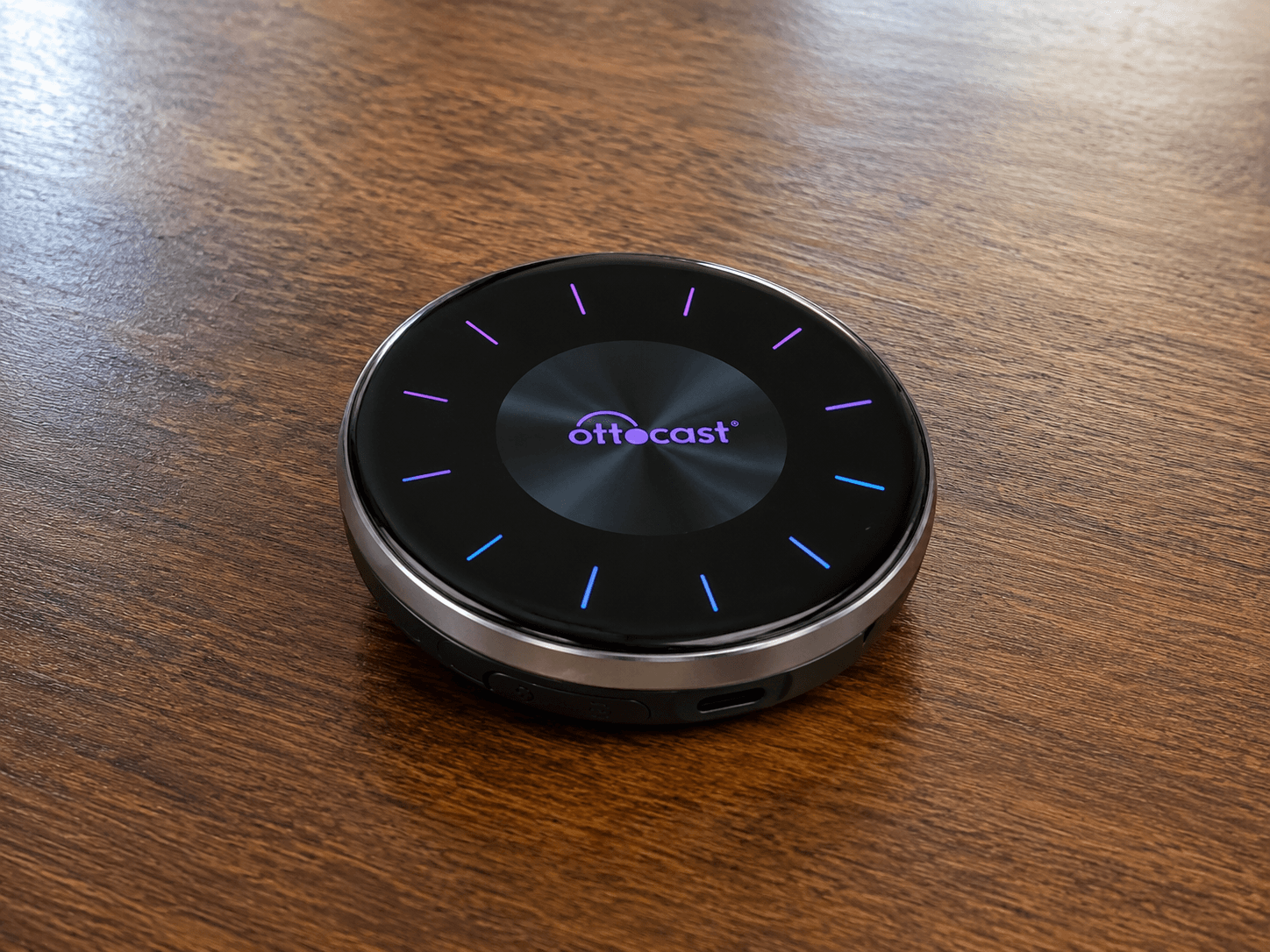
- Supports both Apple CarPlay and Android Auto
- Adds video streaming apps
- Converts wired CarPlay to Audi CarPlay wireless
- Provides voice search and app control
Here are the advantage and disadvantages of Ottocast AI Box:
| Pros | Cons |
|---|---|
| Easy installation | Requires internet for streaming apps |
| Works with many Audi MMI CarPlay systems | Some older Audi systems may experience slower performance |
| No software modification required |
Are Hardware AI Boxes Safe for Audi CarPlay?
Hardware solutions like Carlinkit AI Box or Ottocast are generally safer than software modifications.
That is because they:
- Do not modify the Audi smartphone interface
- Do not require jailbreaking your iPhone
- Work as external plug-and-play devices
How We Tested These CarPlay Solutions
To recommend the solutions mentioned in this guide, we looked at several factors.
Compatibility testing
We checked whether the tools work with:
- Audi MMI systems
- Audi smartphone interface
- iOS versions from iOS 10 to iOS 18
- Popular Audi models including CarPlay Audi A3
Real user feedback
We reviewed feedback from drivers who tested these solutions in real cars.
Stability and ease of installation
We also looked at how easy each solution is to install and whether it works reliably with Audi CarPlay wireless and wired systems.
How Do You Connect Apple CarPlay to an Audi?
There are two main methods depending on your vehicle.
How to Connect Wired CarPlay Audi
Your Audi MMI CarPlay interface will appear automatically.
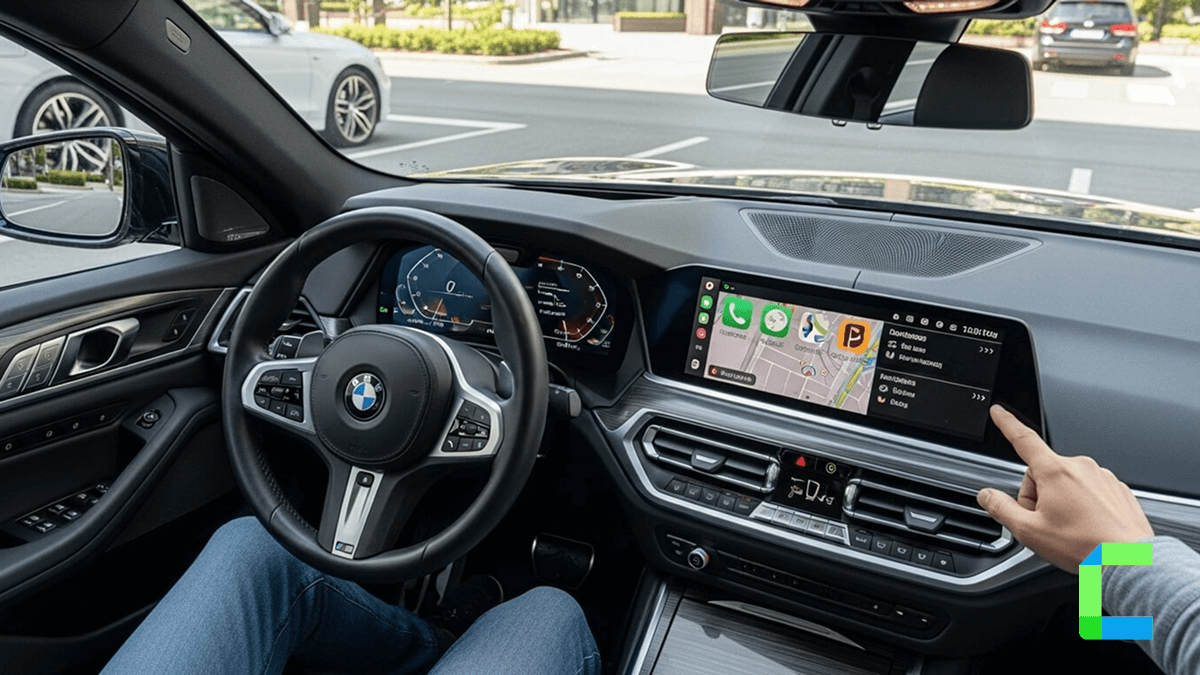
Do you want to know about how to use BMW Apple CarPlay, follow the below guide,
 Cian Roark
How to Connect Audi CarPlay Wireless
If your Audi supports Audi CarPlay wireless, follow these steps.
What Problems Can Occur with Audi MMI CarPlay?
If your audi carplay not working, it is usually caused by one of a few common issues.
| Fix | Best for |
|---|---|
| Check USB cable (MFi-certified only) | Wired connection that charges but won't sync |
| Restart iPhone and Audi MMI | CarPlay that suddenly stopped working |
| Disable Private Wi-Fi Address | Wireless pairing failures |
| Re-pair via Smartphone Interface | CarPlay icon not showing on the MMI |
| Check CarPlay Restrictions | Blocked by Screen Time settings |
| Update iOS and MMI firmware | Issues starting after a software update |
| Reset network settings on iPhone | Persistent wireless connection failures |
Do you want to know about how to use Tesla Apple CarPlay, follow the below guide,
 Mathew Skipsey - Connected Car Innovations Expert
For most drivers, Audi Apple CarPlay makes the driving experience easier and more enjoyable.
Instead of navigating complex menus, you can simply use familiar iPhone apps on your Audi MMI CarPlay display. Features like Audi CarPlay wireless connectivity make the process even smoother. If you want more flexibility, tools like Carlinkit AI Box, Ottocast, or software solutions can unlock additional features beyond the default Audi smartphone interface.
The information in this guide is provided for educational purposes only. Compatibility of Audi Apple CarPlay features may vary depending on your Audi model, MMI version, and iPhone iOS version. Third-party software or hardware solutions mentioned in this article are not officially affiliated with Audi or Apple and using them may affect system stability or warranty. Always follow local safety regulations and avoid using distracting apps while driving.