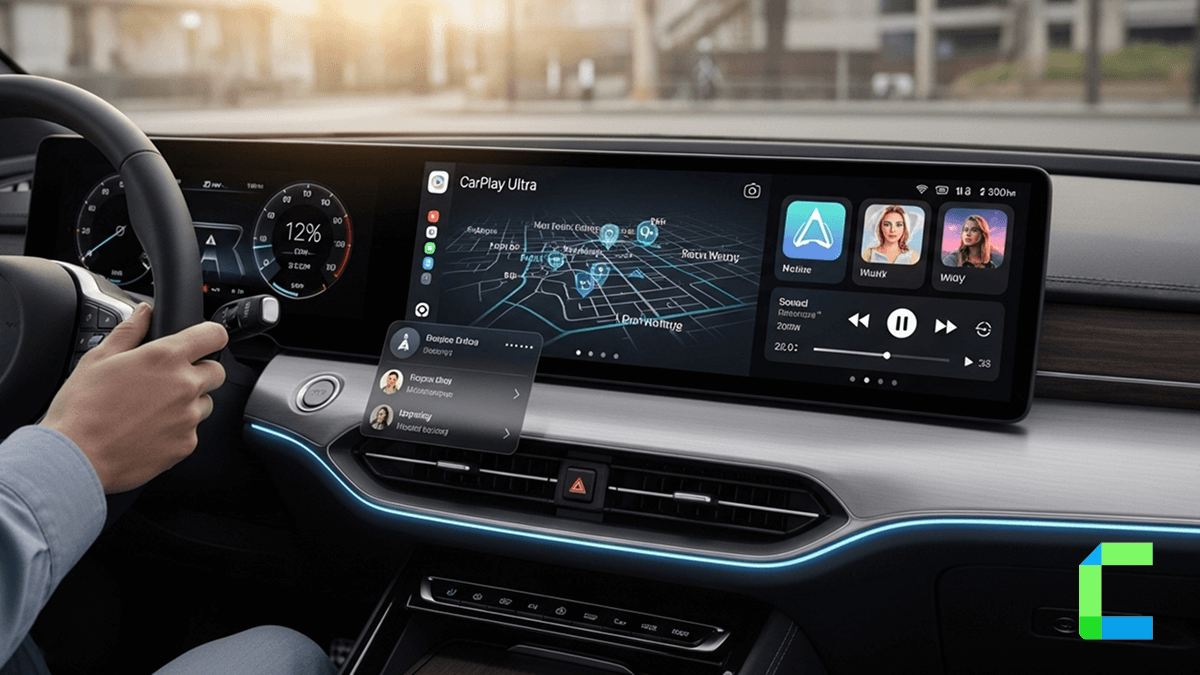
CarPlay Ultra is the latest next-generation Apple CarPlay upgrade introduced by Apple recently. Let’s talk more about CarPlay Ultra, key features, compatibility, pros, and cons.
Additionally, I have listed some Apple CarPlay upgrade solutions to add any app to CarPlay as well.
What is CarPlay Ultra?
CarPlay Ultra is the latest CarPlay solution. Apple introduced the CarPlay Ultra, the next-generation CarPlay, on May 15, 2025, to integrate a separate CarPlay screen with the vehicle’s real-time information and gauges in the instrument cluster. CarPlay Ultra is currently available for new Aston Martin vehicles in the USA and Canada.
The purpose of this CarPlay Ultra is to give the best in-car experience for iPhone users around the world with the CarPlay features and deep integration with vehicle information. Many automakers around the world are now ready to give the CarPlay Ultra experience, like Kia, Genesis, and Hyundai.
“iPhone users love CarPlay, and it has transformed how people connect with their vehicles. With CarPlay Ultra, together with automakers, we are reimagining the in-car experience, making it even more unified and consistent.” – Bob Borchers ( Vice President- Apple )
“This next generation of CarPlay gives drivers a smarter, safer way to use their iPhone in the car, while deeply integrating with the car’s systems and showcasing the unique look and feel of each automaker. We are excited to kick off the rollout of CarPlay Ultra with Aston Martin — and this is just the beginning, with more automakers on the way.”
What are the New CarPlay Ultra Features?
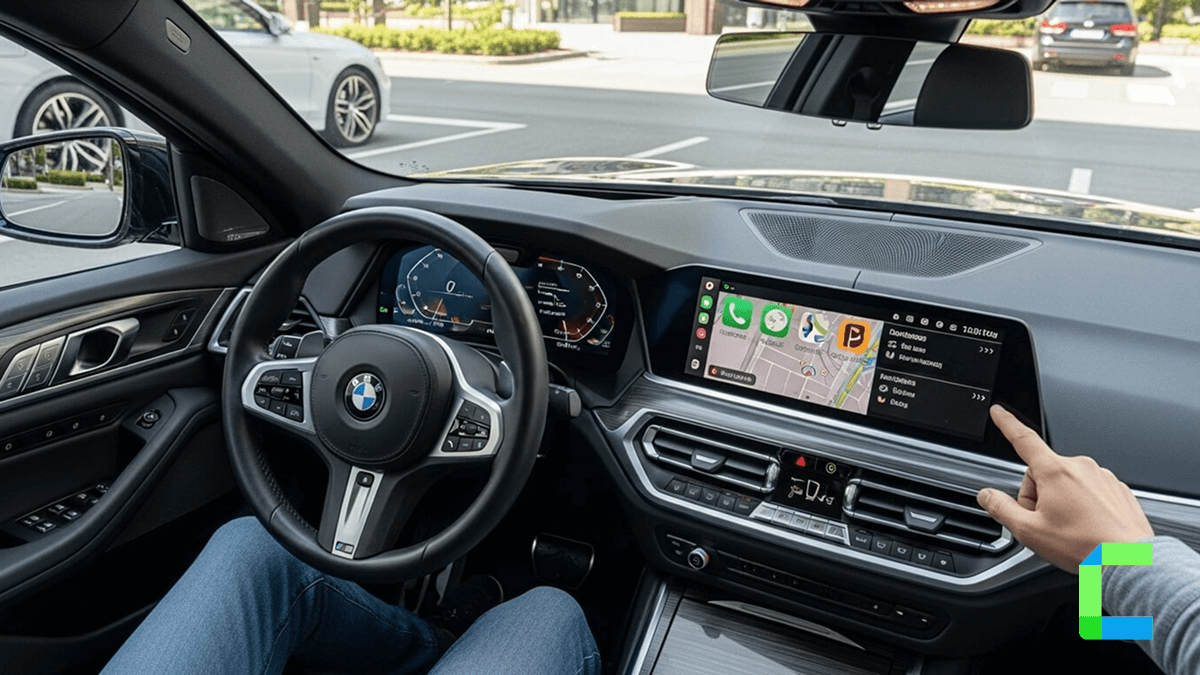
- Takes over the whole dashboard CarPlay Ultra isn’t limited to the center screen anymore. It can run across all the displays in your car, including the instrument cluster, showing things like speed, fuel, and navigation.
- Lets you control the car itself You can adjust climate, audio, and other vehicle settings directly through CarPlay, instead of jumping back to the car’s built-in system.
- Blends phone apps with car data It combines iPhone features like maps and music with real-time car info like tire pressure or alerts, all in one place.
- Adds simple widgets You get small, glanceable widgets for things like weather, calendar, or trip info, so you don’t have to dig through apps while driving.
- Feels more personal You can customize the look with different layouts, colors, and themes, and car brands can tweak the design to match their style.
- Works smoothly with Siri Siri can handle navigation, calls, music, and even some car controls, so you don’t need to rely as much on touching the screen.
- Uses multiple screens at once Different information can appear on different displays, making better use of modern car interiors with multiple screens.
What are the Compatibility Requirements for CarPlay Ultra?
Here is a list of CarPlay Ultra Compatibility requirements
1. You need a compatible iPhone
- Requires iPhone 12 or newer
- Must be running iOS 18.5 or later
- The iPhone basically powers the whole system, so older devices are out of luck
2. Your car must support CarPlay Ultra
- Currently limited mainly to Aston Martin vehicles with the latest infotainment system
- Only specific new models or updated existing ones qualify
- Other brands like Hyundai, Kia, and Genesis are planning support, not widely shipping yet
3. Advanced vehicle hardware is required
- The car must support:
- Multiple displays (instrument cluster + infotainment)
- Real-time vehicle data integration (speed, fuel, temperature, etc.)
- This is why mostly newer, high-end vehicles get it first
4. Manufacturer support is mandatory
CarPlay Ultra isn’t plug-and-play
Automakers must:
- Integrate Apple’s system deeply into their software
- Customize UI to match their brand
- Some brands have even backed out of supporting it
5. Wireless connection is required
- CarPlay Ultra works wirelessly with your iPhone
- It automatically launches when the car starts
- No cables, just instant takeover.
How to Add Any App to CarPlay?
Here, I have listed some solutions for you with my personal experience to add any app to the CarPlay screen. Let’s dive in,
Hardware Solutions

Carlinkit AI Box
The Carlinkit AI box is one of the famous AI boxes in the CarPlay world. Play YouTube, Netflix on CarPlay, and is capable of adding any app to the CarPlay screen. I have tested this AI box, and it is a good method for this purpose.
- Get Netflix on CarPlay, watch YouTube on CarPlay, Prime Video, TikTok, Instagram, Messenger, Facebook, Chat GPT, Amazon shopping, ESPN, Disney+ and any app can be added to the CarPlay screen
- Plug and play installation process
- Play video games on CarPlay screen
- Lag minimized Bluetooth and hotspot connection
- Play video games on CarPlay screen
- 4+64 or 8+128 GB RAM + ROM space

Ottocast AI Box
The Carlinkit AI box is one of the famous AI boxes in the CarPlay world. Play YouTube, Netflix on CarPlay, and is capable of adding any app to the CarPlay screen. I have tested this AI box, and it is a good method for this purpose.
- Ottocast is also a famous AI box in the market. Turn wired CarPlay into wireless CarPlay and add any app to the car screen. Upgrade CarPlay to another level.
- Plug and play design
- Play Netflix on CarPlay, YouTube in CarPlay, and any video content on CarPlay or any app can be added to the CarPlay screen.
- 8+128 GB RAM+ROM space
- Wireless CarPlay and Android Auto functionality
- HDMI output for any device
Disadvantages of AI boxes
Advantages of AI boxes
Step By Step Guide to Use AI Box
Software Solutions
WheelPal
WheelPal is a CarPlay upgrade solution that can add any app, including YouTube, Netflix, etc, to CarPlay. To add apps like YouTube, Netflix to CarPlay, you should have a jailbroken iPhone.
WheelPal is not compatible with the latest iOS 18.5 version.
CarPlay Ultra Compatible Cars (2026 Update)
CarPlay Ultra is Apple’s next-generation in-car system, In 2026 not many car makers are using it yet. While initially Apple announced a wide range of partners, availability depends heavily on each manufacturer’s willingness to integrate Apple’s ecosystem into their vehicles. This has also led to growing comparisons like CarPlay Ultra vs BMW iDrive and CarPlay Ultra vs Tesla, as brands weigh Apple’s approach against their own systems. Now only a few high-end cars have CarPlay Ultra. We expect more cars to have it in the future.
Currently Available CarPlay Ultra Supported Cars(2026)
Aston Martin
- First automaker to launch CarPlay Ultra
- Available in select models like DB12
- Limited to the U.S. and Canada for now
Confirmed Brands (Expected Rollout 2026–2027)
These brands are expected to introduce CarPlay Ultra in newer models starting late 2026 and beyond:
- Hyundai
- Kia
- Genesis
- Porsche
Uncertain or Delayed Adoption
These brands may adopt CarPlay Ultra later, but as of 2026, nothing concrete has been announced:
- Ford
- Honda
- Nissan
- Jaguar
- Land Rover
- Infiniti
Brands That Stepped Back or Paused Integration
Some major automakers are reconsidering or avoiding deep Apple integration:
- Mercedes-Benz
- Audi
- Volvo
- Renault
- Polestar
Not Supporting CarPlay Ultra
These companies have clearly chosen their own ecosystem over Apple’s:
- Tesla
- General Motors
iPhones that support CarPlay Ultra
CarPlay Ultra isn’t available on every iPhone that supports regular CarPlay. Apple raised the bar a bit.
Basically, if your phone is iPhone 12 or newer, you’re good
What are the Pros & Cons of CarPlay Ultra?
Pros
Cons
CarPlay Ultra vs CarPlay: What’s the Real Difference?
If you’ve used Apple CarPlay before, you already know it mirrors your iPhone apps onto your car’s screen. Simple, useful, and a bit limited. Now enter CarPlay Ultra, which is Apple deciding that one screen isn’t enough and trying to take over the entire dashboard.
Key Differences Between CarPlay Ultra and CarPlay
1. Display Coverage
CarPlay:
Works only on the infotainment screen (the main center display)
CarPlay Ultra:
Extends across all screens, including the instrument cluster,That means speed, fuel, and navigation can all run through Apple’s interface
2. Level of Integration
CarPlay:
Mostly mirrors iPhone apps like Maps, Music, and Messages
CarPlay Ultra:
Deeply integrates with the car itself. Controls climate, radio, and even vehicle settings
3. User Experience
CarPlay:
Feels like using your iPhone on a bigger screen
CarPlay Ultra:
Feels like the car and iPhone are one system. Everything is unified instead of split between car software and Apple
4. Customization
CarPlay:
Limited layout and design options
CarPlay Ultra:
Custom themes, layouts, and brand-specific designs. Your dashboard can actually look different depending on the car
5. Data Integration
CarPlay:
Uses only iPhone data
CarPlay Ultra:
Combines vehicle data + iPhone data. Shows tire pressure, speed, and navigation together
6. Availability
CarPlay:
Available in most modern cars worldwide
CarPlay Ultra:
Very limited rollout (as of 2026). Mostly found in premium models like Aston Martin
These are the main updates of the latest CarPlay solution, CarPlay Ultra.
Is CarPlay Ultra Better Than Android Auto?
CarPlay Ultra is better if you use a lot of Apple products and your car is set up for it. But for people Android Auto is still the way to go because it works in more cars it has more apps and their voice assistant is better.
Here is what I think you should do
-> Choose CarPlay Ultra if you want something that looks great and works well with your car
-> Choose Android Auto if you want something that's easy to use and works in a lot of different cars
Conclusion
In this article, we have explored the CarPlay Ultra latest Apple CarPlay upgrade and a deep guide and everything you need to know about CarPlay Ultra. CarPlay Ultra is a big step forward in how iPhone users interact with their vehicles, especially with its ability to control multiple screens and integrate real-time vehicle data. For users who want to take that experience even further, there are third-party solutions available like Carlinkit Smart Ai Box, Wheelpal or Ottocast Ai Box that extend functionality beyond Apple’s default ecosystem.
If you'd like to explore Next Generation CarPlay, you can refer to this article and for more about iOS 18.5 CarPlay.
Jailbreaking an iPhone may cause warranty void and security issues. The recommended way is not to jailbreak your iPhone; instead, use non-jailbreak solutions for better safety.
Watching videos on CarPlay while you are driving may cause accidents. So, do not watch videos on CarPlay while you are driving; instead, watch videos on CarPlay while the vehicle is parked.