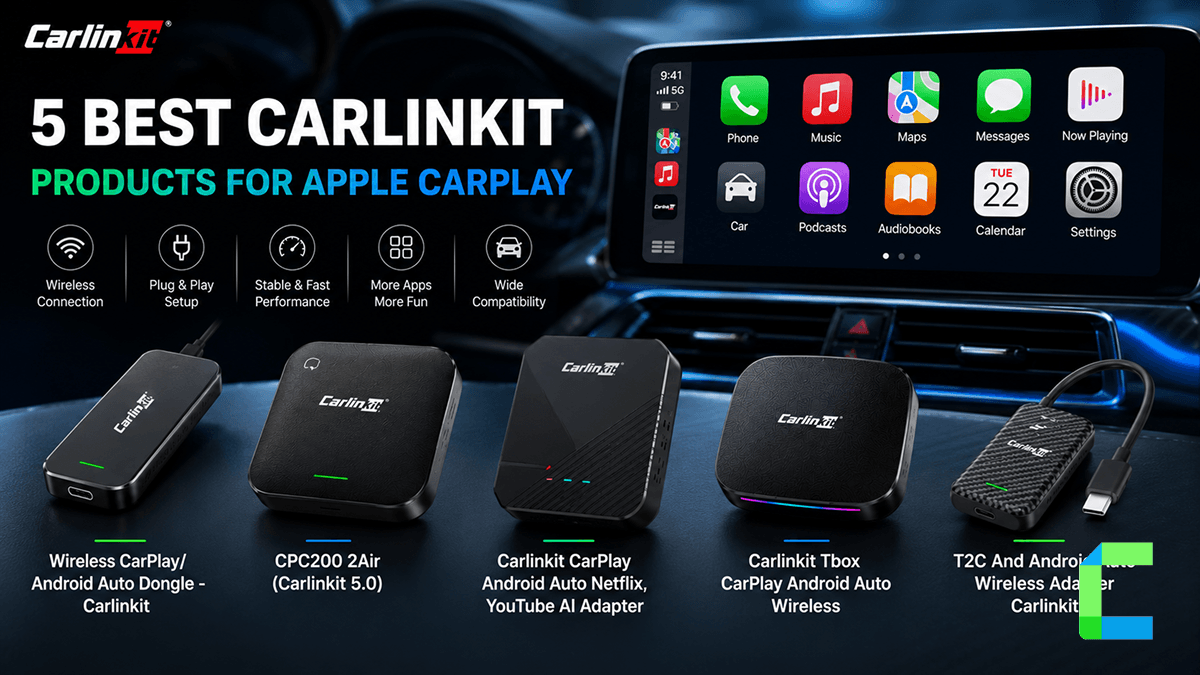
Carlinkit wireless CarPlay adapters really do just make your life easier, smarter and faster. This brand offers a variety of products that could cater to all your wireless CarPlay needs. In this guide I will take you through all the useful and best Carlinkit wireless adapters to go wireless from your wired CarPlay.
Why it’s recommended
It’s the simplest way to convert factory wired CarPlay into wireless CarPlay without replacing your stereo. Setup is quick, connection is stable, and it keeps your factory screen and controls.
Who should buy it
Ideal for drivers who already have wired CarPlay and want the convenience of wireless CarPlay without cables, rewiring, or replacing the factory system.
- The Process: Plug the adapter into your car’s existing USB data port.
- Setup: Pair your phone via Bluetooth.
-The Result: Your phone will automatically connect to your car's screen via 5.8GHz Wi-Fi every time you start the engine.
What Is the Best Carlinkit Device for Wireless CarPlay
| Feature | Dongle | 2Air | AI Box | TBox UHD | Tesla Adapter |
|---|---|---|---|---|---|
| Wireless CarPlay | ⭐⭐⭐⭐ | ⭐⭐⭐⭐⭐ | ⭐⭐⭐⭐⭐ | ⭐⭐⭐⭐⭐ | ⭐⭐⭐⭐ |
| Wireless Android Auto | ❌ | ⭐⭐⭐⭐⭐ | ⭐⭐⭐⭐⭐ | ⭐⭐⭐⭐⭐ | ⭐⭐⭐⭐ |
| Apps (Netflix/YouTube) | ❌ | ❌ | ⭐⭐⭐⭐ | ⭐⭐⭐⭐⭐ | ❌ |
| Compatibility | ⭐⭐⭐⭐ | ⭐⭐⭐⭐ | ⭐⭐⭐ | ⭐⭐⭐ | ⭐⭐⭐ |
| Ease of Use | ⭐⭐⭐⭐⭐ | ⭐⭐⭐⭐⭐ | ⭐⭐⭐ | ⭐⭐⭐ | ⭐⭐⭐ |
| Best For | iPhone users | Most users | Entertainment | Power users | Tesla only |
- Best overall → 5.0 (2Air)
- Best for iPhone-only → 3.0
- Best for streaming → AI Box
- Best for power users → TBox
- Best for Tesla → T2C

Wireless CarPlay/Android Auto Dongle - Carlinkit
The infotainment system in your car is transformed by the Carlinkit Wired to Wireless Dongle, which provides smooth wireless CarPlay integration. Keep all the benefits you love about CarPlay while enjoying the freedom and ease of a wireless setup.
- Wireless CarPlay and Android Auto
- Plug-and-play setup
- Auto-connect
- Wide compatibility
- Compact design
| Pros | Cons |
|---|---|
| No more cables | Requires wired CarPlay/Android Auto already |
| Supports both iPhone and Android | No apps / streaming |
| Simple setup | Compatibility isn’t 100% |
| Keeps original car functions like the steering wheel control | |
| Automatic connection |
How to Set it Up

CPC200 2Air (Carlinkit 5.0)
This Carlinkit wireless adapter transforms your car's wired Apple CarPlay and Android Auto into a smooth wireless experience.
- Converts both wired Apple CarPlay and Android Auto into wireless
- Plug-and-play setup
- Auto-connect after first pairing
- Works with most cars that already have factory wired CarPlay/Android Auto
- Can receive firmware updates to improve compatibility later
| Pros | Cons |
|---|---|
| No more cables cluttering your car | Requires existing wired CarPlay/Android Auto |
| Works with both iPhone and Android | No YouTube / Netflix / apps |
| Automatic reconnection | Startup delay (~10–30 seconds) |
| Simple installation | |
| Keeps factory experience intact |
How to Set it Up

Carlinkit CarPlay Android Auto Netflix, YouTube AI Adapter
Carlinkit AI box plus is one of the best CarPlay and Android Auto AI boxes in the CarPlay/Android Auto world.
- Turns your car screen into a mini-Android tablet
- Built-in apps (Netflix, YouTube, TikTok)
- Wireless CarPlay and Android Auto
- Wi-Fi and Bluetooth connectivity
| Pros | Cons |
|---|---|
| Streaming apps in your car | Still needs wired CarPlay support |
| Doesn’t rely on your phone for everything | More complex than a dongle |
| Expandable storage & features | Costs more than simple adapters |
How to Set it Up

Carlinkit Tbox CarPlay Android Auto Wireless
This Tbox CarPlay adapter helps you to upgrade your CarPlay and Android Auto to the next level and enjoy your rides as you are at home.
- 3-in-1 system - Android 13 system, Wireless Apple CarPlay, Wireless Android Auto
- Install apps like YouTube, Netflix, Spotify directly on your car screen
- Powerful SM6225 chipset (8-core)
- 4G SIM and Wi-Fi hotspot support
- 8GB RAM and 128GB storage
- HDMI output support
| Pros | Cons |
|---|---|
| Not just maps and music… actual apps and streaming | Requires wired CarPlay/Android Auto |
| Independent from your phone | More complex setup than normal adapters |
| SM6225 chip is noticeably faster than older versions | Higher price |
| Great for passengers |
How to Set it Up

T2C And Android Auto Wireless Adapter Carlinkit
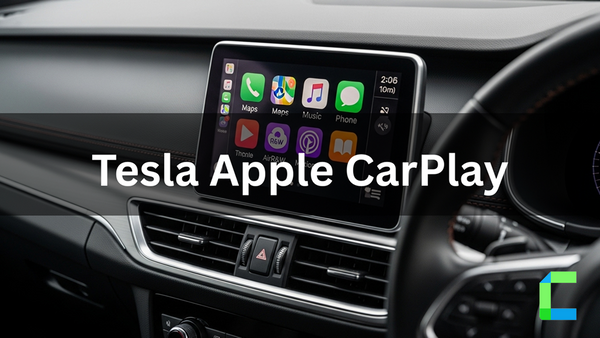
The Carlinkit T2C adds wireless CarPlay and Android Auto to Tesla vehicles using a browser-based connection workaround.
- Adds CarPlay and Android Auto to Tesla because Tesla doesn’t support them natively, so this device injects it into the system
- Wireless connection
- Plug-and-play design
- Works through Tesla browser
- Supports navigation apps
- Siri / Google Assistant works inside Tesla
| Pros | Cons |
|---|---|
| Can get CarPlay / Android Auto in Tesla | Requires hotspot / internet connection |
| Keeps Tesla system intact | Initial setup is more manual, so it is not as simple as regular Carlinkit dongles |
| Wireless convenience | |
| Adds familiar apps |
How to Set it Up
Which Version Should You Buy?
| Version | CarPlay | Android Auto | Speed/Stability | Who it's for |
|---|---|---|---|---|
| 2.0 | Yes | No | Slowest | Budget / old setup |
| 3.0 | Yes | No | Faster & stable | iPhone-only users |
| 4.0 | Yes | Yes | Good | Mixed devices |
| 5.0 | Yes | Yes | Best | Latest phones, best performance |
What Problem Does Carlinkit Solve?
Modern cars may include Apple CarPlay or Android Auto, although many still require a cable connection to operate. That means you have to pull out your phone, plug in a cable, wait for the system to connect, and repeat the process every time you drive. It works technically. The issue isn't whether wired CarPlay works; it's how awkward it is in daily use.
The Problem With Wired CarPlay
The cord is the most frustrating part of wired CarPlay. To utilize navigation, music, calls, or messages on your car's screen, your phone must remain physically attached via USB. This causes a number of little annoyances that become constant over time.
You have to plug in your phone every time you start driving. Short trips can get really annoying because plugging in your phone feels like much work. CarPlay only works when the cable is connected. If the cable is damaged, not fitted properly, the connection will keep dropping. Many drivers face issues like a cluttered center console charging cords and not enough space around the gear area. The phone connection is really important for a driving experience and it is frustrating when it does not work properly.
How Wireless CarPlay Adapters Work?
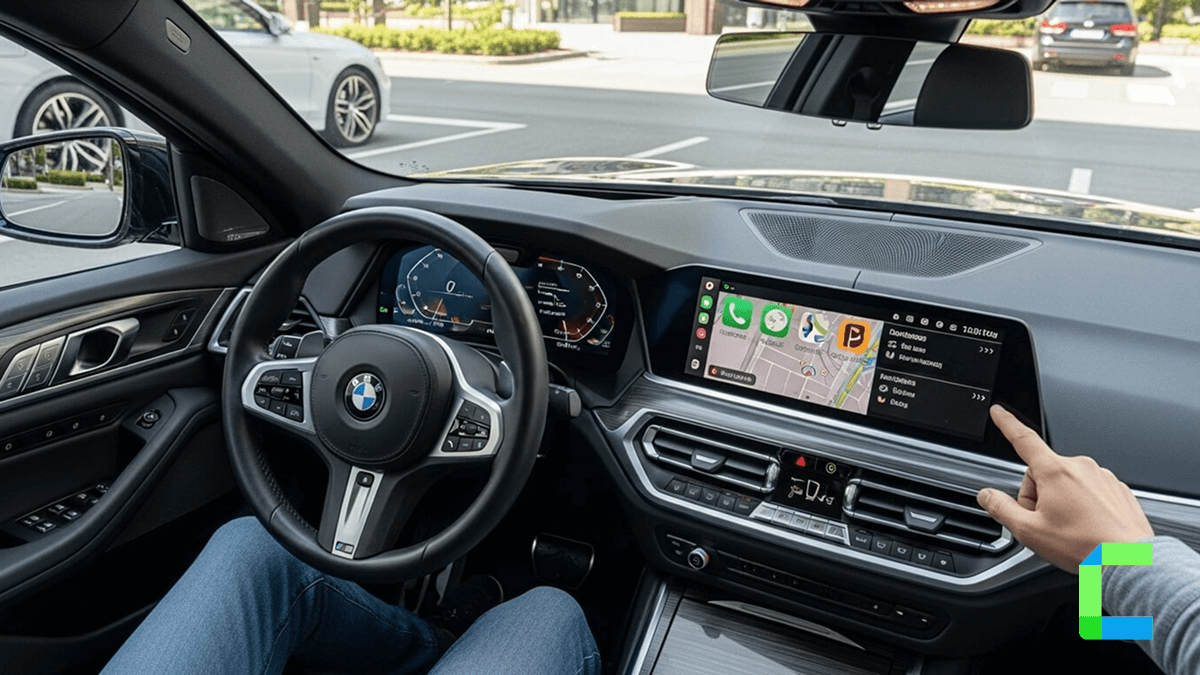
Wireless CarPlay adapters are really cool because they can change your cars wired CarPlay system into a new wireless one. The adapter plugs into your cars USB data connection. It helps your iPhone talk to the cars infotainment system. Your phone initially pairs with the adapter over Bluetooth before switching to 5GHz Wi-Fi to handle CarPlay functions such as maps, audio, calls, and Siri.
To your car the adaptor looks like a wired CarPlay connection. What actually happens is, it is wirelessly transmitting data from your phone to the automobile in the background. This means your cars screen, steering wheel buttons and CarPlay interface all work, as usual. You just do not need to plug in a cable each time you drive.
Which Carlinkit Device Should You Buy?
Use this table to aid which Carlinkit CarPlay adapter you should select based on your needs
| User Need | Best Carlinkit Product | What it Does | Key Requirement |
|---|---|---|---|
| I just want wireless CarPlay (no cable) | Converts wired CarPlay into wireless | Car must have wired CarPlay | |
| I want wireless CarPlay + wireless Android Auto | Wireless CarPlay + wireless Android Auto | Wired CarPlay or Android Auto | |
| I want apps like YouTube, Netflix in car | Turns screen into Android system | Wired CarPlay required | |
| I want full Android system + SIM + apps + streaming | Independent Android OS + apps + wireless CarPlay/AA | Wired CarPlay/AA | |
| I want CarPlay in a Tesla (which doesn’t have it) | Adds CarPlay/Android Auto via browser workaround | Tesla car |
Common Problems & Fixes
| Common Problem | How to Fix It |
|---|---|
| Connection drops / random disconnects | Use the car’s main USB data port, avoid cheap extension cables, move away from Wi-Fi interference, and update firmware |
| Auto-connect fails | Delete old Bluetooth pairings on both phone and adapter, then pair again from scratch and remove unused devices |
| Lag / freezing / stuttering | Update firmware, close background apps, keep only one primary paired phone, and reduce wireless interference |
| No audio / audio delay | Reconnect Bluetooth, reselect CarPlay/Android Auto in the car audio menu, and disable conflicting Bluetooth audio connections |
| Adapter not detected | Use the correct USB data port and confirm the car already supports factory wired CarPlay |
| Overheating | Keep the adapter in a ventilated area and avoid sealed compartments or direct sunlight |
| Power issues / random restarts | Use a stable USB data port, avoid splitters when possible, and for AI Boxes use a stronger power source if needed |
| Compatibility issues | Check compatibility before buying, keep phone updated, and use firmware recommended for your car |
| Weak support / hard troubleshooting | Follow known troubleshooting steps first, document the issue clearly, and test power, pairing, and firmware before assuming hardware failure |
Conclusion
Carlinkit provides a wide range of products that will let you use your CarPlay wirelessly. Carlinkit has been making improvements to its products and updating existing versions. The Carlinkit dongle, CPC200 5.0 2Air, Ai Box, Tbox, and T2C are their top wireless products; the Carlinkit 5.0 (2Air) adapter is the most suggested for wireless CarPlay, though it may vary according to your requirements.
For security concerns, Apple CarPlay officially limits video streaming apps. The use of any third-party solutions is at the user's own responsibility and may not adhere to rules or manufacturer regulations. Make sure to drive safely.
FAQ About Best Carlinkit Wireless CarPlay Adapters in 2026
1. Ensure your phone’s Bluetooth and Wi-Fi are both ON.
2. Forget the "AutoKit" connection in your phone's Bluetooth settings and try pairing again.