Last Updated: July 2026
What Changed in 2026: The Short Version
Both platforms received major updates in 2025-2026 that most comparison articles are not covering yet. Understanding these changes is what actually matters for anyone making a decision today.
CarPlay side: Apple launched CarPlay Ultra in May 2025, starting with Aston Martin. It takes over every screen in the car instrument cluster, center display, everything - and controls climate, vehicle status, and navigation in one unified interface. As of July 2026 it remains exclusive to Aston Martin (DBX S, DB12, Vanquish). Porsche demoed the interface in 2023 but was never added to Apple's official rollout list. Hyundai, Kia, and Genesis have committed to CarPlay Ultra, with at least one model expected in the second half of 2026 — the Hyundai Ioniq 3 is the most-rumored candidate. Most cars on the road still run standard CarPlay, not Ultra.
Android Auto side: Google announced the next generation of Android Auto at Google I/O in May 2026. Key additions: 3D Immersive Navigation in Google Maps (the biggest Maps update in a decade), a full Material 3 redesign, HD video support, and deeper Gemini AI integration that can tap into car sensors and controls. This update is rolling out now and reaches far more vehicles than CarPlay Ultra.
iOS 27, landing this fall: Apple previewed CarPlay's next update at WWDC 2026. The headline addition is Siri AI, a conversational rebuild that handles multi-step tasks the way Gemini does. iOS 27 also brings native video browsing to CarPlay, not just AirPlay mirroring, so supported apps can be browsed and played on the display when parked. It's in public beta now and ships to everyone with iPhone 11 or newer in September 2026.
CarPlay vs Android Auto: Full Feature Comparison
| Feature | Apple CarPlay | Android Auto |
|---|---|---|
| Compatible phones | iPhone only (iPhone 6 or later, iOS 14+) | Android only (Android 9.0+; wireless needs Android 11+) |
| Voice assistant | Siri (stable now; Siri AI conversational overhaul arrives iOS 27, fall 2026) | Google Gemini (more capable, mid-rollout in 2026) |
| Navigation | Apple Maps, Google Maps, Waze, TomTom | Google Maps (now with 3D Immersive Navigation), Waze |
| Map interaction | Button-based panning | Pinch, zoom, swipe + new 3D view (rolling out) |
| Interface design | Grid-based iOS-style home screen | Card-based, contextual layout (Material 3 redesign in 2026) |
| Split-screen | Yes (widescreen and dual-display) | Yes (map + media panel; improved in 2026 update) |
| App library | Curated - strict Apple approval, high quality | Broad - more apps, more flexible approval |
| App customisation | Basic icon rearrangement | High - choose which apps appear and in what order |
| Video support | Not natively (requires AI box adapter) | HD video support added in 2026 update |
| Wireless connection | Yes (iPhone 6+, car must support wireless CarPlay) | Yes (Android 11+, car must support wireless Android Auto) |
| Car compatibility | 800+ models (standard CarPlay); Ultra is limited to select 2025-2026 models | 500+ models; next-gen update is broader reach than CarPlay Ultra |
| Reliability | Very consistent across iPhone models | Strong on flagship Android; variable on mid-range |
| Deep vehicle integration | CarPlay Ultra only (instrument cluster, climate, vehicle data) | Cars with Google built-in (Volvo, Polestar, select others) |
Interface Comparison: How They Actually Look and Feel
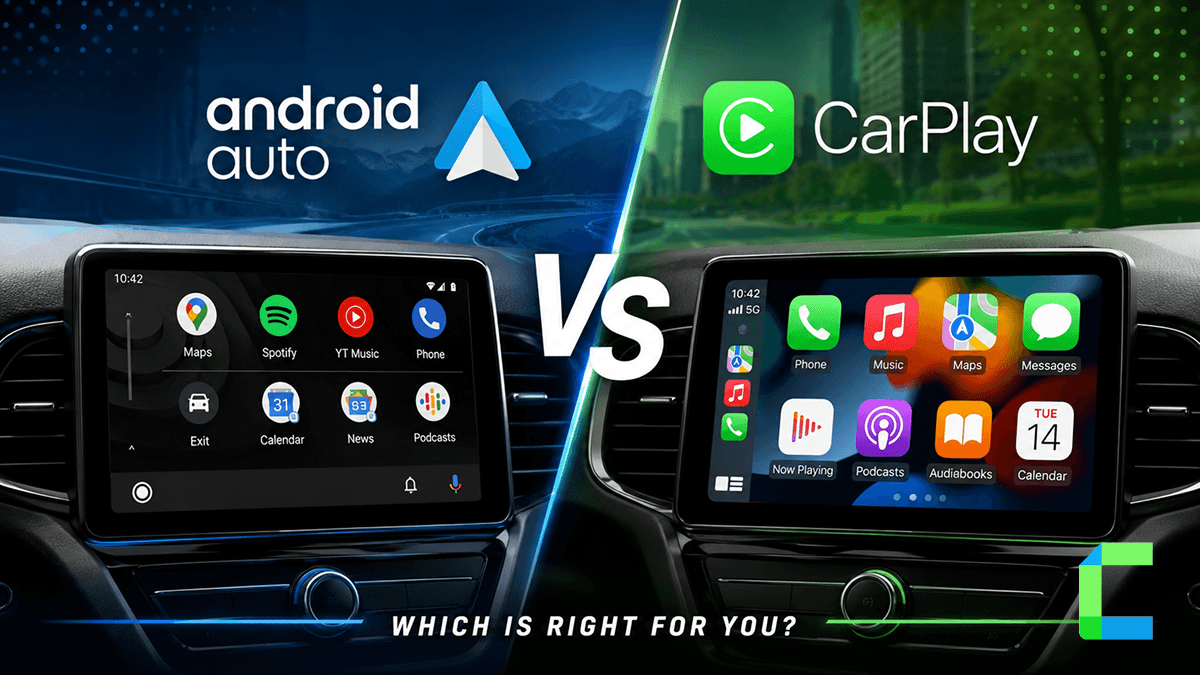
The interface question is the most-searched aspect of this comparison and for good reason. These two platforms have genuinely different design philosophies, not just different layouts.
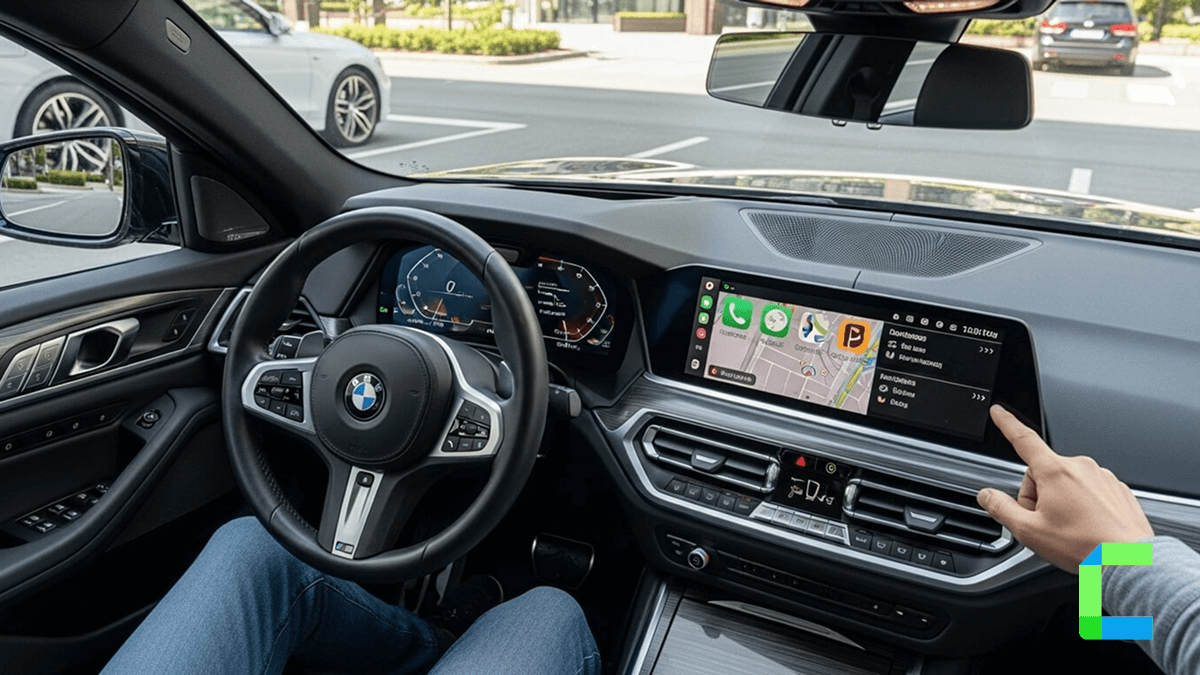
CarPlay uses a grid of large icons that directly mirrors the iPhone home screen. Everything is immediately familiar to iPhone users. The Dashboard view combines navigation, now-playing media, and Siri suggestions into a single screen. On widescreen displays which most new cars have, CarPlay shows a persistent map on the left and app icons or media on the right. It prioritises being fast to scan at a glance. Interactions are intentionally simple: large tap targets, no complex gestures, no deep menus.
Android Auto uses a card-based layout that surfaces what it predicts you need your next turn, current track, unread messages without requiring navigation to specific apps. A persistent taskbar at the bottom switches between navigation, communication, and media. The split-screen map view is on by default in newer versions. In the 2026 update, Android Auto adopted Material 3 Expressive design, a full visual refresh that is cleaner, more readable at speed, and better suited to widescreen dashboard displays.
The real difference in daily use: CarPlay feels like you are in control and know exactly where everything is. Android Auto feels like it is anticipating what you need and showing it before you ask. Drivers who already live in the Google ecosystem - Gmail, Google Calendar, Google Maps often find Android Auto surfaces relevant information faster without any input. iPhone users who switch to a rental with Android Auto often find the card layout initially disorienting.
Consumer Reports data puts CarPlay's interface satisfaction at 57% "very satisfied" versus 44% for Android Auto. That gap likely reflects the familiarity effect most CarPlay users are iPhone users who find it intuitive precisely because it mirrors what they already use.
App Support Comparison: What You Can and Cannot Run
App support is where the platforms diverge most, and where the 2026 updates shift the balance significantly.
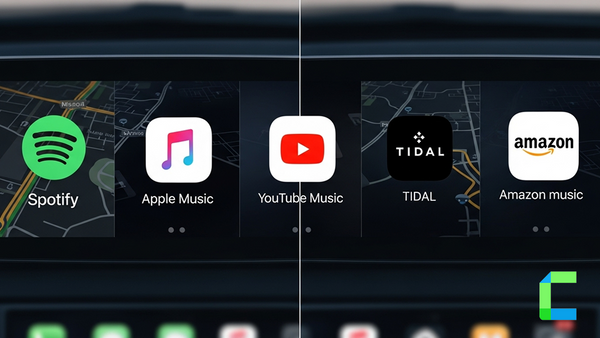
CarPlay has a curated approach. Apple reviews every app before it appears in the CarPlay section of the App Store. The approval criteria are strict: apps must be purpose-built for driving, with minimal visual complexity. The result is a smaller catalogue - but apps that pass tend to be polished and distraction-conscious. The major categories are fully covered: navigation (Google Maps, Waze, Apple Maps), music and podcasts (Spotify, Apple Music, Audible, Pocket Casts), messaging (WhatsApp, iMessage, Telegram), and calls.
 Cian Roark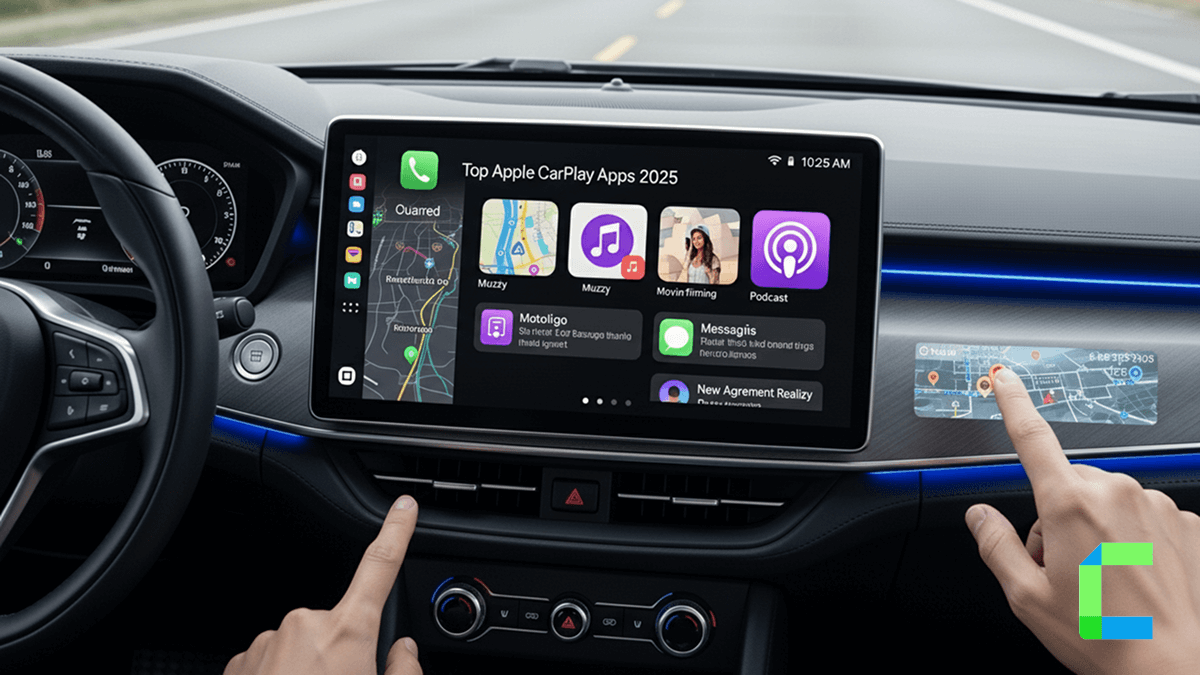
Where CarPlay users feel the gap: niche messaging apps, regional apps, and anything that involves visual content. Apps available on Android Auto that are not on CarPlay include WeChat, Kik, LibriVox, and OverDrive. The broader category of "I want to use this specific app in my car" is more consistently met by Android Auto.
CarPlay's catalogue also picked up several notable apps in mid-2026, including ChatGPT, Perplexity, Grok, Google Meet, WhatsApp, and Audiomack, several with voice-based interaction starting in iOS 26.4.
Android Auto's catalogue is significantly broader because Google's approval process is more permissive. Developers can build for Android Auto with fewer constraints. The 2026 update also adds HD video support to Android Auto natively meaning supported apps can now play video content on the car screen under appropriate conditions (parked, or passenger mode).
One important development for the voice assistant angle: Google Gemini is coming to Google Maps on CarPlay via iOS 26.4, which Apple opened to third-party voice apps. If that rolls out fully, CarPlay users running Google Maps will be able to use Gemini for navigation queries without switching platforms.
Getting More Apps on CarPlay
If you need content on CarPlay that is not in the standard catalogue video streaming, apps outside Apple's approved list, or a broader media experience, WheelPal is the dedicated solution for this. It extends what CarPlay can show on your car screen without touching the car hardware itself.
Voice Assistant Comparison: Siri vs Google Gemini in 2026
This is the comparison that has changed most significantly in the last 12 months, and the honest answer is more nuanced than most articles present.
Siri on CarPlay is consistent. Hands-free activation via "Hey Siri" works reliably. Core driving commands, call someone, play a specific album, navigate to an address, set a reminder for when you get home - execute quickly and without follow-up questions. Siri processes most commands on-device, which means it does not depend on cell signal for basic tasks. On iPhone 16 and newer, Apple Intelligence adds on-device AI capabilities that supplement Siri, though the in-car experience of this is still maturing in 2026.
Google Gemini on Android Auto is more ambitious and that ambition comes with caveats. Gemini can handle conversational follow-ups, complex queries, and contextual requests in a way Siri cannot yet match. The next-gen Android Auto update adds agentic Gemini capabilities: ordering food on DoorDash while you drive, adjusting Google Home controls, and using car sensor data to give more accurate navigation advice. Gemini in the new Android Auto can read warning light indicators and explain them. That is a genuinely different category of capability compared to Siri.
The honest caveat: Gemini's rollout is still uneven. As of July 2026 the update is live in Android Auto's 17.x builds ,Google just patched a wireless disconnect bug that version 17.2 introduced, with the Coolwalk media-card redesign already live ahead of the full rollout. Some Android Auto users report voice commands becoming less reliable during the transition from Google Assistant to Gemini, depending on region and device. For CarPlay users on standard Siri: if you care about reliability above all else, Siri still wins that specific test. If you want the most capable AI assistant and you are prepared for some rollout unevenness, Gemini has the momentum.
One development worth watching: Google Maps Gemini support is coming to CarPlay via iOS 26.4. This means iPhone users running Google Maps on CarPlay may soon have Gemini available for navigation queries without needing Android Auto at all.
CarPlay Ultra vs Standard CarPlay: What It Means in 2026
CarPlay Ultra is a significant enough change that it deserves its own section in any 2026 comparison.
Standard CarPlay, what runs in the vast majority of cars, appears on the center display only. It sits alongside the car manufacturer's own system. When you need climate control, vehicle data, or drive modes, you switch out of CarPlay into the car's native interface.
CarPlay Ultra takes over every screen in the car, including the instrument cluster behind the steering wheel. Your speedometer, fuel gauge, tachometer, and temperature readout all run through the CarPlay interface. Climate controls, vehicle status, and navigation are unified under CarPlay rather than split between CarPlay and the car's own system. It is Apple moving from "phone projection" to "the car's operating system."
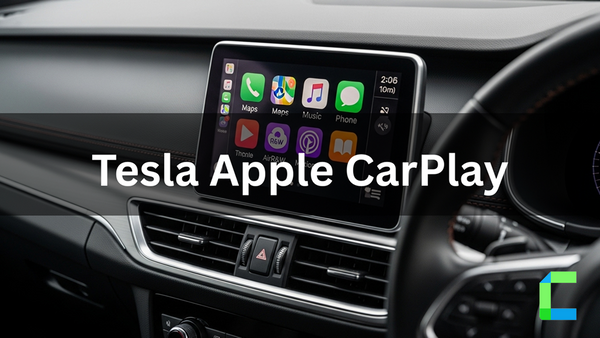
The catch: CarPlay Ultra requires specific hardware built into the car. It launched with Aston Martin vehicles in May 2025 and remains Aston Martin-exclusive as of July 2026. It requires an iPhone 12 or newer running iOS 18.5+. Hyundai, Kia, and Genesis have committed to CarPlay Ultra, with at least one model expected in the second half of 2026. Most other automakers have not committed. Tesla and Rivian do not support CarPlay at all. GM removed CarPlay from several 2024-2026 electric models.
If you are buying a car in 2026 and want CarPlay Ultra: check the specific trim's support before purchase. Dealer information on this is often unclear, and a software update cannot add CarPlay Ultra to a car that was not built for it.
Wired vs Wireless: Connection Reality in 2026
Most new cars support wireless CarPlay and Android Auto. But the choice between wired and wireless still matters in practice.
Wired connections use a USB cable and are the most stable option. They also charge your phone while connected. For long drives or areas with inconsistent connectivity, wired is the more reliable choice. The tradeoff is the cable, one more thing to plug in and unplug every time you get in the car.
Wireless connections use Bluetooth for pairing and Wi-Fi for data transfer. Modern adapters and built-in wireless systems connect in under 15 seconds on startup. The convenience gain is real - get in, start the car, it connects. The tradeoffs: wireless drains your phone battery faster than wired does, and connection stability can vary by car and adapter generation. The 2026 adapter generation uses 5.8GHz Wi-Fi modules that address a lot of the lag issues from earlier wireless implementations.
If your car only has a wired port, an AI box adapter converts the connection to wireless and often adds streaming capabilities in the process.
Wireless Adapter Options
For Apple CarPlay Users
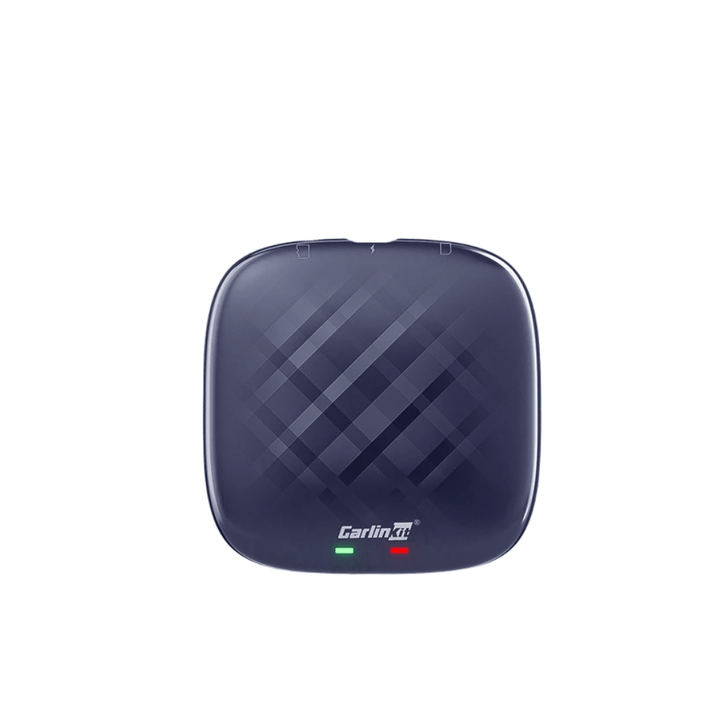
Carlinkit AI Box
Converts wired CarPlay to wireless and adds YouTube, Netflix, and TikTok streaming to your CarPlay screen. Works with iPhone 6s and newer, iOS 10 through iOS 18. 8GB RAM, 128GB storage, Android 13 OS, automatic reconnection after initial pairing.
CarBridge X Smart CarPlay AI Box
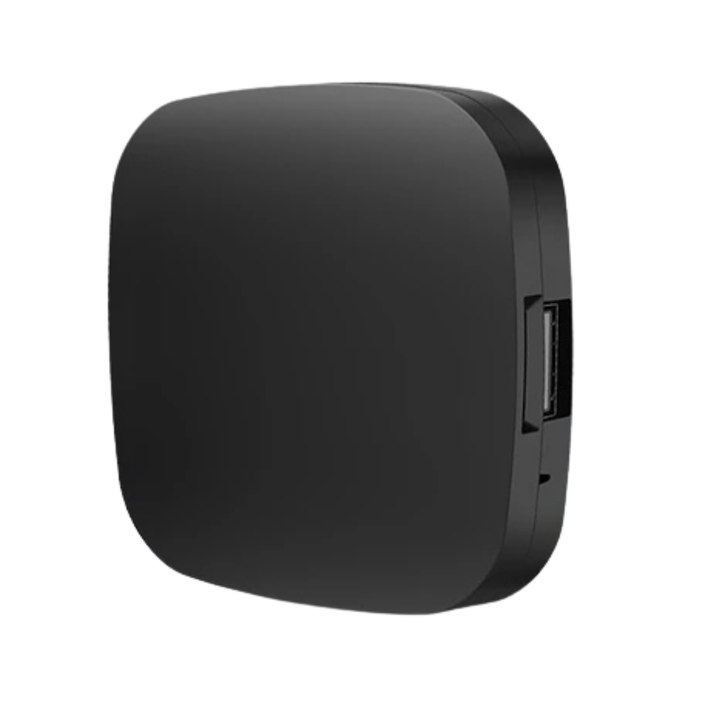
Compact plug-and-play adapter (63mm x 63mm) that converts wired CarPlay to wireless with YouTube, Netflix, and Amazon streaming built in. Compatible with 98% of car models via USB or USB-C. Not compatible with BMW. Works with iPhone 6 and newer, iOS 10 to iOS 18.
For Android Users
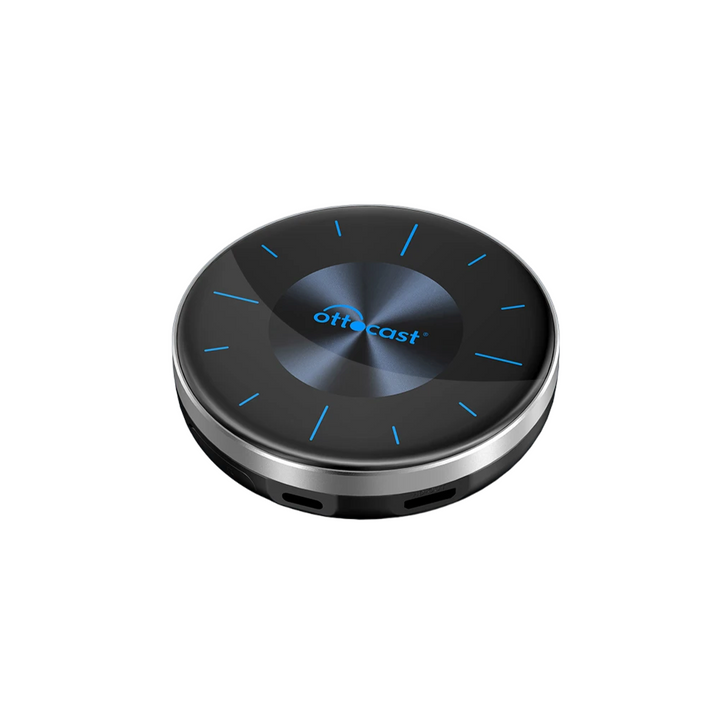
Ottocast AI Box
Wireless Android Auto plus YouTube, Netflix, and streaming app support on your car screen. No Android phone rooting required. Android 11 and newer. 8GB RAM, 128GB storage, Android 13 OS, OTA firmware updates.
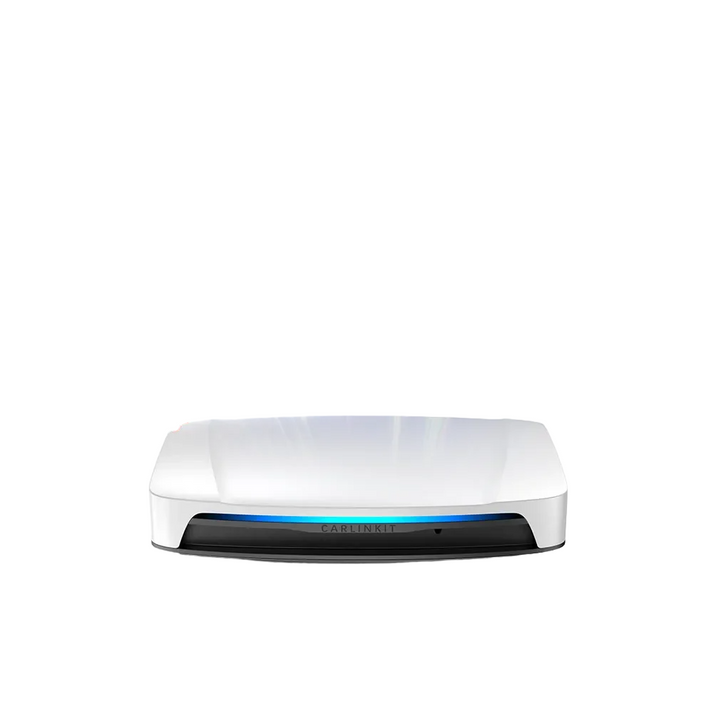
Carlinkit Tbox Plus
Converts wired Android Auto to wireless with multimedia and streaming support. Available in 4GB/64GB or 8GB/128GB. HD resolution output, expandable storage, plug and play. Requires Android 11 or newer.
CarPlay vs Android Auto: Which Is Better in 2026?
The honest verdict depends on three things: your phone, your car, and what you actually want from the system.
If you use an iPhone: Use CarPlay. You cannot use Android Auto on an iPhone. CarPlay on a modern iPhone is fast, reliable, and integrates tightly with iMessage, Apple Music, Podcasts, and Apple Maps. If your car supports CarPlay Ultra, the experience is significantly deeper than standard CarPlay. If you want to extend CarPlay beyond its standard app limits, WheelPal adds broader content access without hardware changes.
If you use an Android phone: Use Android Auto. The platform just received its most significant update since launch - 3D Maps, Gemini AI, HD video, and a full interface redesign. On flagship Android phones (Pixel 8 and newer, Samsung Galaxy S24 and newer), the 2026 experience is competitive with or ahead of standard CarPlay on several dimensions.
If you are buying a new car in 2026: Don't just ask if a car supports CarPlay or Android Auto. Ask whether it supports wireless. Ask whether the specific trim supports CarPlay Ultra. Ask whether GM removed CarPlay from the model you are looking at (they did on several electric models). These specifics matter more than the platform comparison itself.
The honest platform verdict: CarPlay edges ahead on consistency, car compatibility count, and wireless reliability across the full iPhone range. Android Auto edges ahead on app breadth, voice assistant capability via Gemini, and the speed and scale of the 2026 update rollout. Neither platform is objectively better - the right one is whichever matches your phone ecosystem.