Last Updated: October 2026
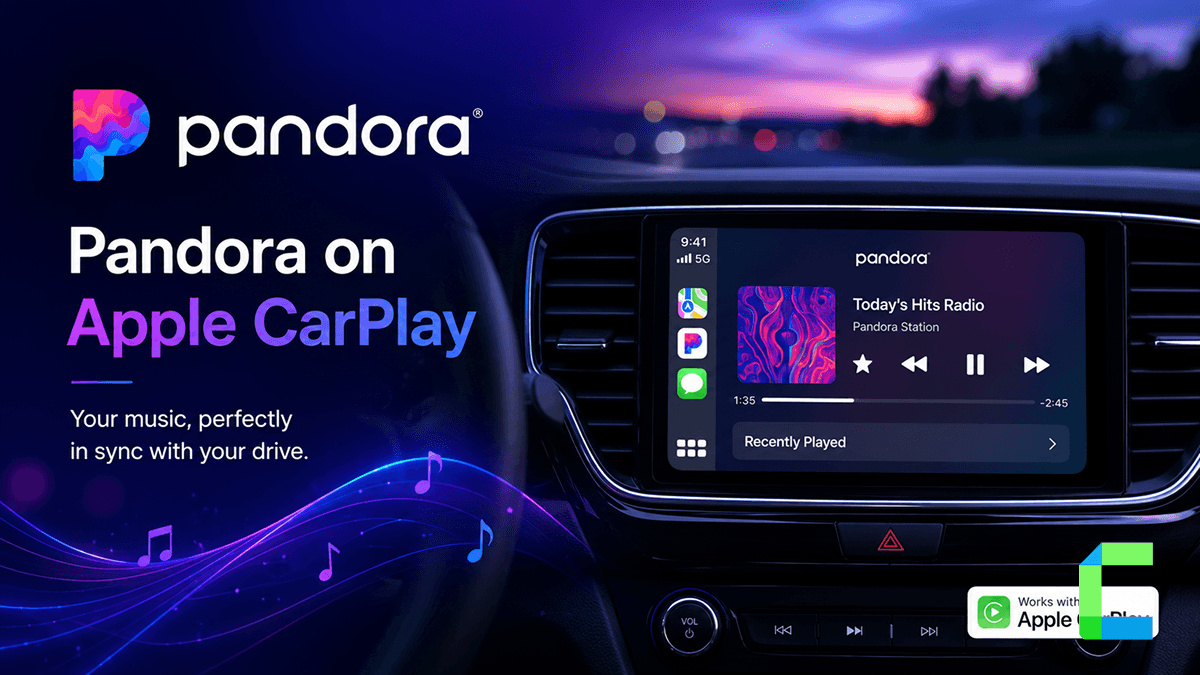
How to add Pandora to CarPlay is a straightforward process because the app is natively supported by Apple. By connecting your iPhone to your vehicle, you can enjoy personalized stations and thumb-controlled discovery directly on your dashboard.
What Is Pandora and Which Plan Do You Need in the Car?
Pandora Music is a leading digital streaming service known for its highly personalized listening experience. At its core is the Music Genome Project, where experts analyze songs across hundreds of musical traits to help the app understand your specific taste.
Users can create personalized stations by simply entering the name of a favorite artist, song, or genre. The experience is further refined using "Thumbs Up" and "Thumbs Down" feedback, which tells the algorithm what to play next.
Pandora offers several tiers:
- Pandora Free: Ad-supported personalized stations with limited skips.
- Pandora Plus: Ad-free listening, higher quality audio, and offline stations.
- Pandora Premium: Full on-demand playback, unlimited skips, and offline listening.
These prices apply when you subscribe directly through Pandora. Subscribing through the App Store or Google Play typically costs more, since Apple and Google add their own processing fee on top.
How Do You Add Pandora to Apple CarPlay?
Integrating Pandora with Apple CarPlay does not require any special launchers or third-party tools, because it is a native application.
Installation and Connection
For the full official walkthrough on wired and wireless setup, see Apple's guide to using CarPlay with your iPhone.
Note: Pandora is natively supported on CarPlay, so you do not need a sideloaded app to use it. If you also want apps Apple does not allow on CarPlay, WheelPal installs on iPhone through AltStore or an IPA sideload.
Siri and Controls
You can control Pandora hands-free to keep your focus on the road.
- Voice Commands: Say "Hey Siri, play [Station Name] on Pandora" to start music instantly.
- Dashboard Controls: Use the touchscreen to browse your "Collected" stations or give a "Thumb Up" to the current track.
- Steering Wheel: Most vehicles allow you to skip tracks or adjust volume using physical steering wheel buttons.
Safety Disclaimer: Set up stations, adjust settings, and browse Pandora only when your vehicle is parked. Use voice commands or steering wheel controls to make changes while driving, and never handle your phone or the touchscreen in motion. Always follow local traffic laws.
How Do You Add Pandora to Android Auto?
While CarPlay is the primary focus for most readers here, Android users can enjoy Pandora too. The setup is similar.
Pandora supports Android Auto natively. On Android 10 and later, Android Auto is built into the phone.
Stuck with a cable? If your car only supports wired CarPlay or Android Auto, the Carlinkit wireless AI box plugs into the USB port and lets you connect without one.
You can also read our Best Ai boxes article and add any app to CarPlay article to learn more ways to download Pandora into your dashboard.
Why Is Pandora Not Working in My Car?
The most common issue users face is Pandora stuck loading on CarPlay, or the app not appearing at all.
Fix: Pandora Stuck on Loading
Pandora Not Showing on the Car Screen
- iPhone: Go to Settings > General > CarPlay, choose your car, tap Customize and add Pandora.
- iPhone: Check that Settings > Screen Time > Content & Privacy Restrictions isn’t blocking Pandora.
- Android: Tick Pandora in Android Auto settings > Customize launcher.
- Update Pandora, then unplug and reconnect.
Pandora Stations Missing on CarPlay
- CarPlay shows a shorter list of stations sorted by most recent. Play the station once on your phone so it moves to the top.
- Sign out of Pandora and back in to resync your collection.
- Since iOS 18, some drivers report they can’t choose stations from the CarPlay screen. The workaround is to start the station on your phone, then control it from the car. Keep Pandora updated.
Pandora Will Not Autoplay When You Connect
- Android Auto: Turn on Start music automatically in Android Auto settings.
- CarPlay: iOS has no setting for which app starts when you connect. Most cars resume whatever source was playing last, so have Pandora playing when you switch the car off.
Voice Requests and Song Search Not Working
- End every request with “on Pandora”. Without it, Siri or Google may use their default music app.
- Say the station name exactly as it’s saved in your collection.
- Searching for a specific song or album needs Pandora Premium. Free and Plus accounts play stations only.
- iPhone: Confirm Siri access is on for Pandora under Settings > Apps > Pandora > Siri.
Pandora's own support team confirms these are the standard first steps for a loading or connection issue: see Pandora's official guide to listening in your car. For a broader CarPlay connection issue not specific to Pandora, Apple's CarPlay troubleshooting guide covers additional fixes.