last Updated: August 2026
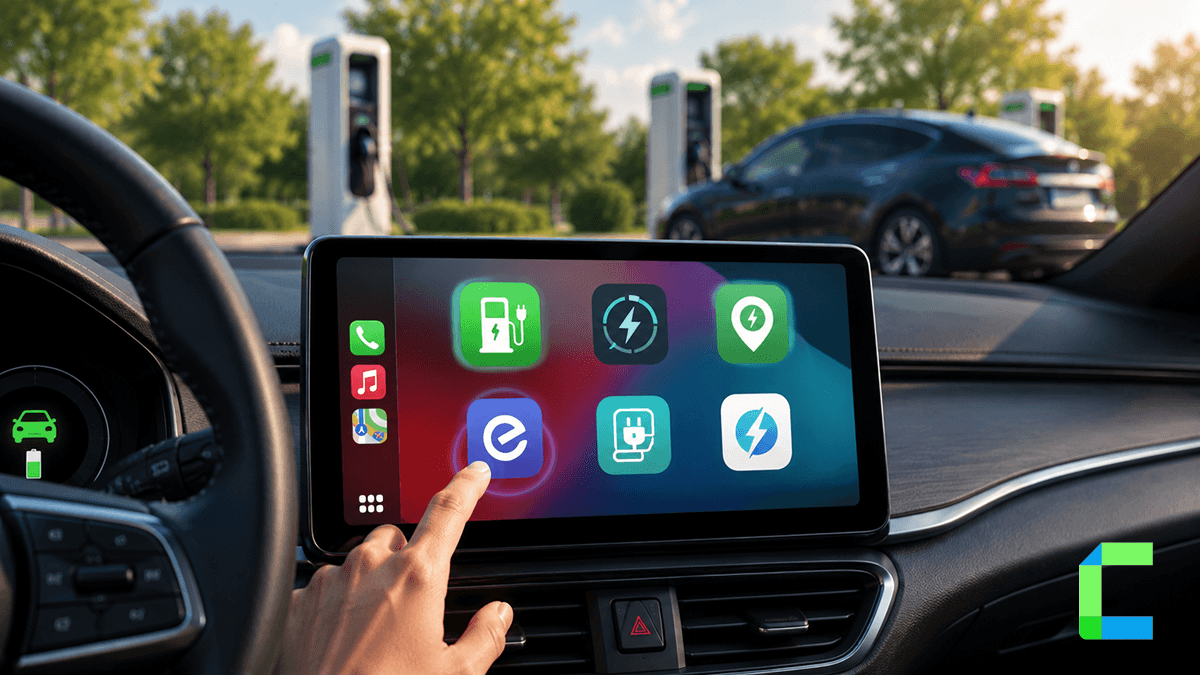
As more people buy electric cars, using the right apps on your dashboard is more important than ever. The market for in-car apps was worth about $62.5 billion in 2024 and continues to grow as more drivers want a connected experience. Apple CarPlay officially supports EV charging as an approved category. This means you can download these tools from the App Store and they will show up on your car screen right away. You do not need any special hardware or hacks to use these official charging tools.
Quick Look: Top CarPlay EV Apps
| App Name | Main Use | Key EV Tool | Best For |
|---|---|---|---|
| Apple Maps | Everyday Driving | Battery math and routing | Simple, built-in use |
| ABRP | Trip Planning | Elevation and weather math | Long road trips |
| PlugShare | Finding Spots | Community scores and reviews | Finding reliable plugs |
| ChargePoint | Network Use | Roaming and cost info | Network regulars |
| EVgo | Fast Charging | High-speed plug status | Quick power-ups |
| Elton | Regional Use | Real-time status updates | Nordic drivers |
| SpotHero | City Parking | Reserve a charging spot | Urban commuters |
| Waze | Traffic Alerts | Energy-saving routes | Avoiding traffic jams |
Top 10 Apple CarPlay Apps for EV Drivers
1. Apple Maps
Apple Maps is a smart navigation system that helps EV drivers manage their battery. iOS 16 added multi-stop routing, and iOS 17 added real-time charger status, so the app now tracks your car's energy and suggests compatible plugs. It automatically looks at hills, your driving speed, and traffic to tell you how much battery you will have when you arrive. If your charge gets too low, the app will even reroute you to a station that matches your car's plug type. This is a great choice for drivers who want a simple tool that is already built into their iPhone.
Best for: Drivers who want a simple, built-in navigation tool with native iOS features.
2. A Better Routeplanner (ABRP)
This app is made specifically for electric cars and is excellent for planning very long trips. It uses smart energy math to look at the weather and how high you are driving to predict battery use. You can set a goal for how much battery you want to have left when you reach your destination. It also lets you filter for specific types of chargers so you never pull up to a plug that doesn't fit your car. Many road trippers use this app to feel safe and avoid range anxiety in remote areas.
Best for: Road trippers who need exact battery predictions and trip planning.
3. PlugShare
PlugShare is a must-have for drivers who want a trustworthy way to find charging spots. The app uses data from many different networks and includes photos and reviews from other real drivers. You can check a station's PlugScore, PlugShare's rating based on real driver reviews, to see if the chargers are actually working before you drive there. It also has a filter for charging speeds like Level 2 or high-speed DC Fast Charging. This community-driven system helps take the guesswork out of finding a good place to plug in.
Best for: Finding reliable charging spots through community reviews and smart filters.
4. ChargePoint
The ChargePoint app connects a massive network of plugs with a smart system that works right on your car screen. It shows you the live status of chargers and gives you a price estimate before you even start your session. You can use this single app to pay for charging at ChargePoint spots or even other networks through their roaming partnerships. It also features a Waitlist tool that can alert you when a busy station finally has an open spot. If you have a ChargePoint charger at home, you can manage your home energy and public charging all in one place.
Best for: Drivers who use the ChargePoint network often or have a home charging station.
5. Electrify America
This app helps you find one of the largest high-speed charging networks in the United States. These stations use powerful chargers that can give your car a lot of energy in a very short time. You can use the CarPlay screen to get directions and see the current price for any station before you pull up. The app also lets you track your charging progress while you walk away from the car to get a snack. It is an essential tool for anyone who drives on major highways and needs a fast power-up.
Best for: US drivers who need very fast charging on long highway trips.
6. EVgo
EVgo is built for speed and ease of use for drivers who depend on rapid charging. The CarPlay interface lets you find high-powered chargers and see exactly which ones are open in real time. It features a very simple sign-in and billing system to help you start your session without any stress. You can also earn reward points through the app every time you charge your car. This makes it a popular choice for city commuters who need to get back on the road quickly.
Best for: Commuters who want fast charging and a very easy sign-in process.
7. Elton
Elton provides great charging coverage to help you find a station in Northern Europe. This app is especially helpful for Nordic and Scandinavian drivers because it connects multiple different networks into one tool. You can check real-time information about whether a charger is busy or broken before you arrive. It also allows you to make payments easily without needing a separate card for every network. This saves a lot of time for drivers who travel across different countries in that region.
Best for: Nordic and Scandinavian drivers who want one app for many different charging companies.
8. SpotHero
SpotHero is a great locator that helps you find and book a parking spot that also has a charger. This is very helpful in busy cities where finding a place to park and charge at the same time is hard. You can see the price for the spot and pay for it right through the app. If your plans change, you can easily extend your time using your phone or the car screen. It also gives you turn-by-turn directions to the exact garage or lot where your spot is waiting.
Best for: City drivers who need to book and pay for a charging spot ahead of time.
9. Waze
Waze uses data from other drivers to help you avoid traffic jams that can drain your battery. For EV owners, staying out of stop-and-go traffic is a great way to save energy and make your battery last longer. The app also warns you about hazards on the road like crashes or police stops. It uses a voice-first system so you can keep your hands on the wheel and your eyes on the road. Waze is a powerful tool to help you stay safe and get the most out of every charge.
Best for: Drivers who want to avoid traffic to save battery power and reach home faster.
10. Google Maps
Google Maps has added several new tools specifically for people who drive electric cars. It uses a massive database to show you exactly where chargers are and if they are currently being used. You can filter your search to only show Fast Chargers so you don't end up at a slow plug by mistake. The app also shows you nearby places like cafes or parks so you have something to do while you wait. It is a very reliable choice for drivers who like a familiar map with a lot of detail.
Best for: Drivers who like a familiar map with smart charger search tools.
Advanced Options for Other Apps
While the charging apps listed above are approved by Apple, some other apps are restricted for safety. Apple does not allow apps like YouTube or games on the car screen because they could distract the driver. However, some users want these tools for when the car is parked and charging. To get these non-approved apps on your screen, you must use special software or hardware that bypasses Apple's standard rules.
Software Options
WheelPal: This is a popular tool for people who want to add extra apps to their dashboard. It serves as a way to sideload apps that Apple hasn't approved for the car. You can check if your iPhone is compatible with this tool before you install it. This is a good way to customize your screen without changing your phone's main software.
CarBridge: CarBridge requires a jailbroken device, so it is best suited to more advanced users. Once jailbroken, it lets you run almost any iPhone app on the car screen, including watching videos or using messaging apps while the car is not moving.This can be easily downloaded with the help of WheelPal.
Hardware Options
Ottocast AI Box: This is a small adapter you plug into your car to get video apps like Netflix without hacking your phone. It has 4GB of RAM and 64GB of storage space to keep the apps running smoothly. It works with most iPhones from iOS 10 all the way up to the latest versions.
Carlinkit TBox: This device connects through your car's USB port and lets you stream movies on the screen. It has built-in Wi-Fi and Bluetooth to keep your connection strong during a drive. It is very easy to set up and works with many different vehicle types.
MMB AI Box: This adapter allows you to watch YouTube on your car screen without changing your iPhone software. It supports both wired and wireless connections so it is easy to use every time you get in the car. After you set it up the first time, it will connect to your phone automatically.
Also Read our Best Ai Boxes guide and Wireless adapter Guide to select the best pick for you.
Driving an electric car in 2026 is about being smart and using the right digital tools. With the correct apps, you can stop worrying about your battery and enjoy your trip. From the built-in ease of Apple Maps to the deep details in PlugShare, these tools are a necessity for every driver. By picking the right software and hardware for your needs, you can make every drive safer, cheaper, and more sustainable.