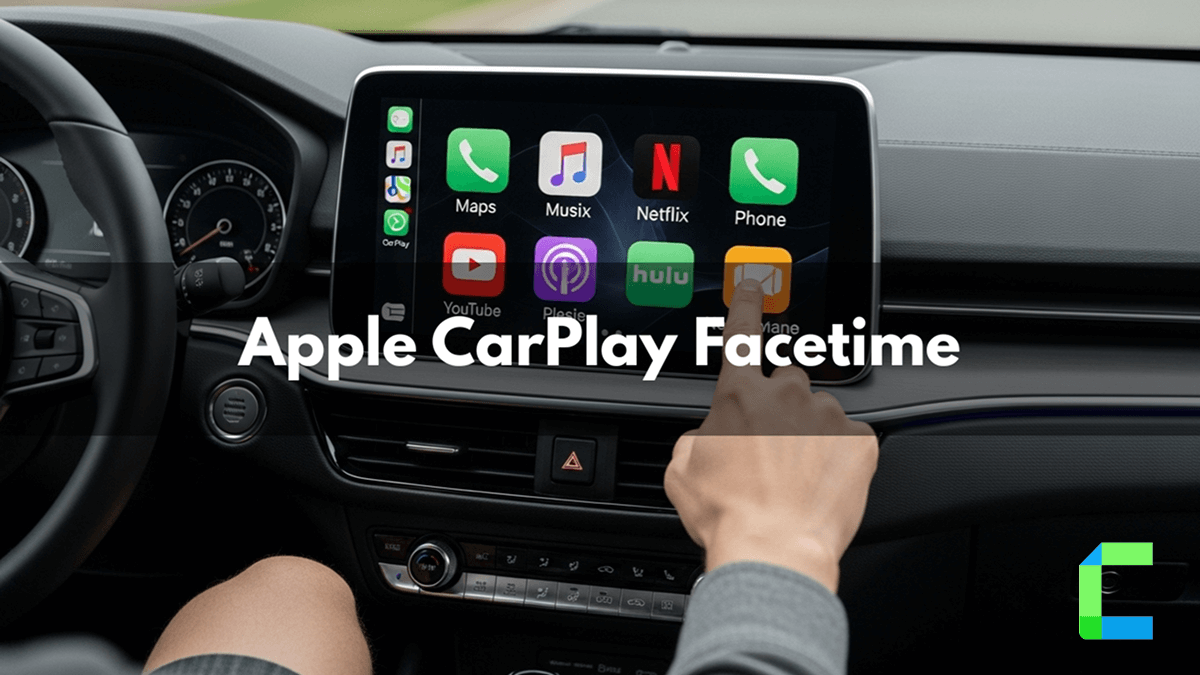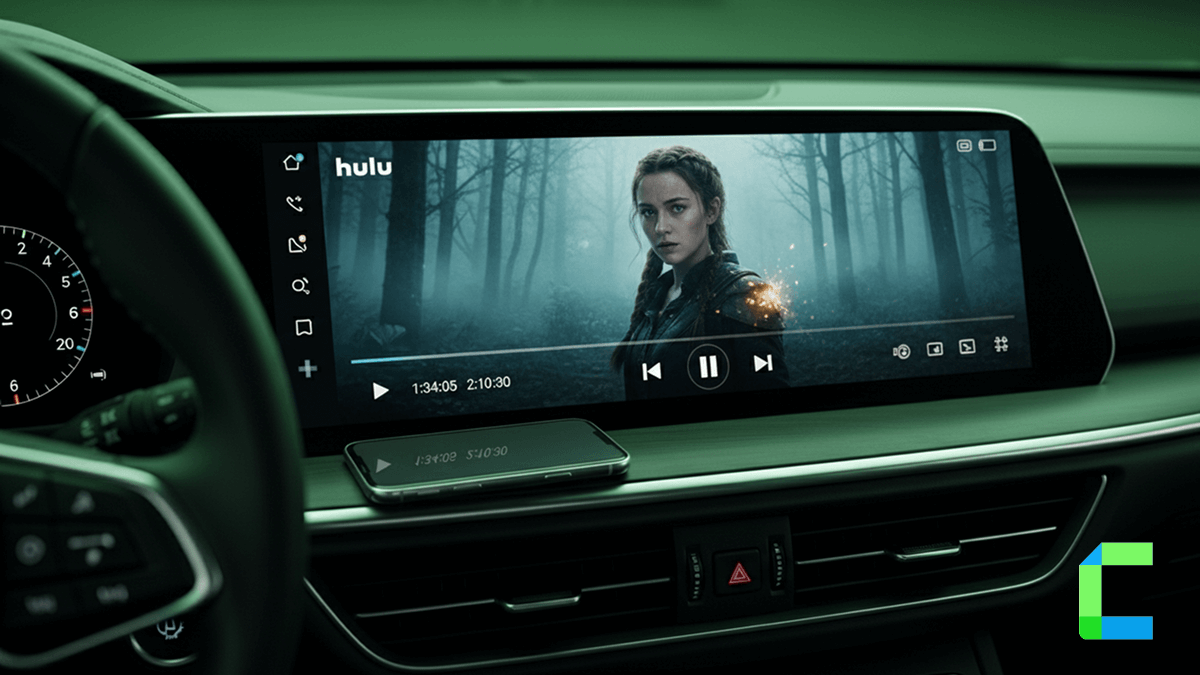
CarPlay Hulu is one of the most requested features in Apple CarPlay even though it does not officially support CarPlay. Many users searching for iOS 26 CarPlay Hulu solutions want a reliable way to stream Hulu after updating their iPhone. In this guide I will explain the solutions to this problem of watching Hulu on CarPlay.
Yes, but Hulu is not officially supported by Apple CarPlay.
To use Hulu on CarPlay, users typically need:
- a CarPlay AI Box
- or a third-party streaming adapter
Best Hardware Products for CarPlay Hulu
This is the easiest way to add Apple CarPlay Hulu. You don't need to jailbreak your iPhone to add Hulu on CarPlay with these.
🏆 Best Overall

Ottocast AI Box
iOS Compatibility
iOS 10 → iOS 18Supports:
- iPhone 5s and newer
- iPhone SE series
- iPhone 11 → iPhone 16 lineup
-
Top Features
- Wireless Apple CarPlay
- Built-in Android system
- Hulu, Netflix, YouTube support
- 8GB RAM + 128GB storage
- Install extra apps via Play Store
- USB local media playback
| Pros | Cons |
|---|---|
| Works without jailbreak | More expensive than jailbreak solutions |
| Excellent Hulu compatibility | Needs internet hotspot |
| Easy plug-and-play setup | |
| Stable wireless performance | |
| Supports many streaming apps |
Setup Guide
2nd Place

The Magic Box 2.0
iOS Compatibility
- iOS 10+
- Best performance on iOS 15–18
-
Top Features
- Hulu + Netflix + YouTube preinstalled
- Wireless CarPlay conversion
- Split-screen support
- HDMI output support
- Passenger entertainment features
- Automatic reconnect
| Pros | Cons |
|---|---|
| Very easy setup | Slightly slower boot time |
| Great for road trips | Some units are expensive |
| Smooth Hulu playback | |
| Large app ecosystem | |
| Strong customer support reputation |
Setup Guide

Exploter ApplePie Rocket AI Box
iOS Compatibility
- iOS 10+
- Strong support for iOS 17 and iOS 18
-
Top Features
- Snapdragon 6490 chipset
- Extremely fast app launching
- High-end GPU performance
- Wireless CarPlay + Android Auto
- Advanced multitasking
- Gaming support
| Pros | Cons |
|---|---|
| Fastest overall hardware | UI needs optimization |
| Great for heavy streaming | More expensive |
| Handles multiple apps easily | |
| Future-proof specs |
Setup Guide
Product Comparison Table
| Feature | Ottocast AI Box | The Magic Box 2.0 | Exploter ApplePie Rocket AI Box | Linkifun GT6 Pro AI Box |
|---|---|---|---|---|
| Hulu Support | Excellent | Excellent | Excellent | Very Good |
| iOS Compatibility | iOS 10–18 | iOS 10+ | iOS 10+ | iOS 10+ |
| Jailbreak Required | No | No | No | No |
| Wireless CarPlay | Yes | Yes | Yes | Yes |
| HDMI Support | No | Yes | Limited | Yes |
| Performance | Very Good | Good | Excellent | Very Good |
| Ease of Setup | Easy | Very Easy | Medium | Easy |
| Best For | Overall users | Families/travel | Power users | Budget buyers |
I picked Ottocast as the best overall Hulu CarPlay adapter option because it gives the best mix of:
- reliable Hulu streaming
- easy setup
- strong iPhone compatibility
- stable wireless CarPlay
- fewer bugs compared to cheaper AI boxes
Some devices are faster or cheaper, but Ottocast is usually the safest choice for most users because it works well across many cars and iOS versions without needing jailbreaks or complicated setup.
My main criteria were:
- Does Hulu actually work properly?
- Does it support iOS 16–18?
- Is setup simple?
- Does it crash or disconnect often?
- Does it work in many cars?
- Does the company provide updates and support?
Other boxes may beat it in one area:
- Exploter = faster performance
- The Magic Box = easier for beginners
But Ottocast had the best overall balance for watching Hulu on Apple CarPlay. Tiny Android box plugged into a dashboard, running streaming apps inside a moving metal rectangle. Civilization peaked somewhere around this sentence.
Conclusion
Watching Hulu on Apple CarPlay is possible using AI Boxes and wireless streaming adapters without jailbreaking your iPhone. Devices like Ottocast, Magic Box, and Exploter make it easy to stream Hulu on CarPlay with support for iOS 16, iOS 17, and iOS 18. For most users, AI Boxes are the safest and easiest CarPlay Hulu solution.
Streaming video on Apple CarPlay may distract drivers and increase the risk of accidents. Always follow local traffic laws and use these features only when the vehicle is safely parked or for passenger use.