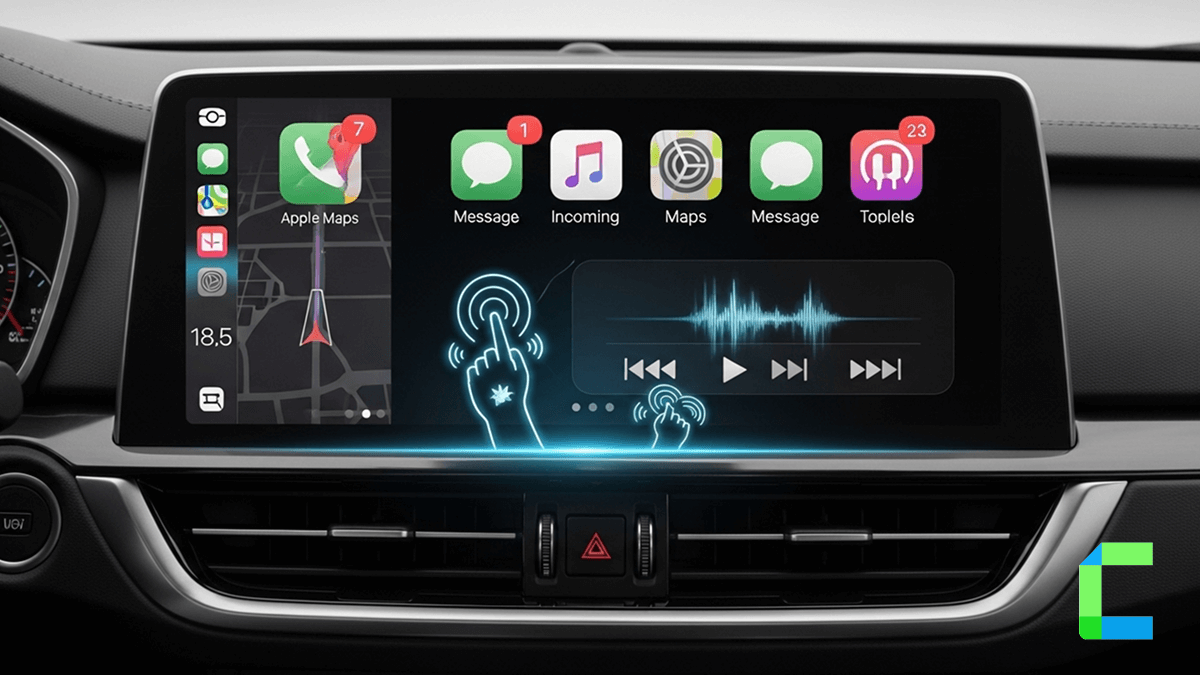
CarPlay features are getting better with the rollout of CarPlay Ultra, deeper vehicle integration, AI-powered Siri improvements, customizable dashboards, and wireless connectivity becoming standard. Apple’s in-car platform is evolving into a full smart driving system.
Whether you want hands-free navigation, better voice controls or EV charging route planning the latest version of Apple CarPlay offers far more than basic music and maps. New CarPlay features in iOS 26 also improve messaging, multitasking, widgets, and compatibility.
- Wireless Apple CarPlay
- Siri voice controls
- Apple Maps with EV routing
- Split-screen multitasking
- CarPlay Ultra dashboard integration
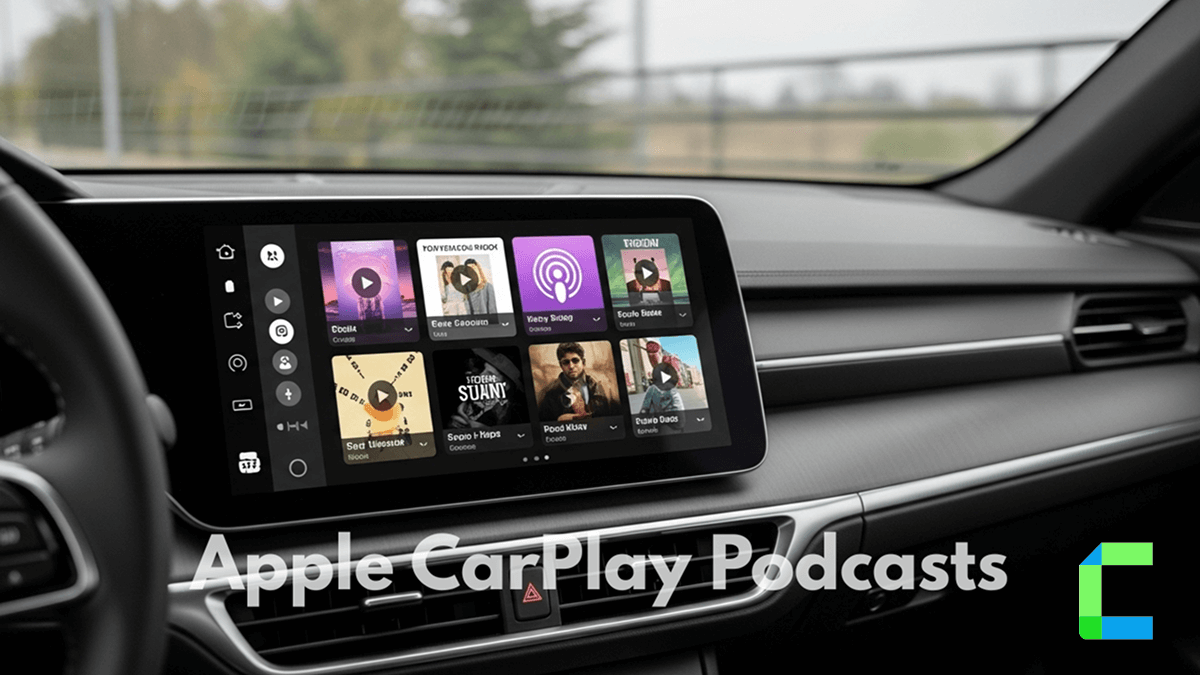
- Music and podcast streaming
- Hands-free messaging
- Driving Focus Mode
- Third-party navigation apps
- Custom widgets and wallpapers
Does Apple CarPlay Require a Cable?
Most modern vehicles support wireless Apple CarPlay, though some older cars still require a USB connection. If you want to Go wireless the best recommended solution is Carlinkit Ai Box and the Ottocast Ai Box.
Which iPhones Support Apple CarPlay?
Apple CarPlay works with iPhone 8 and newer running modern versions of iOS, including iOS 26.
Apple CarPlay Core Features
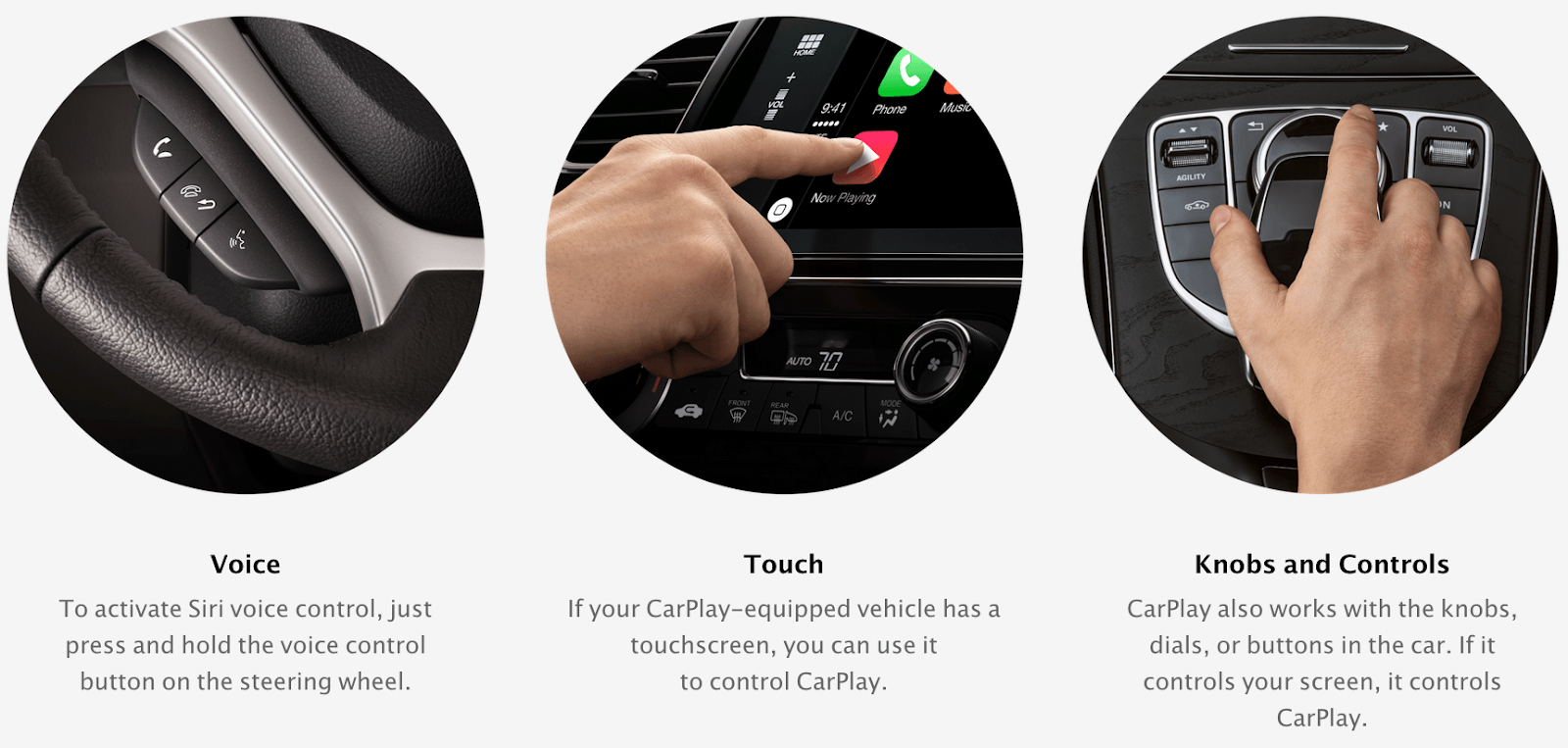
Basically, there are three ways of operating CarPlay on the display of your car. You may control with a word, touch, or a twist. Siri plays a wonderful role in this, allowing you to dictate your mobile as you want it. If you want to compose a message and send, you don’t have to do it with your fingertips anymore, just voice it and command, Siri takes the rest of the course. CarPlay also responds to the car controls. Buttons, knobs, touchpad, display etc. This makes the ride so convenient and enjoyable.
Maps
CarPlay shows you the way. With Apple Maps, now it’s super easy to find locations as you drive. Because Siri is there waiting for your command. All you need to do is tell Siri what you need. For example, “Directions to 26 Sunway Garden, Geneva” – route appears with voice directions on the display.
Cool. Isn’t it? Not only does it help in finding locations like restaurants, coffee shops, and shopping malls it also helps by advising you of the easiest way to go, avoiding traffic congestion.
Messages
Messages needed your fingertips and taps on the screen throughout the course of composing. But now with CarPlay, Messages are not the way that they were. It simply needs you to dictate or utter. Siri listens to you and composes for you, searches the contacts and sends them upon your command, and reads messages through the car speakers. All you need to do is tell Siri. Just say “ Jacob, I will be there in 20 minutes”
Calls
Hands are free from the phone with the new CarPlay. Siri makes calls, returns missed calls, and even lets you listen to voicemail at your command. What you need to do is, JUST SAY.
Music
You can access all the contents of iTunes and music albums, Apple music Membership , and all the other music apps with car’s inbuilt knobs and controls. With Siri, you may even listen to the most favorite song by Fire Arcade. This makes your drive even more enjoyable as it doesn’t make you busy browsing and playing songs while having your hands on the steering wheel.
How to Enable Apple CarPlay
What’s New in Apple CarPlay for 2026: iOS 26 CarPlay Features
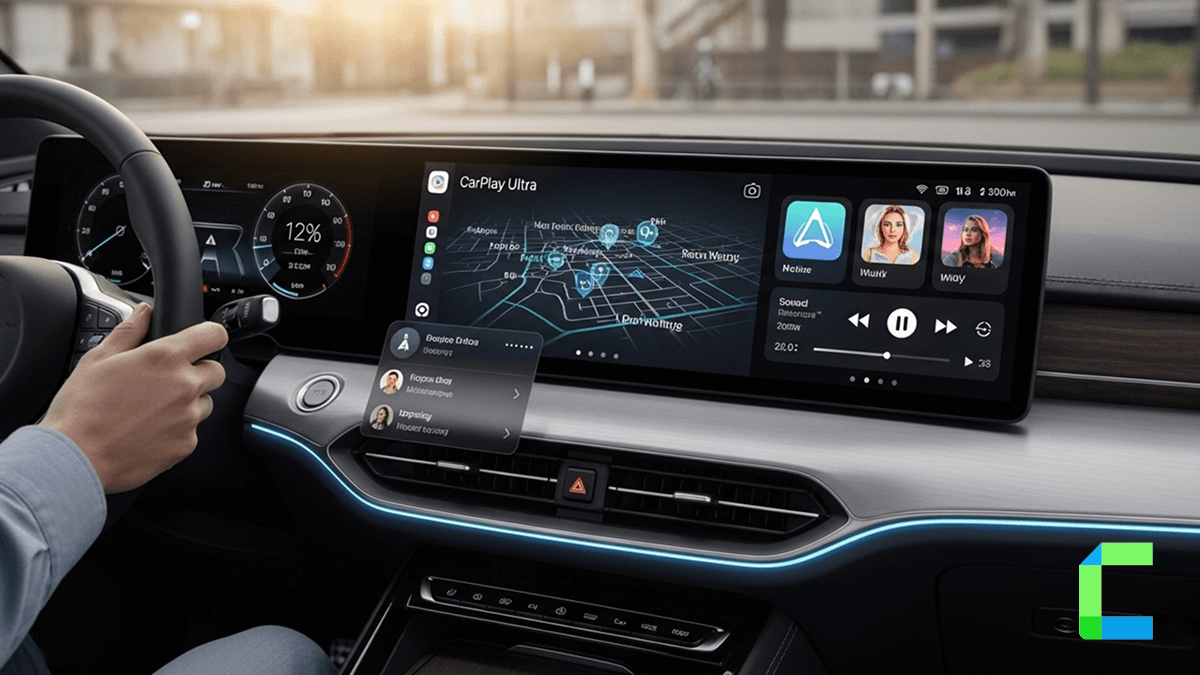
CarPlay Ultra Brings Full Dashboard Integration
The biggest change in 2026 is the rollout of CarPlay Ultra. This is Apples next generation CarPlay Ultra system. CarPlay Ultra is different from the CarPlay. CarPlay Ultra can take over multiple vehicle displays, including the instrument cluster behind the steering wheel. Drivers can view maps, speedometers, tire pressure, media controls, and vehicle information across the entire dashboard.
CarPlay Ultra also supports:
- Climate controls
- Radio controls
- Vehicle performance settings
- Custom dashboard themes
- Real-time vehicle data
- Widget support
Apple says the experience is customized for each automaker so the interface matches the vehicle’s design language.
Widgets and Live Activities Arrive in CarPlay
iOS 26 introduces widgets and Live Activities directly inside CarPlay. Drivers can now see quick-glance information like:
- weather
- calendar events
- music playback
- smart home controls
- sports scores
- delivery tracking
without constantly switching apps.
This makes the dashboard feel much closer to the iPhone experience while keeping interactions safer and more glanceable during driving.
Messages Gets Major Upgrades
Apple added several long-overdue messaging improvements to CarPlay in iOS 26, including:
- Tapbacks
- pinned conversations
- smarter notifications
- cleaner message previews
These updates reduce distractions and make hands-free communication more practical while driving.
AI Chatbots Now Work with CarPlay
One of the more surprising additions in iOS 26.4 is support for voice-based AI chatbot apps in CarPlay. Apps like ChatGPT and Perplexity can now work through voice-only interactions while driving
Apple still limits on-screen interactions for safety reasons, but this opens the door for:
- Tapbacks
- pinned conversations
- smarter notifications
- cleaner message previews
These updates reduce distractions and make hands-free communication more practical while driving.
AI Chatbots Now Work with CarPlay
One of the more surprising additions in iOS 26.4 is support for voice-based AI chatbot apps in CarPlay. Apps like ChatGPT and Perplexity can now work through voice-only interactions while driving
Apple still limits on-screen interactions for safety reasons, but this opens the door for:
- AI trip planning
- voice research
- smarter assistant conversations
- real-time information requests
Basically your car can now host debates between Siri and other AI systems while you sit in traffic questioning civilization.
Ambient Music Widget Improves Driving Focus
Apple also introduced a new Ambient Music widget in iOS 26.4. Drivers can quickly launch curated playlists focused on:
- relaxation
- productivity
- sleep
- calm driving
without opening full music apps.
It’s a small feature, but exactly the kind of low-distraction interaction Apple is clearly prioritizing now.
Video Playback Is Coming to CarPlay
Apple is preparing support for AirPlay video inside CarPlay displays. The feature only works while parked, allowing users to watch videos from their iPhone directly on compatible infotainment systems.
This could eventually expand support for:
- streaming apps
- video podcasts
- parked EV entertainment
- passenger viewing
Automaker support will vary, since car manufacturers must enable the feature individually.
Redesigned Interface and Visual Improvements
Apple also refreshed the overall CarPlay interface in iOS 26 with:
- updated light and dark themes
- smoother animations
- improved dashboard layouts
- cleaner UI elements
- more modern typography
The redesign now feels much more aligned with modern iPhone and iPad software aesthetics.
Pros and Cons of CarPlay
Now let's see what kind of advantages and disadvantages can be seen in Apple CarPlay.
Pros
- It's totally enhanced the in-car experience
- You can listen to songs from Spotify, Pandora, and Apple Music, and use video streaming platforms such as Netflix, Hulu, and many more.
- Easy to find any location through CarPlay while you are going on long trips
- You can reply to your messages without even touching your mobile.
- If your car is parked, you can play games or watch whatever you like.
- While driving, you can listen to any kind of audio.
- You can find real-time traffic updates from CarPlay apps.
- Wide Compatibility
- You can receive constant updates of Apple CarPlay
Cons
- If you are in an area with poor internet facilities, you cannot connect your mobile to CarPlay.
- Limited apps are available on CarPlay; if you need mobile apps on CarPlay, you need to install them as third-party apps.
How to Install Third party Apps or Go Wireless with CarPlay
Hardware Solutions

Carlinkit Wireless CarPlay & Android Auto AI Box
An Android-based AI box that converts factory wired CarPlay systems into a full smart infotainment platform with wireless CarPlay, Android Auto, streaming apps, and app downloads directly on the car screen.
- Wireless Apple CarPlay support
- Wireless Android Auto connectivity
- Netflix and YouTube streaming
- Google Play Store app downloads
- SIM card and TF card support
| Pros | Cons |
|---|---|
| Plug-and-play installation | Requires factory wired CarPlay compatibility |
| Supports video streaming apps | Streaming apps may load slowly in weak network areas |
| Converts factory display into Android system | |
| Supports split-screen multitasking | |
| Retains original steering wheel controls |

Ottocast P3 Wireless CarPlay Adapter TV Box
A premium Android-powered CarPlay AI box focused on entertainment, multitasking, and smoother wireless connectivity. The Ottocast P3 combines wireless CarPlay, Android Auto, app streaming, and onboard Android functionality with faster hardware and a polished user interface for modern infotainment systems.
- Wireless Apple CarPlay and Android Auto
- Built-in Android operating system
- Netflix and YouTube support
- Split-screen multitasking
- Google Play Store compatibility
| Pros | Cons |
|---|---|
| Smooth and responsive interface | Premium pricing compared to basic adapters |
| Faster boot times compared to older AI boxes | Requires wired CarPlay-compatible vehicles |
| Clean user interface design | |
| Good app compatibility | |
| Easy automatic wireless reconnection |
Software Solutions
WheelPal
WheelPal is a third-party app store and you can install any apps (cartube, fermata auto, screen2auto, etc.) that’ll help you install third party apps into your CarPlay
Apple CarPlay Problems and Fixes
| Problem | Most Common Cause | Quick Fix |
|---|---|---|
| CarPlay Not Connecting | Faulty cable | Replace USB cable |
| Wireless Disconnects | Wi-Fi interference | Re-pair vehicle |
| Siri Not Working | Siri disabled | Enable Siri settings |
| Black Screen | Firmware issue | Restart infotainment |
| Audio Lag | Bluetooth conflict | Use wired mode |
Conclusion
Apple CarPlay is really great in 2026. With wireless connectivity,smarter Siri features, better navigation and the new CarPlay Ultra experience. Apple CarPlay is good for people who want to drive hands free. It is also good for people who want entertainment in their car. More and more cars are starting to support the Apple CarPlay features. So Apple CarPlay is becoming a part of what it means to drive a car today.