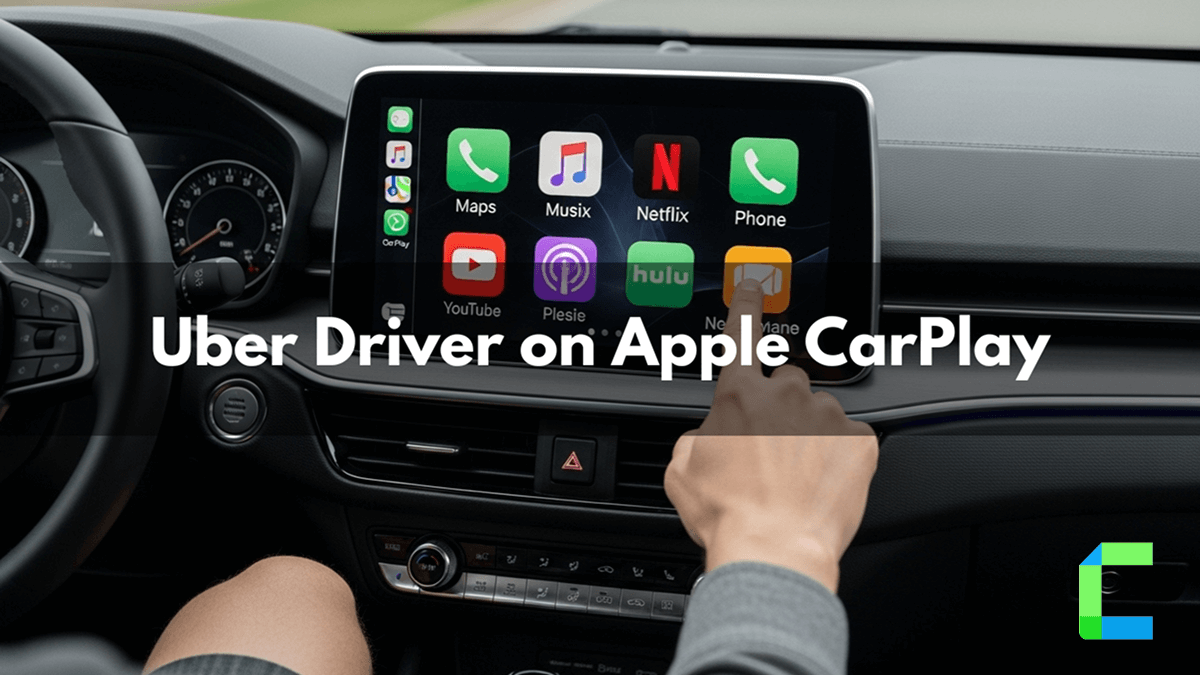
Uber drivers must check for their rides while on the driving. However, Apple CarPlay gave uber drivers a simple solution to ride without keeping an eye on the phone while driving. Now Apple iPhone using Uber drivers around the world can use Apple CarPlay to run the Uber driver app directly from the car dashboard.
Uber drivers no need to handle their iPhone directly, instead of they can access and mange Uber related tasks through their car’s display. It enhances safe driving experience for Uber drivers.
As well as minimizing distractions, streamlining navigation and making ride management more intuitive. It also supports Siri voice commands. Its allowing drivers to operate Uber functions hands-free
How to Connect Uber Driver App with CarPlay?
To get the Uber Driver app on Apple CarPlay, you need to do the following. These are the quick steps to add Uber Driver to CarPlay.
How to Connect Through Wired or Wireless Connection?
Wired Connection
Wireless Connection
Features of Uber Driver on Apple CarPlay
- View Uber rides on the CarPlay screen
- Accept trios on Uber Driver app on Apple CarPlay
- Get turn by turn directions
- Navigate the Uber on CarPlay while riding
- Add rides to the queued trips on Uber on Apple CarPlay
- Larger screen easy focusing and navigating while riding
- Real time traffic updates
Troubleshooting Uber Driver App on Apple CarPlay.
CarPlay not connecting to iPhone
- Ensure your iPhone software updated
- Reset both your iPhone and the car’s information system
Uber Driver app not showing your car’s display
- Update Uber Driver App through App store
Navigation not working
- Ensure your preferred Maps is correctly set up. If the map is not loading, try restarting your iPhone or reconnecting to the car.
Audio Issues
- check your car’s audio settings and ensure the volume is turned up. as well check that the audio source is correctly set to CarPlay on your car's display.
Wired connection not working
- Use an Apple original certified cable
- Try different USB port in the car
How to Add Any App on CarPlay
Apple CarPlay for support both apps like Navigation app, Audio streaming apps, Messenger apps etc. But Apple officially does not support video streaming apps (YouTube, Netflix) but if you are interesting video streaming apps for the CarPlay we have listed software and hardware solutions for that.
Apple CarPlay with Software Solutions
WheelPal
WheelPal is a CarPlay upgrade software. WheelPal allows iPhone users to add more apps on CarPlay like YouTube, Netflix, etc. As a CarPlay enthusiast, myself also experienced this app. It can help you to add any app to your CarPlay screen, but you need to have a jailbroken iPhone to play video content and add non-official apps (Video streaming apps- YouTube, Netflix) to CarPlay screen
There are also non-jailbreak solutions to add more apps to CarPlay. Let's explore non-jailbreak solutions to upgrade CarPlay with us.
Apple CarPlay with Hardware Solutions
Now you can experience CarPlay upgrade, no jailbreaking with the improved technology of the CarPlay Wireless AI box. To enjoy your favourite apps while on the road look at this adapter
MMB AI Box
MMB wireless CarPlay adapter is CarPlay smart adapter that supports video streaming on Apple CarPlay. You will be given the USB cables with the adapter, and you can easily connect it to the CarPlay wired or wireless.
MMB wireless CarPlay adapter is CarPlay smart adapter that supports video streaming on Apple CarPlay. You will be given the USB cables with the adapter, and you can easily connect it to the CarPlay wired or wireless.
Features:
- Add any app to CarPlay like YouTube, Netflix, Hulu, Prime video, TikTok
- Available for iPhone from 6s to 16 series
- Compatible for iOS 10- iOS 18.5 and iOS 26
- Automated connection after initial connection
- Can use as wired or wireless connection
Advantage and disadvantage of the MMB AI Box
| Pros | Cons |
|---|---|
| Enable video streaming apps | Requires stable internet connection |
| Convert wired CarPlay to Wireless CarPlay | |
| No need to Jailbreak your iPhone |
Final Thoughts
The Uber Driver app on Apple CarPlay enhances the driving experience by allowing drivers to manage rides, navigation, and trip details directly from the car’s display. And reducing distractions and improving driving safety and convenience. As well as tools like the MMB AI Box expand CarPlay beyond its default limitations by adding video streaming and wireless functionality.
The use of third-party devices such as CarPlay AI boxes and video streaming apps may not be officially supported by Apple Features and compatibility may depending on your car model and iOS version. These features are intended for passenger use only. you need to prioritize safe driving and follow your country’s road regulations.