


Last Updated: September 2026
If your ZLink connection is dead or stuck on the connecting screen, you are not alone. This is a widespread issue caused by how the software is built into your head unit, not a user error. This guide covers every viable software and hardware zlink alternative available to help you get back on the road. When zlink not working becomes a daily problem, you need a stable zlink carplay alternative that does not break every time Apple updates iOS.
Why ZLink Keeps Breaking
Forum discussions show that the structural design of ZLink is its biggest flaw. It is embedded in the head unit firmware and cannot update itself when iOS changes. Users report that ZLink breaks almost every time Apple releases a new iOS version. For example, users report a specific zlink ios 26 bug where enabling Smart Display Zoom triggers a permanent zlink black screen or connecting loop. The firmware update check often returns an "Onnet error," meaning there is no OTA fix path available. Forum discussions also show that routine firmware updates to the head unit can delete ZLink entirely.
This is not limited to older units either. Owners running the newer ZLink5 build report the same underlying failure: pairing over Bluetooth triggers ZLink's mobile hotspot, which then disconnects the Bluetooth link and breaks the CarPlay session before it even starts.
Furthermore, ZLink does not support video streaming by design. Understanding what ZLink is and how it works helps explain why so many people find their zlink carplay not working after a major update.
Software alternatives to ZLink
Many users prefer a software fix because it does not involve buying new hardware. There are several options depending on whether you want to jailbreak your phone. If you are looking for the best CarPlay apps to replace the standard experience, you have choices. Some options allow you to run CarPlay without jailbreak while others offer deeper customization. Each software zlink alternative has different installation requirements.
WheelPal
WheelPal is our primary recommendation for a software fix. Because no jailbreak is required. It supports a wide range of devices from iOS 9 through iOS 26. This is a third party app store which allows you to download apps like CarBridge, NGXPlayer easily. Follow these steps to install it:
You will see the new interface on your screen.
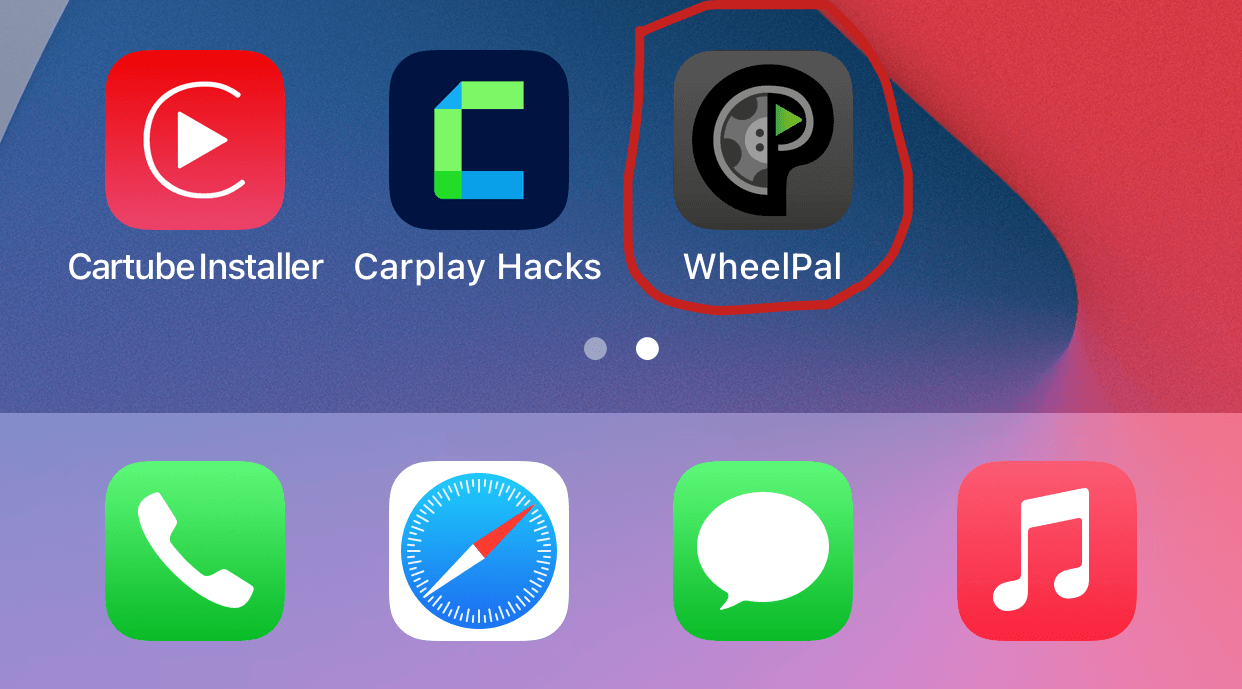
This is a reliable way to get no jailbreak carplay apps on your existing head unit. WheelPal is the best way to maintain a stable carplay setup.
CarBridge
CarBridge requires a jailbreak to install. This is a well known carbridge alternative for users who want to run any app from their phone on their dashboard. It works especially well for users on older iOS versions who have already jailbroken their devices. While it is not the primary recommendation for most users, it remains a favorite for its deep customization. You can learn more about how to set up CarBridge on our dedicated guide.
NGX Player
NGX Player requires a jailbreak to install. It provides a factual carplay app alternative for those who need a straightforward way to mirror apps on older iOS versions. Always check compatibility before installing on newer iOS versions.
Installing third-party apps via jailbreak modifies your device in ways Apple does not support and may void your warranty. Only proceed if you understand the risks.
Hardware alternatives to ZLink
For users whose problem is ZLink being tied to an Android head unit, a dedicated CarPlay adapter is a cleaner fix. These devices have no firmware dependency and carry no iOS update risk because they handle the connection independently. This is specifically for owners of third party head units who want to eliminate the unstable factory software once and for all.

Carlinkit T Box
The Carlinkit AI T Box is a standalone device that plugs into your car USB port. It handles CarPlay processing itself, which means your head unit software no longer matters. It supports iPhone 6s to current series and is compatible with iOS 10 through iOS 26. One major benefit is that it supports video apps like YouTube, Netflix, and Hulu.
Step-by-Step Guide on how to set it up

Carlinkit Ai Box
Turn your factory wired CarPlay system into a full Android-powered infotainment experience with wireless CarPlay, Android Auto, Netflix, YouTube, and access to thousands of apps.
Step-by-Step Guide on how to set it up

Ottocast Ai Box
Upgrade your car's display with the Ottocast P3, featuring a powerful Android system, wireless CarPlay and Android Auto, app streaming, navigation, and seamless internet connectivity.
Step-by-Step Guide on how to set it up
Which ZLink alternative is right for you?
Your choice depends on your technical comfort and vehicle setup. If you are an iPhone user who wants more apps without replacing hardware or jailbreaking, WheelPal is the ideal path. If you are someone okay with jailbreaking your device then you will find CarBridge or NGX Player more suitable. For users with an Android head unit who want a permanent fix with zero iOS update risk, a Carlinkit AI T Box or a wireless adapter from shop.carplayhacks.com is the best zlink alternative. Finding the right zlink carplay alternative ensures you never get stuck on a loading screen again.
ZLink problems come from firmware dependency, not user error. Reliable alternatives exist for every situation, whether you prefer a software tweak or a hardware adapter. CarPlay Hacks is your dedicated resource for all CarPlay solutions and updates.
Always prioritise road safety. Streaming video on CarPlay is intended for use only when the vehicle is stationary. Do not interact with your screen while driving.