Last Updated: October 2026
CarBridge only works on a jailbroken iPhone running iOS 13 to 16.7.7. If your iPhone is on iOS 17, 18, 26 or 27, CarBridge will not run, because there is no public jailbreak for those versions, and no CarBridge download gets around that.
On a newer iPhone you have two working options. WheelPal is our no-jailbreak app platform that installs directly on your iPhone, outside the App Store, and supports iOS 26 and earlier. A CarPlay AI box plugs into your car’s wired CarPlay port and runs streaming apps on its own Android system.
Still on iOS 16.7.7 or earlier with a jailbroken iPhone? Skip to the install guide below.
| iOS Version | CarBridge Status | Jailbreak Required | Best Alternative |
|---|---|---|---|
| iOS 13.0 to 16.7.7 | Supported | Yes | — |
| iOS 17 | Not supported | N/A (no jailbreak exists) | WheelPal or AI Box |
| iOS 18 | Not supported | N/A (no jailbreak exists) | WheelPal or AI Box |
| iOS 26 / iPhone 17 | Not supported | N/A (no jailbreak exists) | WheelPal or AI Box |
| iOS 27 | Not supported | No | Built-in, or AI Box for driving-mode use |
Apple now allows native video streaming on CarPlay with iOS 27, but only when the vehicle is in Park and it typically needs automaker activation.
What is CarBridge?
CarBridge is a jailbreak tweak for iOS 13 to 16.7.7. With the help of the Car Bridge app, you can watch DRM content on Apple CarPlay, including YouTube! Many car enthusiasts around the world are obsessed with CarBridge as it provides many features for watching videos on CarPlay. It does not run on iOS 17 or later.
Please note that we are not promoting watching videos on CarPlay and keep respecting your safety while driving!
CarBridge Features
- Supports apps that are not available in Apple CarPlay
- Let you play YouTube videos on Apple CarPlay
- CarBridge allows you to run certain apps in full-screen mode. (Including YouTube)
- Supports touchscreen control.
- You can customize the appearance of supporting apps.
- Supports multi-tasking, which allows users to seamlessly switch between navigation, music, messaging, and other applications while driving.
Compatible iOS Devices and Versions
Your iOS device should be jailbroken.
- iPhone 6 to iPhone X series is more eligible for jailbreaking.
iPhone X / iPhone 8 Plus / iPhone 8 / iPhone 7 Plus / iPhone 7 / iPhone 6S Plus / iPhone 6S / iPhone SE
- iPads that support jailbreaking and run CarBridge.
iPad 7th gen. (2019) / iPad 6th gen. (2018) / iPad Pro 12.9” and 10.5” 2nd gen. (2017) / iPad 5th gen (2017) / iPad Pro 12.9” 1st gen / iPad Pro 9.7”.
- CarBridge supports iOS 13 up to iOS 16.7.7. It does not support iOS 17 or later.
CarBridge app Version
The latest CarBridge version we have confirmed is 2.0.13, which fixed crashes when switching bridged apps on iOS 16.
Step by Step Guide to Install CarBridge
Installing CarBridge takes less than 3 minutes.
Step 1: Open wheelpal on your iPhone
Step 2: Install the Profile
Your iPhone will prompt you to install a configuration profile. Here is how to complete it:
Step 3: Trust the Profile
Go to Settings - General - About - Certificate Trust Settings and enable trust for WheelPal.
Step 4: Select CarBridge and Follow the On-Screen Instructions
Open WheelPal and it will make the downloading process easier since it includes all the necessary steps you should follow.
Step 5: Open CarPlay
Connect your iPhone to your car and open CarPlay. CarBridge will appear on your screen ready to use.
Note: CarBridge is not a free app. You must pay the developer to buy it.
How We Tested CarBridge
I tested the CarBridge installation process using an iPhone 6s running iOS 15. used the WheelPal app found at wheelpal.app to start the process. Selected CarBridge and followed the on-screen instructions. The install took under three minutes with no errors, and CarBridge appeared on the CarPlay display as expected.
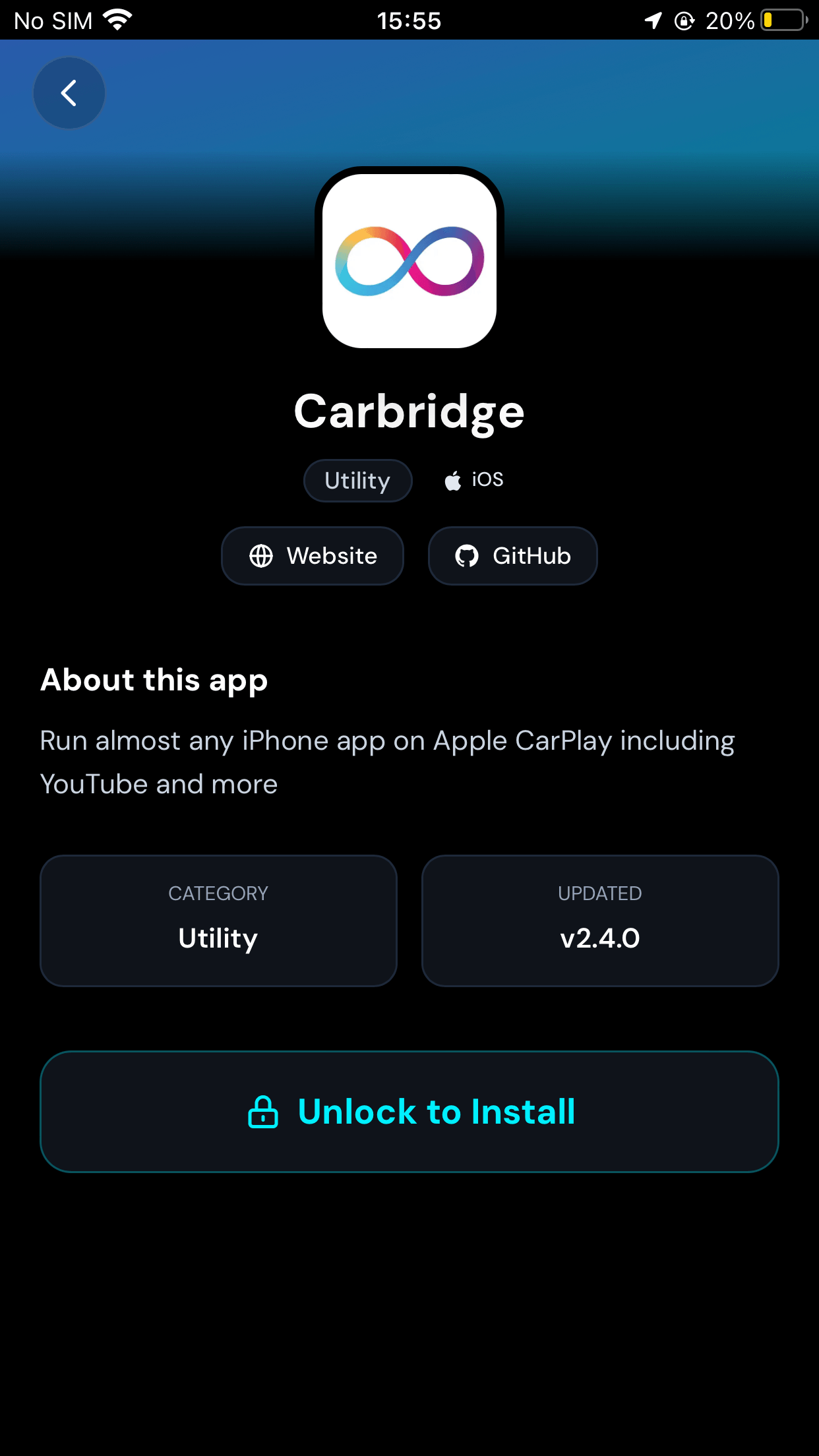
The entire process was straightforward and took less than three minutes to complete. I did not encounter any technical issues or edge cases during our testing. The app installed successfully and worked as expected on the CarPlay display.
CarBridge for iOS 18?
No. CarBridge officially requires a jailbreak, and its supported range stops at iOS 16.7.7. Starting with iOS 17, Apple closed the jailbreak loopholes CarBridge relied on, and as of October 2026 there is still no public jailbreak for iOS 18. This isn't a bug in CarBridge, it's a platform-level limit, so there's no workaround to wait for other than a jailbreak that doesn't currently exist.
If you're on iOS 18 today, your two working paths are:
WheelPal (software): no jailbreak needed, supports iOS 26 and earlier.
CarPlay AI Box (hardware): runs its own Android system, so streaming apps run on the box instead of your iPhone.
CarBridge on iPhone 17 and iOS 26
CarBridge does not support iPhone 17 or iOS 26. Since CarBridge's supported range ends at iOS 16.7.7 and no jailbreak exists yet for iOS 17, 18, or 26, any iPhone 17 owner is automatically outside its supported range from day one.
Your options on iPhone 17 are the same as iOS 18: WheelPal for a no-jailbreak software route, or an AI Box for a hardware route that's entirely independent of iOS version. If you drive a BMW, see our BMW CarPlay guide. Standard AI boxes do not work with BMW’s security systems.
CarBridge on iOS 27
CarBridge does not work on iOS 27. Its supported range ends at iOS 16.7.7, and there is no public jailbreak for iOS 27, so there is no way to install it.
iOS 27 does add built-in video on CarPlay, but only while the car is in Park, and only if your automaker has turned the feature on. Our iOS 27 CarPlay guide explains what it does and which apps support it.
If your car does not support it, or you want more apps than Apple allows, your options are the same as on iOS 26: a CarPlay AI box that runs streaming apps on its own Android system.
Pros and Cons of CarBridge
Let's take a moment to compare the pros and cons of using CarBridge.
| Pros | Cons |
|---|---|
| Supports many apps that are not allowed by CarPlay | Requires jailbreaking your iPhone |
| Supports video streams including YouTube on CarPlay | Does not support every video-based content. (Ex: Hulu) |
| Let you use apps in full screen including YouTube for the best performance | You have to keep your phone unlocked while using CarBridge |
| Supports both iPhones and iPads | CarBridge performance could vary according to your CarPlay screen type |
| Updates regularly, and fixes bugs | Cannot use with the latest iPhones as they are not supporting jailbreaking |
CarBridge Troubleshooting
If CarBridge stops working or won't install, the cause is almost always one of these four things.
| Symptom | Likely Cause | Fix |
|---|---|---|
| CarBridge won't install | iOS version outside 13.0-16.7.7 | Confirm your iOS version in Settings > General > About. If you're on iOS 17 or later, CarBridge cannot work on your device, use WheelPal or an AI Box instead |
| CarBridge stopped working after an update | iOS update patched the exploit CarBridge relies on | Check whether your iOS version still falls in the 13.0-16.7.7 range. If it doesn't anymore, CarBridge is no longer recoverable on that device |
| Video won't play (Netflix, Hulu, etc.) | DRM-protected content isn't supported | This is expected, CarBridge doesn't support DRM content. YouTube and non-DRM apps still work |
| Apps close or crash after jailbreaking | Certificate or profile issue from the jailbreak process | Reinstall the CarBridge profile through WheelPal and re-trust it under Settings > General > About > Certificate Trust Settings |
| Screen stays locked, CarBridge won't display | iPhone requirement, not a bug | CarBridge requires your iPhone to stay unlocked while running on CarPlay, this isn't optional |
Why did CarBridge stop working after an iOS update?
Apple regularly patches the security gaps that jailbreaks and tools like CarBridge depend on. If an update pushes your iOS version past 16.7.7, or patches the specific exploit your jailbreak tool used, CarBridge will stop functioning and there's no fix other than staying on a supported version or switching to WheelPal or an AI Box.
CarBridge Alternatives
Here we have other common alternatives for CarBridge to get any app on Apple CarPlay.
Unsure what to choose?
If you’re unsure of where to start trying the solutions listed, we recommend trying CarPlay Hacks where you can check both jailbreak and no jailbreak solutions according to your device.
CarPlay Enable
- CarPlayEnable is another alternative to CarBridge.
- It supports apps that do not work in Apple carplay by default.
- But it only supports iOS 14 versions and requires jailbreaking.
- Following are some of the apps that you can use on CarPlay with CarPlayEnable.
- Chrome
- VLC
- IP Cam Viewer Pro
- Zattoo
- YouTube
- Disney+
- Plex
- Xbox
NGXPlay
- NGXPlay is a popular jailbreak tweak for iOS 14 versions.
- It supports for the jailbroken iPhones with iOS 14- iOS 14.8.1
- To add any app on Apple CarPlay NGXPlay was once a popular jailbreak tweak.
- You can get NGXPlay with Cydia.
- NGXPlay does not support iOS 15 or later.
CarBridge No jailbreak alternatives?
Since CarBridge requires a jailbreak, check out the CarBridge alternatives without jailbreak, here you have the solutions for that.
For the complete picture, our CarPlay customization guide covers every method, jailbreak and non-jailbreak, for changing both how CarPlay looks and what it runs.
01 Carlinkit AI Box
02 MMB AI Box
03 Carlinkit TBox
01. Carlinkit AI Box
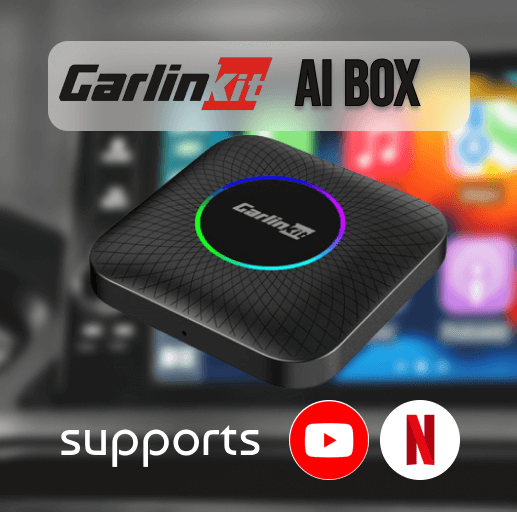
To watch your favorite Netflix, and YouTube shows on CarPlay without jailbreak, here you go with the best product from Carlinkit. This amazing device can play videos on Apple CarPlay seamlessly!
Why should you choose it?
- Supports iPhone models from the iPhone 6 series to the iPhone 16 series
- Compatible with iOS 10- iOS 18 and all of the subversions
- Compatible with the latest iOS 18.5
- Must have built-in CarPlay
- Recommended for 2017-2025 vehicles with OEM wired CarPlay & a touch screen (Not recommended for non-touchscreen cars)
- Converts your wired CarPlay to a built-in wireless CarPlay.
- Supports USB connectivity
- Supports video streaming on CarPlay Netflix, YouTube, TikTok etc.
- It is a fast, and reliable device
- Can connect with CarPlay using Wi-fi and Bluetooth
02. MMB AI Box
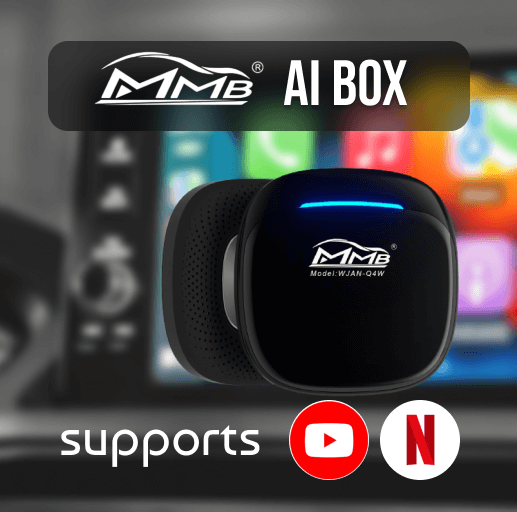
This MMB Adapter also plays videos on Apple Carplay without needing jailbreaking. This product also supports multiple video streaming platforms like YouTube, Netflix, Hulu, etc.
Why should you choose it?
- Supports on built-in CarPlay.
- Plays YouTube, Netflix, Hulu, TikTok, Disney+ etc.
- Supports both wired and wireless connections.
- Apple CarPlay wireless adapter
- It comes with USB cables to connect with Apple CarPlay
- WiFi and Bluetooth connections are also available.
- After the initial pairing, the device will connect automatically.
- Supports iOS versions from iOS 10- iOS 18.5
- iPhones from iOS 6 series to iPhone 16 series are supported with it.
03. Carlinkit TBox
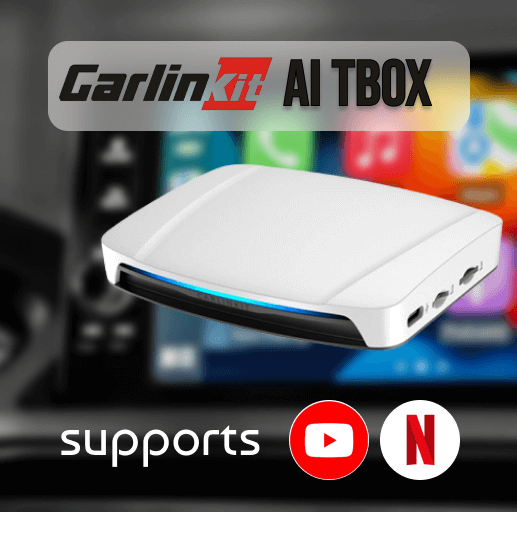
To watch your favorite Netflix, YouTube shows on CarPlay without jailbreak, here you go with the best product from Carlinkit Tbox. This amazing device can play videos on Apple CarPlay seamlessly!
Why should you choose it?
- Supports iPhone models from iPhone 6 series to iPhone 16 series
- Compatible with iOS 10- iOS 18 and all of the subversions
- Compatible with iOS 18.5
- Must have built-in CarPlay
- Recommended for 2017-2025 vehicles with OEM wired CarPlay & a touch screen (Not recommended for non-touchscreen cars)
- Converts your wired CarPlay to a built-in wireless CarPlay.
- Supports USB connectivity
- Supports video streaming on CarPlay Netflix, YouTube, TikTok, etc.
- It is a fast, and reliable device
- Can connect with CarPlay using Wi-fi and Bluetooth
Why Choose a CarPlay AI Box?
- You don’t want to jailbreak your phones to add CarPlay
- No harm to your devices or your personal data. Because you can use hardware for adding CarPlay apps like Netflix, YouTube, Hulu, etc.
- You don't need to put much effort into installing apps as you can use cables or wirelessly connect hardware devices within simple steps.
- Not only Netflix, but also you can add apps to CarPlay with your preferences, as it supports a huge app collection.
CarBridge for Android?
Many users are curious about getting CarBridge on Android. However, the Carbridge app for Android Auto has not yet been released. You can only use the CarBridge app with Apple CarPlay.
Safety Concerns and Legal Limitations
Risk: Downloading third party apps on your Android or iOS device is risky. Because you need to download them from untrusted sources.
Safety: Apple and Android have restricted downloading third-party apps because of safety problems. Your device may be damaged while rooting or jailbreaking devices.
Follow Official Apple Website to learn more Apple's guidelines
Legal limitations: Using third party apps is not legal, be aware of your devices while downloading unofficial apps because your devices may get virus and malware attacks when you download apps from untrusted sources.
Rooting and Jailbreaking Concerns: Rooting and Jailbreaking iOS and Android devices are not legal and may damage your private data. You cannot install third-party apps without jailbreaking your device.