Last Updated: June 2026
This article is one of the best articles for iPhone users who are looking to watch YouTube on CarPlay.
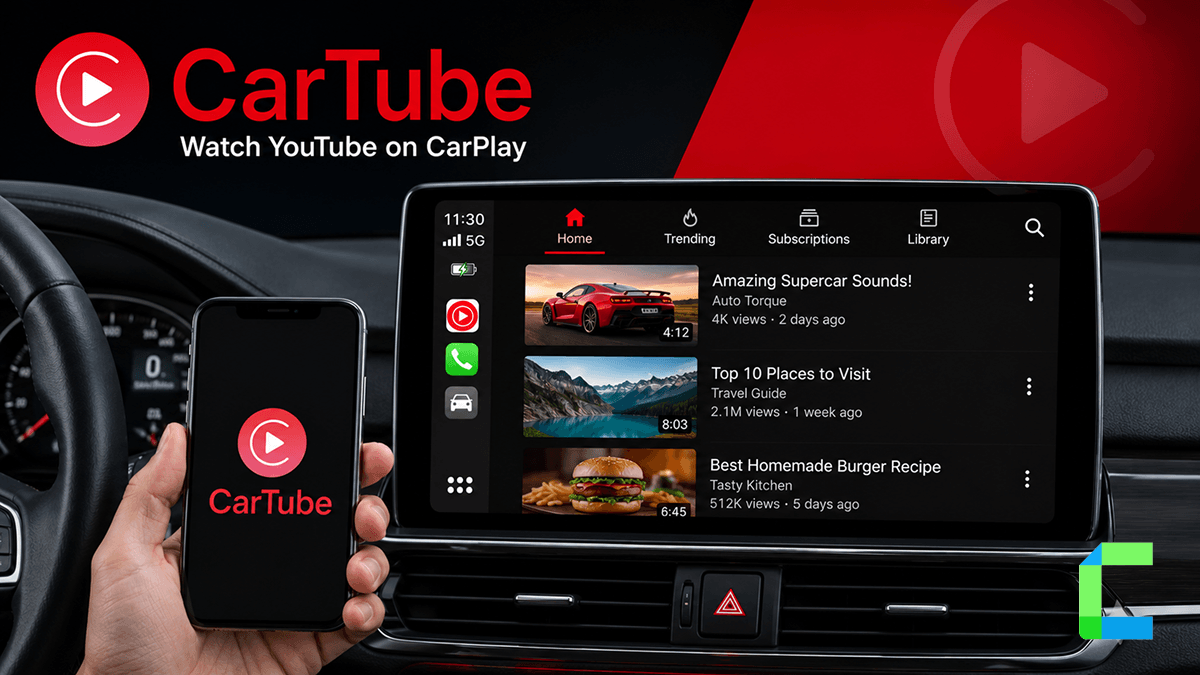
CarTube makes it possible to play YouTube on CarPlay without jailbreak and without any additional hardware. All previous software solutions to watch YouTube were based on jailbreak, and CarTube is the only software solution so far to watch YouTube on CarPlay without jailbreak.
What is CarTube?
cartube is a free, open-source application that adds YouTube directly to the CarPlay interface. It allows users to browse, search, and watch videos on their car screen without requiring a jailbreak for supported iOS versions.The app is an alternative YouTube client, not a traditional streaming service like Netflix. It is maintained independently on GitHub with version 1.3 being the latest release. It is not available on the Apple App Store. Install CarTube via Wheelpal.
CarTube iOS Compatibility – Find Your Version
Compatibility is the most important factor when deciding how to proceed. Users must identify their iOS version to determine if cartube will function on their device
Software-based cartube installation supports iOS 8 through iOS 15.7.7 only. If your iPhone is running iOS 16 or above, skip to the CarPlay AI Box section of this guide
How to Install CarTube
You can add CarPlay apps to your CarPlay now. We have listed the best software and hardware solutions for you below.
CarTube iOS app is a full-featured app to watch YouTube on CarPlay, including search and browse functions. CarTube can be installed using the TrollStore, which is a pre-assigned jailed app based on AMFI/CoreTrust bug, which enables signing IPA files without expiring after 7 days.
CarTube Supported iOS Versions and Devices
If your mobile's iOS version is supported, you can continue with the step-by-step guide below to install CarTube.
CarTube does not support new iOS versions, such as iOS 17, iOS 18, iOS 18.3, iOS 18.3.2, iOS 18.4 and iOS 18.5. Currently, CarTube supports car infotainment systems that support touch in the full interface. However, the developer says that there is still the ability to load individual videos via the app on your phone.
Step by Step Guide to Install CarTube Using WheelPal
Before starting, open your iPhone Settings, tap General, then About, and check your iOS version. WheelPal only installs CarTube on iOS 15.7.7 and below. If your iPhone is running iOS 16 or above, skip to the AI Box section.
What you need: an iPhone running iOS 8 to iOS 15.7.7, a CarPlay-compatible vehicle, and Safari (not Chrome).
Step 1: Open WheelPal on Safari
On your iPhone, open Safari and go to,
Do not use Chrome or any other browser, profile installation only works through Safari. You will see the WheelPal installation page with a device detection check and a Continue button.
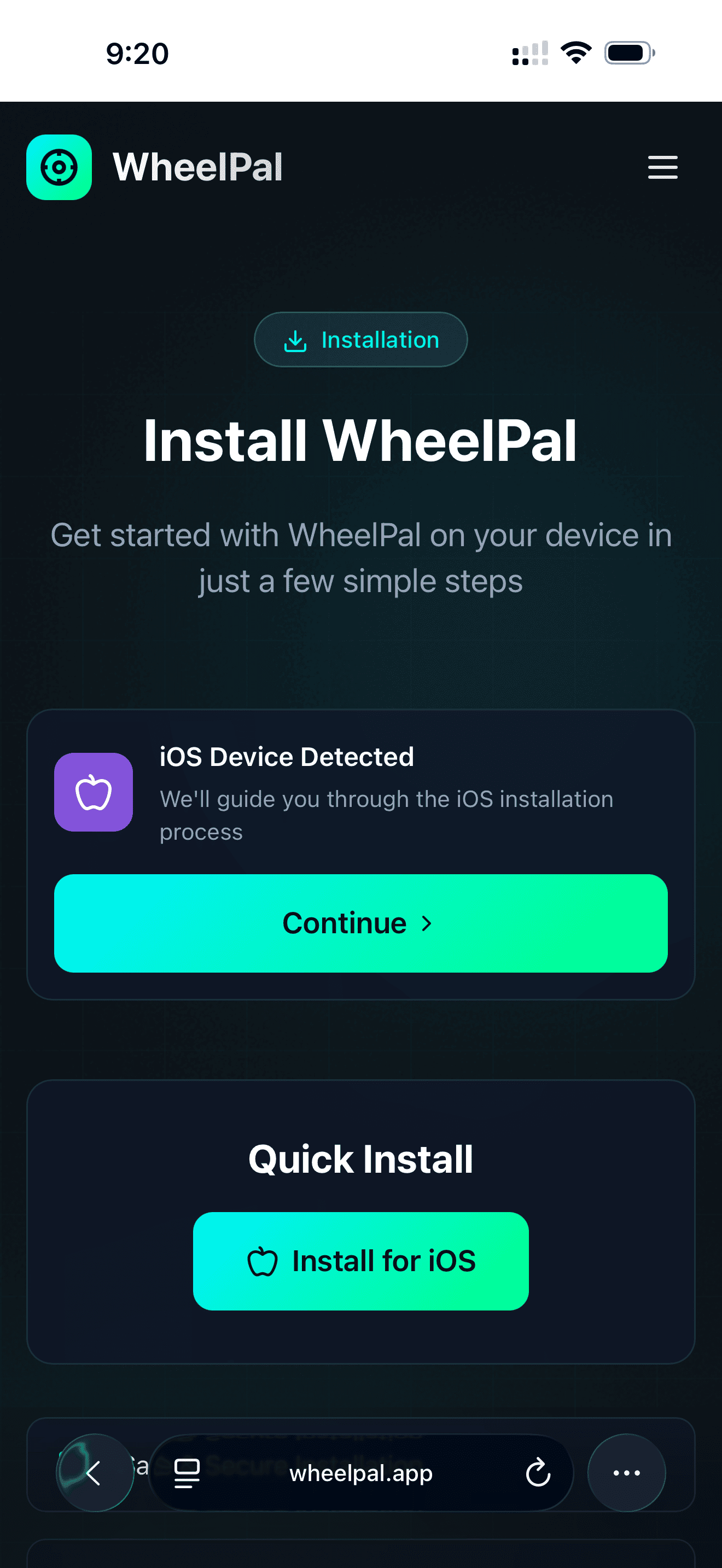
Step 2: Download the configuration profile
Tap Continue, then tap the Download Profile button. A system prompt will appear asking if wheelpal.app can download a configuration profile. Tap Allow. Once the download completes, a popup will confirm the profile is saved. Tap Close to dismiss it.
Step 3: Install the profile in Settings
Open the Settings app. At the top of the main Settings screen you will see a new option labelled Profile Downloaded, tap it. You will see the WheelPal profile details, including the name, domain. Tap the blue Install button in the top right corner. A dialog will ask you to confirm. Tap Install, enter your iPhone passcode, then tap Install once more to finalise.
When the installation is complete, you will see a blue checkmark and a Profile Installed confirmation. Tap Done.
Step 4: Launch WheelPal and install CarTube
Return to your home screen. The WheelPal app icon will appear once the profile is installed. Open WheelPal, find CarTube in the app library, and tap Install. Follow the on-screen prompts. CarTube will appear on your home screen once installed.
Step 5: Connect to CarPlay
Open CarTube from your home screen, then connect your iPhone to your CarPlay-compatible vehicle using a USB cable or wireless CarPlay if supported. CarTube will appear in your CarPlay interface. You can now browse and watch YouTube on your car screen.
Common installation issues:
If the Download Profile button does nothing, check that you are using Safari, your internet connection is active, and any VPN is turned off.
If WheelPal shows an Untrusted Enterprise Developer warning when you open it, go to Settings, General, VPN and Device Management, find the apps.jailtrial.com entry under Enterprise App, tap it, and select Trust.
If CarTube does not appear inside WheelPal, your device may be outside the supported iOS range. Run the compatibility check at cartube.app/compatibility/ to confirm. Read more about the CarTube App.
Features of CarTube
These are the features available in CarTube, and please note that CarTube is not an official YouTube app. It's an alternative to play YouTube on CarPlay
- Browse, search, and watch YouTube videos on the CarPlay screen.
- Works on any device supporting TrollStore without jailbreak.
- No ads.
- Ability to skip sponsored segments.
- Continuous video playing between the CarPlay system and iPhone.
- Contains a “Play on CarPlay” share extension.
- Easily paste any copied YouTube URLs.
- Can only watch 360p videos so far
However, if you’re a user of multiple video streaming services, not only YouTube, you may also feel stuck with YouTube. If your need is to watch any video streaming service on CarPlay or run any app on CarPlay, CarBridge is the solution you’re looking for.
Add Any App to Your CarPlay With No Jailbreak
Here you can find the best no-jailbreak adapters in the market. You can add any app to your Carplay including YouTube, Netflix, Hulu, Prime Video, etc, using these CarPlay wireless adapters. Let's take a look!!!
01. Carlinkit AI Box
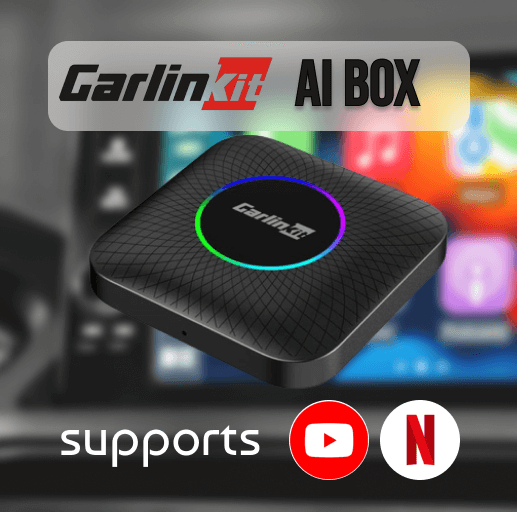
Carlinkit is a wonderful and famous brand of wireless adapters to enable CarPlay YouTube. It's a highly reliable and affordable car accessory to connect your iPhone to the car infotainment system. Carlinkit wireless adapter is supported on multiple platforms. It's super cool for Car lovers. Also, this handles all the preloaded applications like YouTube, Hulu, Netflix, and many more.
Prerequisites:
Compatible with models with built-in CarPlay
Features:
- Fast and reliable
- Support for multi-platforms
- Built-in Qualcomm SDM660 chip
- The adapter comes with a USB cable
- Easy connecting with the help of a mobile hotspot
- Watch your favorite videos on Netflix, YouTube, or other mobile apps
- You can install more favorite apps, such as YouTube, Netflix, TikTok, Hulu, Spotify, Disney+, Prime Video, etc, to watch on Apple CarPlay.
- Supports playing local video and music from a USB disk.
- Can stream YouTube on CarPlay and watch Netflix, Hulu, etc.
- It is simple to install, and after the initial connection, it will remain connected the next time you start the car.
02. MMB AI Box
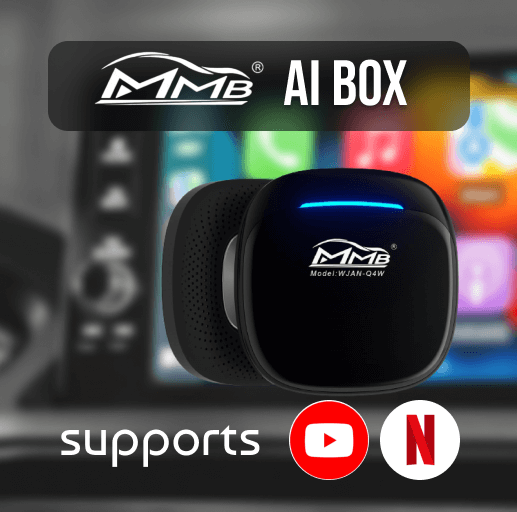
MMB CarPlay adapter helps to play YouTube videos on Apple Car Play and additionally, it converts wired CarPlay to wireless, making it easy to use your iPhone in the car. You'll be able to experience Apple CarPlay on your screen. Compatible with all cars and sound systems that enable Wired CarPlay. There is no time delay; simply plug and play. This CarPlay wireless adapter only works with cars with OEM factory CarPlay.
Prerequisites:
Compatible with models with built-in CarPlay
Features:
- Supports YouTube / Netflix on CarPlay
- Upgrade from Wired CarPlay to Wireless CarPlay.
- Automated and wireless CarPlay connectivity without the need for a USB cable.
- Auto Connectivity Technology Wi-Fi and Bluetooth.
03. Ottocast AI Box
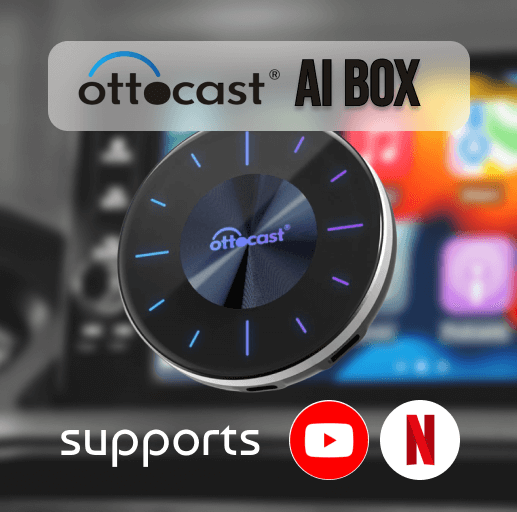
Enjoy your favorite Netflix and YouTube videos while in your car with Ottocast Car AI Box. It supports many apps in Apple CarPlay, including streaming your favorite Netflix videos.
Features:
- Supports multiple screens.
- Supports both Apple CarPlay and Android Auto.
- Enables videos on CarPlay with Netflix, YouTube, TikTok, Disney+, etc.
- Must have a good internet connection.
- Advised to use only while your car is parked.
- Easily access with the Home, Recent, Clear apps, Voice search, etc.
- Comes with a 4GB RAM card.
Advantages of using Hardware
- Supports all new devices
- Support all new versions
- Easy to use
- Simple installation process
- You can add a wide range of CarPlay apps to enhance your in-car experience.
Disadvantages of Hardware Solutions
- If you need an upgrade, you need to replace it with new hardware
- Not supported for all mobiles and devices
- Not supported for all iOS versions
Disclaimer: Apple has restricted the use of third-party apps because of safety issues. So you need to be aware of your data and devices before downloading unofficial apps. We are not responsible for any damage.