Last Updated: June 2026
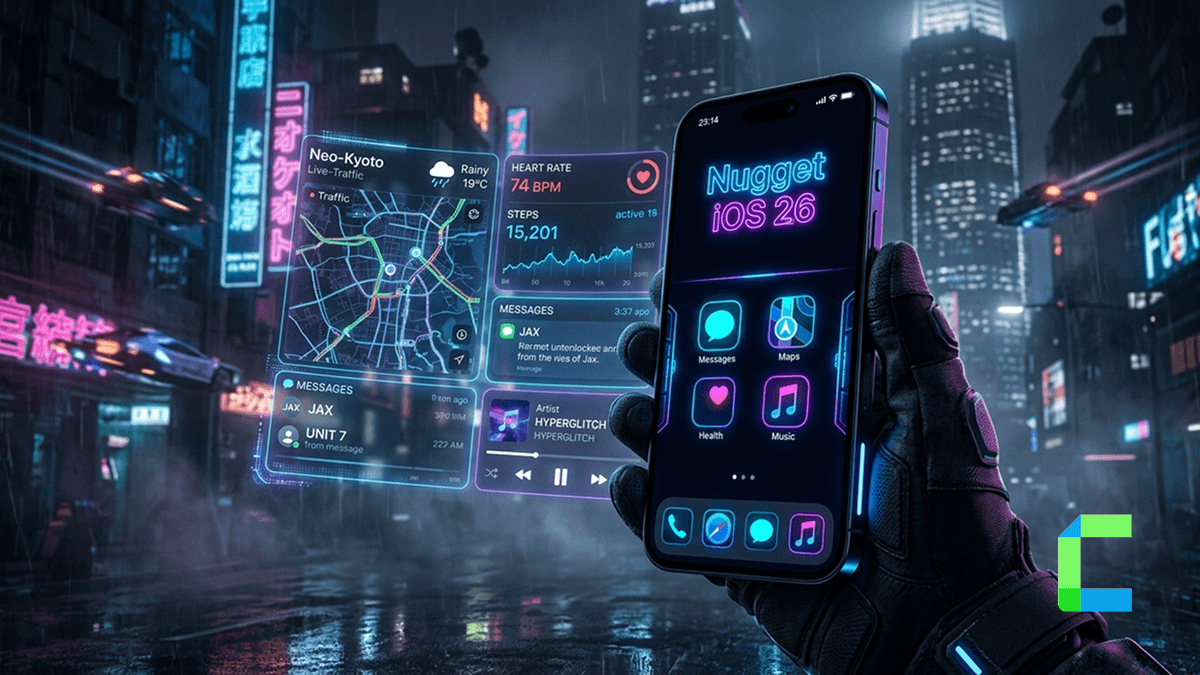
Yes, Nugget still works on iOS 26, but with limits. If you just updated and you're wondering whether it still applies your tweaks, here's the short version: iOS 26.0 and 26.1 have full support, including MobileGestalt features like Dynamic Island simulation. iOS 26.2 and above lost those MobileGestalt-based tweaks for good when Apple patched the exploit Nugget relied on. PosterBoard wallpapers and SpringBoard tweaks still work more broadly. This guide breaks down exactly what works on your specific sub-version.
Quick Answer: Does Nugget Work on iOS 26?
Recommended Starting Point
Before downloading anything, do these three things:
- Go to github.com/leminlimez/Nugget and check the latest release
- Read the release notes to confirm your exact iOS 26 sub-version is supported
- Check the Issues and Discussions tab for any reported problems on your device
What Changed From iOS 18 to iOS 26
Apple significantly tightened system protections in the iOS 26 cycle. The biggest change that affects Nugget is what happened to the BookRestore exploit.
Up through iOS 26.1, BookRestore was the method Nugget iOS used to apply MobileGestalt tweaks — the ones that control things like Dynamic Island simulation, device spoofing, and the AI Enabler. It worked by leveraging the Apple Books app's restore mechanism to write modified files into protected system areas.
Starting with iOS 26.2 beta 2, and continuing through iOS 26.4, Apple patched the loopback VPN connection that BookRestore depends on. As of iOS 26.4, that patch is permanent.
Important: If you're on iOS 26.2 or later, don't expect Dynamic Island simulation or Apple Intelligence features to work through Nugget. That exploit path is closed.
That said, Nugget is actively maintained. Version 7.x (released in early 2026) continued adding iOS 26-specific features like improved Liquid Glass controls and better PosterBoard stability. The tool hasn't been abandoned.
SparseRestore vs BookRestore
If you've spent any time reading about Nugget, you've probably seen these two terms.
SparseRestore — older iOS versions
Works on iOS 17.0 through iOS 18.1.1. This exploit tricks iOS into restoring files to locations outside the usual backup scope, letting Nugget write modified system config files. Apple patched this for MobileGestalt specifically in iOS 18.2, but the method still works for other tweaks on older versions.
BookRestore — iOS 18.2 through iOS 26.1
A different exploit path discovered by researchers Duy Tran and Huy Nguyen. It uses a failed Apple Books download to trigger a restore sequence that Nugget can intercept. This is how MobileGestalt tweaks kept working on iOS 18.2 through 26.1 even after SparseRestore was patched. Apple closed this door in iOS 26.2 beta 2.
What Features Work on iOS 26
On iOS 26.0 and 26.1, Nugget is remarkably capable. Here's what you can do:
PosterBoard animated wallpapers
- This is one of Nugget's most popular features and it works well on supported iOS 26 versions. You can apply true animated wallpapers (.tendies files) to both your lock screen and home screen — not just Live Photos, but full video-based wallpaper loops. Pocket Poster lets you manage these on-device without needing your computer after the initial setup.
Status bar customization
- Change your carrier name, fake the battery percentage display, adjust cellular bar appearance, and modify the time/date text format. These work via the regular restore method and have broader compatibility across iOS 26 versions than MobileGestalt tweaks do.
SpringBoard and system options
- Options like suppressing the Dynamic Island completely (added for iOS 26.2+ specifically), adjusting the AirDrop time limit, and various SpringBoard toggles are available. Some of these were updated specifically for the iOS 26 design changes, including the new Liquid Glass interface.
Lock screen footnote
- Add a custom text note to your lock screen below the "Swipe Up" prompt. A simple feature, but one people genuinely use — and it's back in Nugget after being temporarily pulled due to a bootloop issue in an earlier version.
iPadOS mode on iPhone
- Nugget can enable iPadOS interface behaviors on compatible iPhones — this includes multitasking UI elements and layout changes that Apple restricts to iPad by default. This is a MobileGestalt-based feature, so it follows the same version rules: supported on iOS 26.0 and 26.1, patched on 26.2 and above.
Does Nugget Work for CarPlay Customization on iOS 26?
Yes, CarPlay customization is one of the feature categories Nugget supports, though it sits within the broader MobileGestalt and SpringBoard feature set rather than as a standalone CarPlay tool.
On iOS 26.0 and 26.1, Nugget can affect how CarPlay behaves through MobileGestalt tweaks, specifically around interface options that carry through to the in-car display. On iOS 26.2 and above, MobileGestalt is patched, which removes those CarPlay-adjacent customization options alongside everything else in that category.
SpringBoard-level tweaks that affect CarPlay appearance like suppressing Dynamic Island on the CarPlay display, continue to work on supported versions and were specifically updated for iOS 26's Liquid Glass design changes.
iOS 26 Compatibility Breakdown by Version
| iOS version | MobileGestalt | PosterBoard / Wallpapers | Status bar / SpringBoard |
|---|---|---|---|
| iOS 26.0 | Supported | Supported | Supported |
| iOS 26.1 | Supported | Supported | Supported |
| iOS 26.2 | Patched | Check notes | Check notes |
| iOS 26.3 | Patched | Check notes | Check notes |
| iOS 26.4+ | Patched | Limited/None | Limited/None |
How to Use Nugget on iOS 26
If you're on iOS 26.4 or later: MobileGestalt tweaks are fully patched and will not return. PosterBoard animated wallpapers are also broken as of iOS 26.4 beta 3 the developer has not indicated a fix is coming for those builds. Status bar tweaks and some SpringBoard options may still apply depending on the specific sub-version. Check the official Nugget GitHub releases page for the most current build notes before attempting anything on 26.4+.
Administrator permissions required: On iOS 18.2 through 26.1, the BookRestore method needs admin rights to create the device tunnel. This is a limitation of the underlying pymobiledevice3 library, not something Nugget can work around.
What's Patched or No Longer Supported on iOS 26
- Dynamic Island simulation on unsupported iPhones — also MobileGestalt-based, patched the same way
- Device model spoofing — no longer available on iOS 26.2 and above
- Always-on display enablement — same situation
- PosterBoard on iOS 26.4+ — as of iOS 26.4 beta 3 and beyond, PosterBoard support is broken and the developer has not indicated a fix is coming for those specific builds
Nugget Wallpapers on iOS 26
PosterBoard, Nugget's animated wallpaper system, remains one of the main reasons people install the tool. On supported iOS 26 versions, the workflow is:
- Browse .tendies wallpaper files from the community (the PosterBoard Discord is the main hub)
- Use Nugget or Pocket Poster to apply them to your lock screen and home screen
- The wallpapers show up under "Collections" in your standard iOS wallpaper settings — they look native
One important note if you're updating to iOS 26: revert your resolution changes in Nugget before updating. The resolution file gets locked from restores post-update, which means you can't remove it after the fact.
Common Problems and Fixes on iOS 26
MobileGestalt tweaks not applying
- If you're on iOS 26.0 or 26.1 and this is failing, make sure you've grabbed the mobilegestalt file specific to your device using the Shortcuts method in the README. On 26.2+, this feature is simply not available — it's not a bug you can fix.
BookRestore failing with an error
- Restart your device, relaunch Nugget, and try selecting "Remove All Changes" first to clean up any incomplete restore state. Also confirm your Apple Books app is installed and signed into iCloud.
PosterBoard wallpaper not showing in iOS settings
- Nugget 6.x added a "force refresh" option for PosterBoard wallpapers — use that. If it still doesn't appear, try restarting your iPhone after applying.
Liquid Glass still showing after toggling
- The "Force Solarium Fallback" option requires a full device respring to take effect. If the toggle was applied but nothing changed visually, restart your device.
App crashing when launching Nugget on desktop
- Check that you're on the latest Nugget release. If you're on Python, confirm you're running Python 3.9+ (3.12 recommended). Windows users should also check for the Microsoft Visual C++ redistributable if the app won't launch at all.
Final Verdict
Nugget iOS 26 is a genuinely useful tool. If you're on iOS 26.0 or 26.1, you're in the best position: animated wallpapers, status bar tweaks, MobileGestalt features, and the new Liquid Glass controls all work. That's a solid package for a no-jailbreak tool.
If you've already updated past 26.1, don't panic. PosterBoard wallpapers and SpringBoard tweaks may still be available depending on your exact version.