Last Updated: August 2026
Looking for new gadgets to watch YouTube on Apple CarPlay? Then, transform your old car into a smart vehicle with ZZ-2 Play! This is one of the best devices that Android and iPhone users can try to retrofit Apple CarPlay in 2024. And we have provided some alternative solutions to ZZ2 CarPlay to stream YouTube to make your journey more enjoyable. Here is the list.
Software Solutions
Hardware Solutions
What is ZZ2 CarPlay / Android Auto?
ZZ2 Play is a tool that allows users to add Android Auto and Apple CarPlay features to their old cars that don't support them by default. This enables access to a wide range of apps. Additionally, it allows you to mirror your mobile. So you can stream YouTube, Netflix, and many more. And it enables access to use the latest connectivity technology to choose smart features.
How to Watch YouTube on ZZ-2
You can watch YouTube on your ZZ-2 device natively using its built-in application menu, rather than relying on phone mirroring. This hardware-based solution allows the device to function as a standalone interface on your factory screen. You do not need to jailbreak your phone or use complicated software workarounds to access video content.
To set up YouTube on your ZZ-2 unit, follow these steps:
There are several limitations and requirements to consider. A stable internet connection is mandatory for streaming content through the native YouTube app. The device is designed to work with vehicles that already have factory-wired CarPlay, which it then converts to a wireless system with added apps. Certain OEM systems, such as those in Mini or Rolls-Royce vehicles, may have specific exclusions that prevent the unit from functioning correctly. Additionally, streaming features should be used primarily by passengers or while the vehicle is safely parked, for driver safety.
CarPlay Android Software Solutions
WheelPal
WheelPal is a sideloaded iOS app installed via AltStore, giving you access to streaming apps and CarPlay customizations outside the App Store catalog. It works without a jailbreak, making it one of the simpler options here to set up.
CarBridge
CarBridge requires a jailbroken iPhone to install. Once set up, it supports upto iOS 16.7.6 and lets you add a wide range of apps, including YouTube, directly to your CarPlay interface.
NGX Player
NGX Player is a software solution to stream YouTube videos with a jailbreak. Additionally, it provides options to install third-party apps on Apple CarPlay that do not support direct download. NGX Player doesn't support iOS 18, so before everything, you need to check whether your phone is compatible with this app.
CarPlay Android Auto Solutions (Hardware)
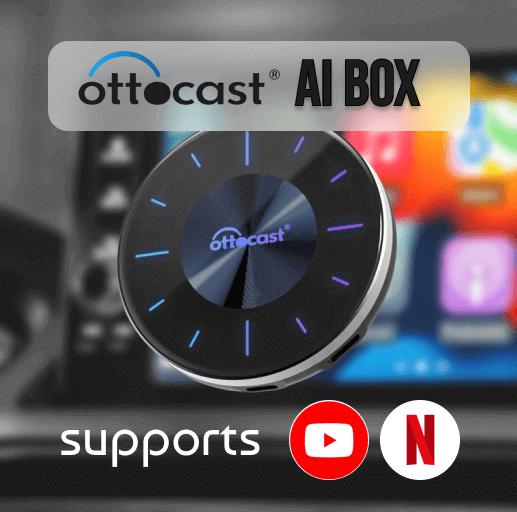
Ottocast AI Box Wireless CarPlay Adapter
Features
- It supports versions from iOS 10 till the latest version.
- You need a stable internet connection to get connected.
- Multiple screens can be connected.
- 4+64 GB of RAM and ROM.
- You can watch Netflix, YouTube, and TikTok videos.
MMB AI Box
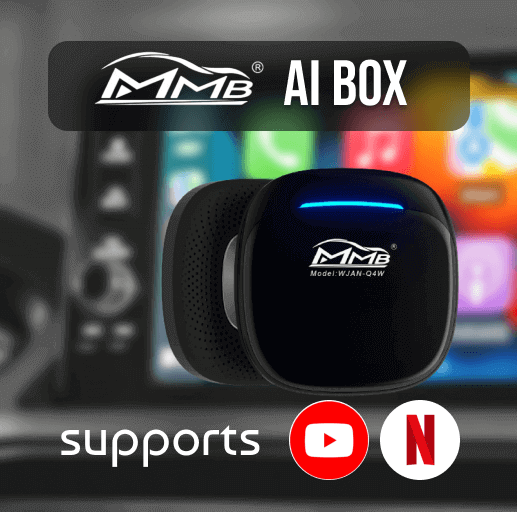
Features
- You can use this tool as an alternative to the ZZ 2 wireless CarPlay adapter.
- It supports iOS versions from iOS 10 till the latest version.
- Both wireless and wired connections are available.
- It is compatible with iOS 6 to iPhone 15 series models.
- A USB cable is provided.
- You can access Netflix, Hulu, YouTube, TikTok, and many more streaming services.
Carlinkit AI TBox
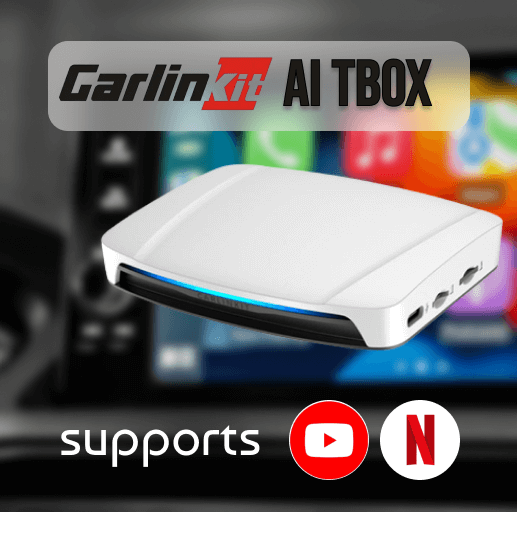
Features
- This adapter is compatible with iOS 10 to iOS 18.3.2 versions with all subversions.
- It supports iPhone models from the iPhone 6 to the iPhone 15 series.
- USB connectivity available
- Netflix, TikTok, and YouTube streaming are easy with this adapter.
- Both Wi-Fi and Bluetooth connectivity are also available.
Hardware VS Software
| Hardware | Software |
|---|---|
| Compatible with iPhone models from iPhone 6s and onwards. | Supports from iPhone 6s and onwards. |
| Compatible with iOS 10 till the latest. | Compatible with iOS 10 till the latest. |
| Works with cars that have built-in CarPlay. | Works with cars that have built-in CarPlay. |
| Comes with a built-in 64 GB ROM. | Upgrades wired CarPlay to Wireless CarPlay. |
| Can be connected with a USB cable. | Supports Netflix, YouTube-like video streams. |
| Add any app to CarPlay. | Connects through Wi-Fi and Bluetooth. |
| Enables video streams like YouTube and Netflix on CarPlay. | |
| Easy to connect, and after the initial connection, it will remain further. |
Safety Concerns and Legal Limitations
Risk: Installing third-party apps is risky. Because it requires rooting and jailbreaking.
Safety Concerns: Apple and CarPlay have restricted unofficial app installation because of many safety issues.
Legal Limitations: Installing third-party apps is not allowed by Apple and Android and it's not legal to download third-party apps.
In this article, we've covered the best ways to watch YouTube on ZZ-2 CarPlay, including WheelPal (no jailbreak required) and CarBridge (requires jailbreak), plus hardware alternatives for a plug-and-play option.