ChatGPT on CarPlay

How to use ChatGPT's new voice integration on Apple CarPlay, including iOS 26.4 requirements, setup steps, and what it can't do yet.

· 4 min read
chatgpt-carplay

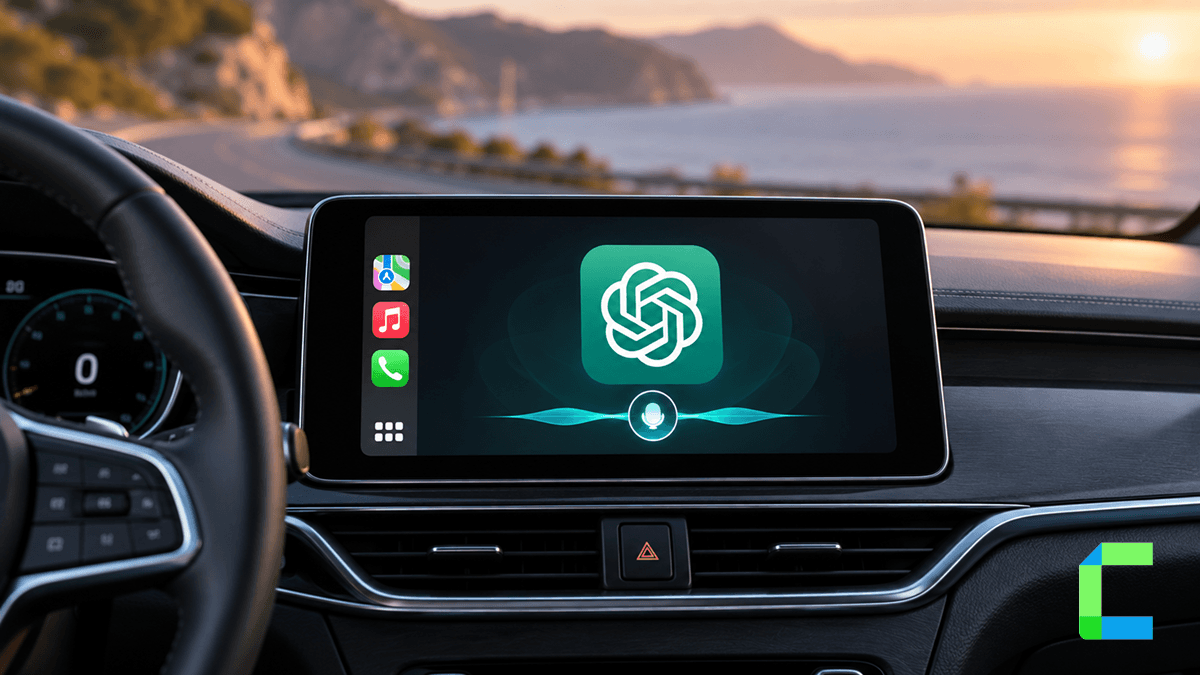
ChatGPT is now accessible directly on Apple CarPlay, offering a voice-first AI assistant on your car dashboard. For drivers looking to make productive use of time behind the wheel, ChatGPT on CarPlay provides a hands-free way to research topics, brainstorm ideas, and answer questions without touching your phone.

What is ChatGPT on CarPlay?

ChatGPT on CarPlay is a voice-first integration built for Apple's in-car infotainment system. Rather than displaying text blocks or graphics on your vehicle touchscreen, the system operates entirely through spoken audio to reduce driver distraction. You speak your prompt aloud, and ChatGPT responds verbally through your vehicle speakers.

Requirements for Using ChatGPT on CarPlay

  • iOS: An iPhone running iOS 26.4 or later.
  • ChatGPT app: The official app from the App Store, updated to the latest build.
  • CarPlay compatibility: A vehicle or aftermarket head unit supporting wired or wireless CarPlay.
  • Account: An active OpenAI account signed into the mobile app with microphone permissions granted.

How to Set Up and Start Using ChatGPT on CarPlay

How to Start a Voice Chat

  • 1
    Connect your iPhone to your vehicle by cable or wireless CarPlay.
  • 2
    On your iPhone, go to Settings > General > CarPlay, choose your vehicle, and select Apps.
  • 3
    Scroll to More Apps, find ChatGPT, and tap the plus icon to add it to your CarPlay home screen.
  • 4
    On your vehicle screen, tap the ChatGPT icon and select New Voice Chat.
  • 5
    The status changes from Connecting to Listening. Speak your query naturally.
  • 6
    Optional shortcut: In the ChatGPT app, go to Settings > Voice and enable Start Automatically in CarPlay so asking Siri to open ChatGPT launches a voice session directly.
  • How to Start a Voice Chat Inside a Project

  • 1
    Open ChatGPT on your iPhone before or while connected to your vehicle.
  • 2
    Select the Project you want the conversation scoped to.
  • 3
    Tap the ChatGPT icon on your CarPlay screen and start a new voice chat. It logs to that Project automatically.
  • How to Resume a Recent Conversation

  • 1
    Launch ChatGPT from CarPlay.
  • 2
    Select a recent conversation from the chat list.
  • 3
    Since OpenAI syncs history across mobile, web, and desktop, you can pick up research from earlier sessions directly from the car.
  • What ChatGPT on CarPlay Cannot Do Yet

    Apple enforces strict interface rules on CarPlay apps for driving safety:

    • No text or image display — the interface is voice-only.
    • No wake word — you tap the screen icon or launch it via Siri.
    • No vehicle controls — it can't adjust climate, change radio stations, or alter car settings.
    • No live location access — it can't read GPS coordinates from your phone or car.
    • No messaging or app control — it can't read texts, send messages, control Apple Music, or set navigation in Maps.

    ChatGPT vs Siri on CarPlay

    Siri and ChatGPT play complementary roles. Siri is Apple's system controller, placing calls, reading texts, controlling media, and navigating. ChatGPT is a conversational engine for deeper Q&A, brainstorming, and research on long drives. Neither replaces the other.

    CarPlay Customization: Change the Look or Add Any App
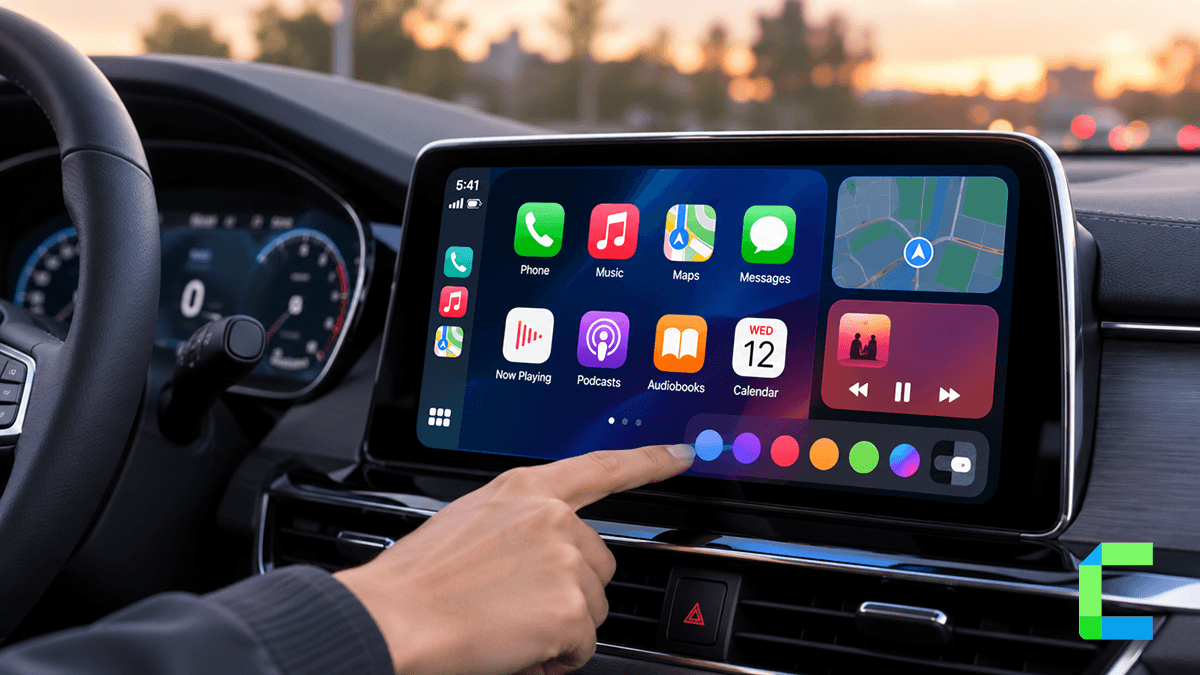
    Looking to customize CarPlay in 2026? Here’s every verified method, wallpapers and layout tweaks, or adding YouTube and Netflix.

    Beyond Native CarPlay: Sideloading Apps with WheelPal

    ChatGPT is one of Apple's officially approved native AI apps on CarPlay, but Apple still restricts many popular app categories from vehicle screens. For apps Apple hasn't natively enabled, WheelPal offers a sideloading solution through standard iOS methods like AltStore and IPA installation, no jailbreak required. Explore it at wheelpal.carplayhacks.com.

    Grok Is Now on Apple CarPlay: Full Setup Guide
    Grok’s voice mode went live in Apple CarPlay in 2026. Here’s exactly how to set it up, what it can actually do behind the wheel, and where it falls short.

    Frequently Asked Questions

    Is ChatGPT available on Apple CarPlay?
    Yes, as an official voice-first app integration, requiring iOS 26.4 or later.
    What do I need to use ChatGPT on CarPlay?
    An iPhone on iOS 26.4+, the latest ChatGPT app, an active OpenAI account, and a CarPlay-compatible vehicle.
    Can I type to ChatGPT on CarPlay?
    No. CarPlay enforces a voice-only interface to keep driver attention on the road.
    Does ChatGPT on CarPlay work without an internet connection?
    No, it needs active cellular or Wi-Fi to process voice and generate responses.
    Can ChatGPT control my car or navigation?
    No, it can't control car hardware, climate, or navigation apps like Maps.
    Is ChatGPT on CarPlay free?
    Yes, it's available on all ChatGPT plans, free and paid, at no extra cost.

    Cian Roark

    I research CarPlay and Android Auto integration, analyzing the latest AI boxes, dashboard upgrades, and top third-party apps to provide insights that enhance the driving experience.