


Last Updated: September 2026
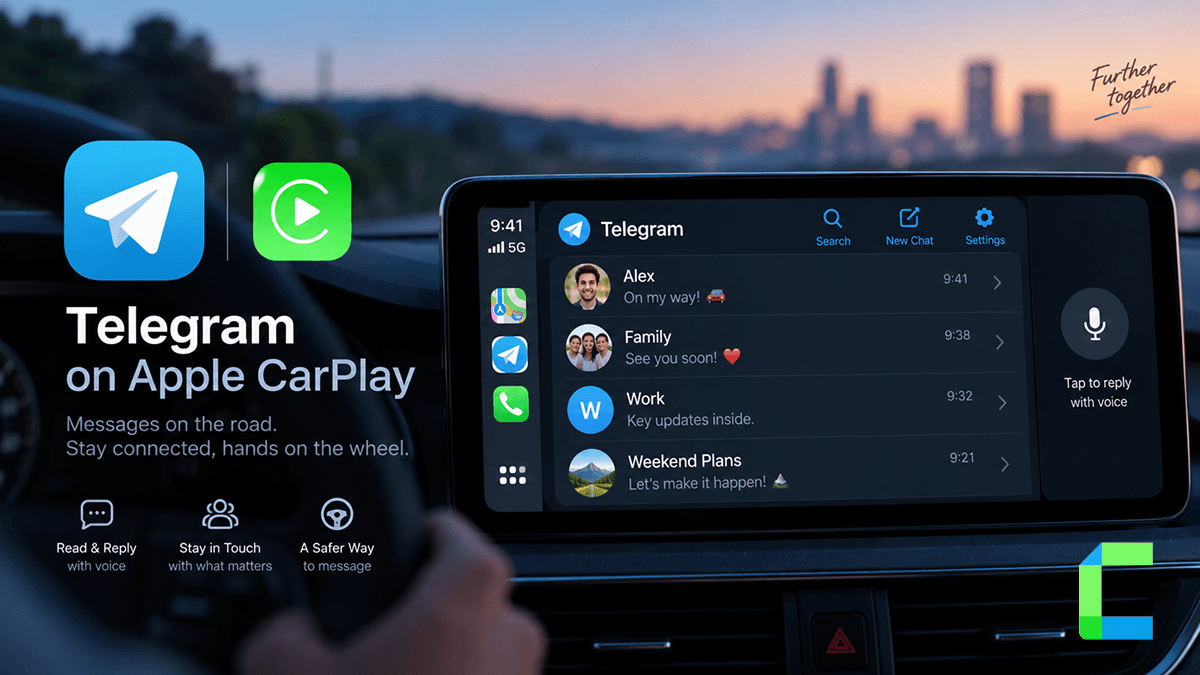
Telegram is one of the few messaging apps that works on Apple CarPlay without any extra software. No jailbreak, no sideloading tool, no adapter box. Install it on your iPhone and it shows up on your CarPlay screen like iMessage or WhatsApp. Here is how to set it up, use it safely with Siri, a lesser known trick for messaging bots hands free, and how to fix it when it does not show up.
💡 Quick Answer: Telegram is natively supported on Apple CarPlay. Install the app on your iPhone, connect to your car, and it appears automatically in the CarPlay app list. Use Siri to read and reply to messages hands free. You cannot browse chats or type manually while the vehicle is moving, this is an Apple safety restriction that applies to every messaging app on CarPlay.
Is Telegram Supported on Apple CarPlay?
Yes. Telegram falls into Apple's messaging app category for CarPlay, the same category as iMessage and WhatsApp. Once the app is installed and you are signed in, it appears on the CarPlay home screen automatically.
How to Set Up Telegram on CarPlay
Enable Message Announcements
To have Siri read incoming Telegram messages aloud while you drive, go to Settings > Notifications > Telegram and make sure notifications are enabled with Show in CarPlay turned on. Without this, messages will arrive silently and you will only see them once you check your phone.
Using Telegram Hands Free with Siri
Once set up, Siri handles most of the interaction so you are not touching the screen while driving.
- Reply to messages: When Siri announces a message, say "reply" followed by your response.
- Send a new message: Say "Hey Siri, send a Telegram message to [contact name]."
- Voice messages: Record and send voice notes without picking up your phone.
Apple restricts manual browsing while the vehicle is in motion. You cannot scroll through your chat list, search for a contact, or start a new message from the CarPlay screen itself while driving, only Siri initiated actions work at that point. This is not a Telegram limitation, every third party messaging app on CarPlay follows the same rule.
Advanced: Messaging a Telegram Bot with Siri
Telegram added a feature to its iOS app that lets Siri send messages directly to a bot, useful if you run a personal automation bot and want to trigger it hands free from the car. This works through a Siri contact shortcut rather than the CarPlay interface itself.
Troubleshooting Telegram on CarPlay
Telegram Is Missing From the CarPlay App List
- Check Settings > General > CarPlay, select your car, tap Customize, and confirm Telegram is enabled.
- Restart your iPhone. Several users have reported Telegram temporarily dropping out of CarPlay after an iOS update, and a restart typically restores it.
- Update both iOS and the Telegram app to their latest versions.
Messages Are Not Being Read Aloud
- Confirm notifications are enabled for Telegram in Settings > Notifications with Show in CarPlay switched on.
- Check that Siri has permission to access Telegram under Settings > Siri & Search.
Cannot Send Messages While Driving
This is expected behavior, not a bug. Apple blocks manual message composition and contact browsing on CarPlay while the vehicle is in motion for every messaging app. Use Siri voice replies instead, or wait until the car is parked.
Read Add Apple CarPlay to Any Car and best apps in CarPlay to learn more.
Safety Disclaimer: Set up contacts, adjust notification settings, and browse Telegram only when your vehicle is parked. Use Siri voice commands to send or reply to messages while driving, and never handle your phone or the CarPlay touchscreen in motion. Always follow local traffic laws.