


Last updated: September 2026
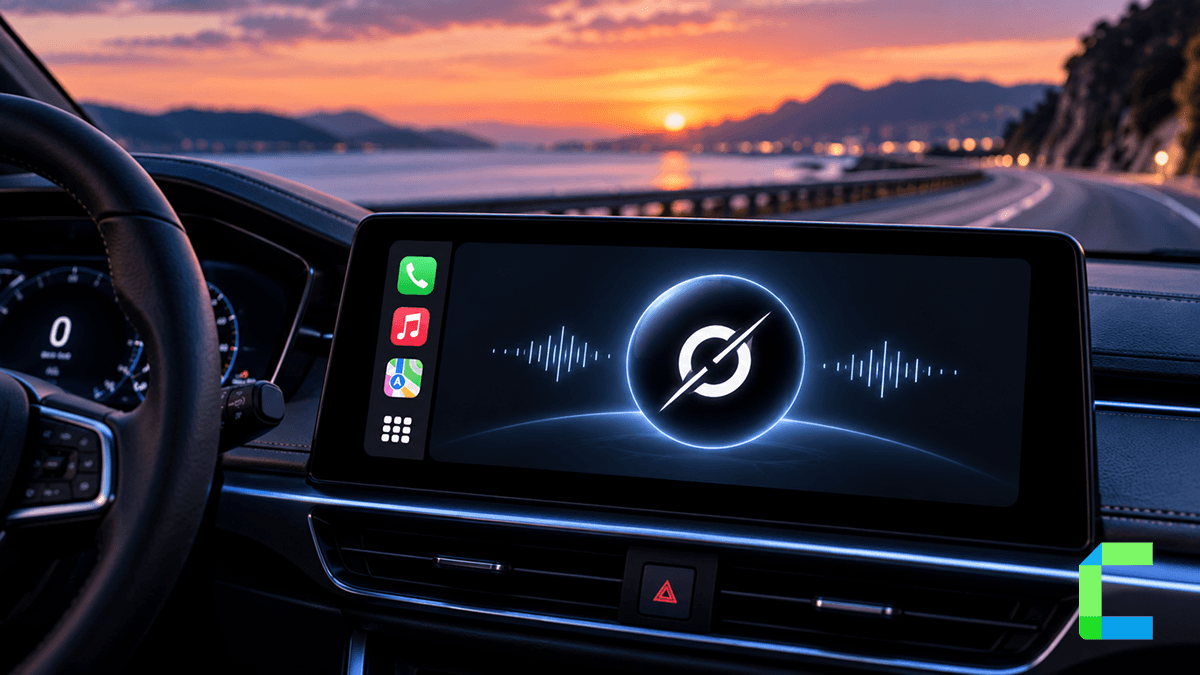
Grok now has a working voice chat app inside Apple CarPlay. This is separate from the "Hey Grok" hotword some Tesla owners get, and it works differently. Here is exactly how to set it up, what it can and cannot do on your car's screen, and how it stacks up against ChatGPT and Perplexity, which both got CarPlay support earlier in 2026.
Is Grok Available on Apple CarPlay?
Yes. Apple opened CarPlay up to AI chatbot apps in February 2026. ChatGPT was the first to land, in April. Grok followed in May, after weeks of sitting in CarPlay as a placeholder app that only showed a "coming soon" message. Once xAI flipped the switch, the Grok icon on your car's screen became a working app: tap it, start a voice chat, and Grok responds.
What You Need
- An iPhone that supports CarPlay, running a current iOS version
- The Grok app installed and updated to the latest version from the App Store
- Wired or wireless CarPlay. Grok works with either, no automaker enablement required. If your car does not support wireless CarPlay natively, see our wireless CarPlay guide.
How to Set Up Grok on CarPlay
What Grok Can and Can't Do in CarPlay
Grok in CarPlay is a conversational tool, not a control layer. It answers questions, holds a conversation, and saves your chat history for next time. It cannot set navigation, control your iPhone, or trigger actions in your car.
The bigger limitation: there is no voice hotword. You cannot say "Hey Grok" and have it wake up on CarPlay. You have to physically tap the app and start the chat yourself, every time. ChatGPT and Perplexity work the same way in CarPlay right now, this is an Apple platform limitation, not something specific to Grok.
If iOS 26 CarPlay widgets are set up on your dashboard, a Grok widget can shortcut you straight into the app, which shaves off a tap but does not add hands-free activation.
Grok in CarPlay vs. Grok in Tesla: Why They're Different
If you have seen videos of Tesla owners saying "Hey Grok" and getting a spoken answer without touching anything, that is a different integration entirely. Grok is built directly into Tesla's own vehicle software, with hotword activation and deeper access to car functions. Apple CarPlay does not run on Tesla vehicles in the first place, see our Tesla and Apple CarPlay guide for why. The CarPlay version of Grok covered here is the version any iPhone owner gets in a CarPlay-equipped car from any other automaker, and it is intentionally more limited: manual launch only, chat only, no vehicle control.
Grok vs. ChatGPT vs. Perplexity in CarPlay
All three AI apps behave almost identically inside CarPlay: manual launch, no hotword, conversational only, chat history saved on the app's home screen. The differences come down to which assistant you already use and trust, plus small interface touches like icon size and voice options rather than any functional edge one has over another in the car.
Want More Than AI Chat in Your Car?
Grok, ChatGPT, and Perplexity fill a narrow gap: quick questions and conversation while you drive. If you want more out of your CarPlay screen, like additional streaming and utility apps that go beyond what Apple and your automaker have enabled, WheelPal gives you access to a wider app library in CarPlay today, without waiting on Apple or your car manufacturer. For a full rundown of what is worth adding, see our best CarPlay apps guide.