


Last updated: November 2026
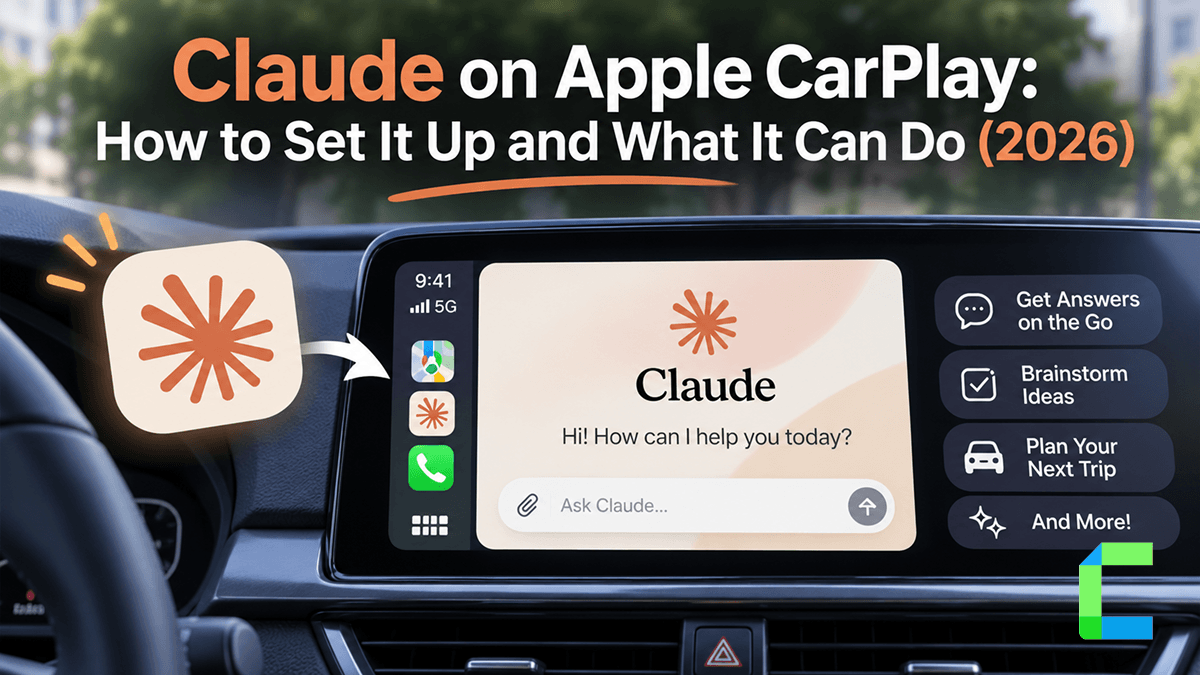
Claude works on Apple CarPlay with iOS 26.4 or later and the latest Claude app. The Free plan is enough. Claude support arrived on September 4, 2026, and Anthropic confirmed it on October 29, 2026, making Claude the fifth chatbot on CarPlay and the newest option for Claude AI in car use. During firsthand testing on an iPhone 13 Pro Max running iOS 27.0 in a 2023 Ford F-150 with SYNC 4, voice features worked over wired and wireless CarPlay. This guide covers Claude CarPlay setup, what Claude can and can't do in the car, whether you need Pro, how it compares to other assistants, and what to do if it doesn't show up.
Is Claude Available on Apple CarPlay?
Yes, Claude Apple CarPlay support is live. Apple opened CarPlay to third-party AI chatbot apps starting with iOS 26.4. To bring Claude CarPlay to the dashboard, Apple requires every app to use its official CarPlay template, provide a dedicated voice control screen, and hold a valid CarPlay entitlement from Apple. Anthropic updated its iPhone app on September 4, 2026, adding voice mode support for the car screen, and confirmed it on October 29, 2026.
Claude is the fifth chatbot on CarPlay, after ChatGPT, Perplexity, Grok and Meta AI. Google Gemini is not on CarPlay. For drivers setting up Claude CarPlay, the experience focuses entirely on conversational voice interactions through the car audio system.
What You Need to Use Claude on CarPlay
To set up Claude CarPlay in your vehicle, make sure you have the following requirements ready:
- An iPhone running iOS 26.4 or later (required for any iOS 26.4 CarPlay chatbot).
- The latest version of the official Claude app from the App Store.
- A free or paid Claude account.
- A car or head unit supporting wired or wireless CarPlay.
- Microphone permission allowed on your iPhone.
Whether you plug in or connect through Claude wireless CarPlay, meeting these criteria lets you access Claude CarPlay voice mode directly on your screen.
Want More Than Voice on Your CarPlay Screen?
Claude on CarPlay is voice only by Apple's design. If you want full screen access or more app options, two upgrades can expand your display.
Get the Full Claude App on Screen with an AI Box
A CarPlay AI box runs its own Android system on your car display. The Carlinkit AI Box runs Android 13 with the built-in Google Play Store, so you can install the Claude Android app on the box itself. Requirements for this setup include factory wired CarPlay and a touchscreen, plus an internet connection through a phone hotspot or SIM card. Using the full app or claude.ai in a browser on the car screen must be done while parked. Read our guide to the best CarPlay AI boxes if you want Claude AI in your car beyond voice.
Add More Apps to CarPlay with WheelPal
WheelPal gives you access to a wider app library on CarPlay, installed by sideloading, with no jailbreak required. Claude stays in its own CarPlay app, and WheelPal adds the streaming and utility apps CarPlay doesn't offer by default. Explore your options in our list of the best CarPlay apps.
How to Set Up Claude on CarPlay (Step by Step)
Setting up the app takes about two minutes and is best done before you drive. Here is how to use Claude on CarPlay with five simple steps:
In our 2023 Ford F-150 test, Claude CarPlay setup worked over both a USB cable and wireless CarPlay.
What Claude Can and Can't Do on CarPlay
Here is what you get when using Claude voice mode on CarPlay:
What Claude can do on CarPlay:
- Hold voice conversations through your car audio system.
- Start a new chat or resume a recent chat from the CarPlay screen.
- Mute, unmute, end and resume a voice session using on-screen controls.
- Show clear visual cues when listening or speaking.
What Claude cannot do on CarPlay:
- No hands-free wake word: You must tap the Claude icon to start. Apple does not allow third-party wake words on CarPlay.
- No vehicle or phone control: Cannot control navigation, calls, messages or climate.
- Voice only: No typing, files, projects or images on the car display.
Is Claude Free on CarPlay? Free vs Pro
Is Claude CarPlay free? Yes. In our firsthand testing, the Free plan gave full access to CarPlay voice mode without requiring a paid subscription to unlock the car screen.
However, Free plan users reach usage caps sooner during long back-and-forth voice sessions. According to Anthropic's support page, the Pro plan provides at least five times the usage per session compared to the Free plan during peak hours. We recommend Pro only for long drives with extended conversations. It is optional.
This contrasts with other assistants on the road. For example, free accounts using Perplexity on CarPlay hit their voice limit almost immediately, making Pro effectively required. Comparing Claude free vs Pro comes down to drive length. For daily commutes, Claude CarPlay on the Free plan is enough. Upgrade only if you hit the cap on long drives.
To see how other options perform, check our guide to ChatGPT on CarPlay. You can also read our full review of Grok on CarPlay.
When choosing a CarPlay AI assistant, pick the one you already use and trust on your phone, since the CarPlay experience is near identical.
Claude Not Showing on CarPlay? Fixes
If you run into issues with Claude CarPlay not showing up on your dashboard, try these simple fixes:
Your iPhone is older than iOS 26.4
Update iOS under Settings > General > Software Update. If your iPhone cannot update to iOS 26.4 or later, Claude will not appear on CarPlay. Check the AI box section above for an alternative solution.
The Claude app is out of date
CarPlay support arrived in the September 2026 update, so older versions of the app won't show a Claude icon in the car. Update the app from the App Store to restore dashboard access.
Claude is turned off in CarPlay settings
Turn it on on your iPhone by opening Settings > General > CarPlay, selecting your car, tapping Apps, and ensuring Claude is enabled in the active list.
The icon is on another page
Swipe across your CarPlay home screen pages to find the icon. You can also rearrange app icons on the same CarPlay settings screen on your iPhone to move it to the first page.
Your wireless adapter keeps dropping
Test your connection with a USB cable first to isolate wireless adapter drops. For deeper adapter troubleshooting tips, read our wireless CarPlay guide.
Claude does not hear you
Check microphone permission for Claude in your iPhone Settings under Privacy & Security > Microphone. Also verify that you have not tapped the on-screen mute control in the car.
Frequently Asked Questions About Claude on CarPlay
Is Claude on CarPlay Worth Using?
Claude on CarPlay takes two minutes to set up, is free to use, and offers a quick hands-free way to ask questions on the road. The Free plan provides complete access to voice mode without requiring a paid subscription.


