


Last Updated: November 2026
Apple CarPlay blocks video playback on your car screen by default, even when you are parked. If you want to watch video files from your iPhone while parked, the standard settings will not let you.
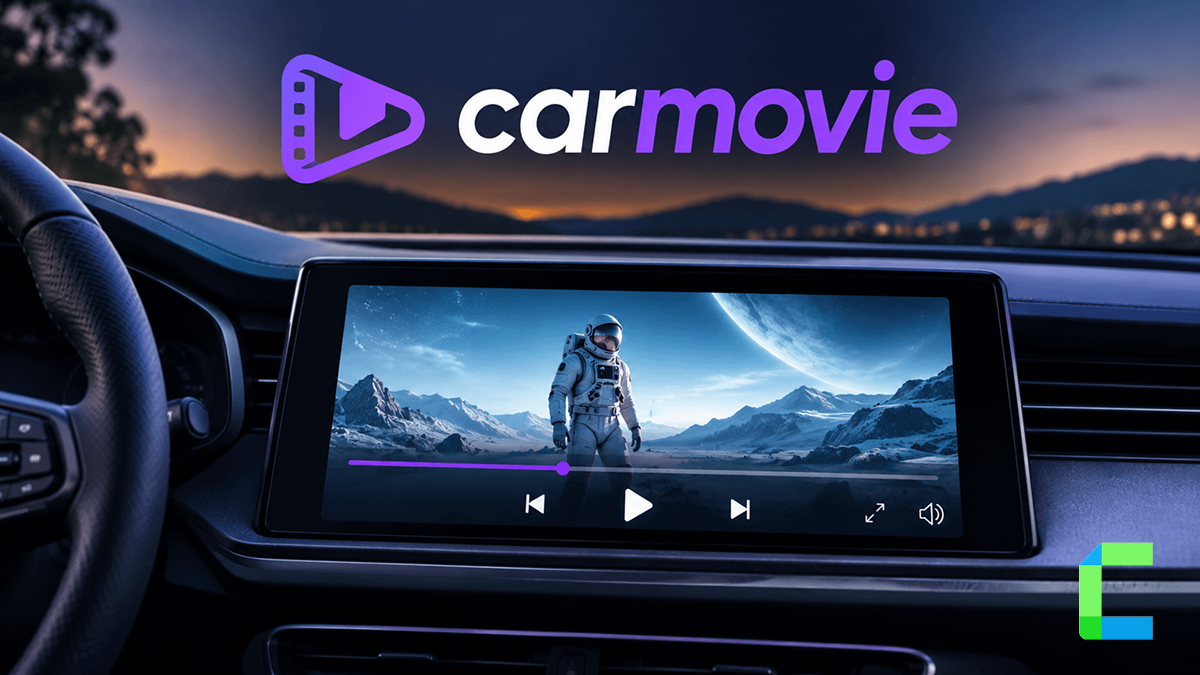
CarMovie fixes that. It is a video player that puts video files on the CarPlay screen, and it works on iOS 14 to 17.
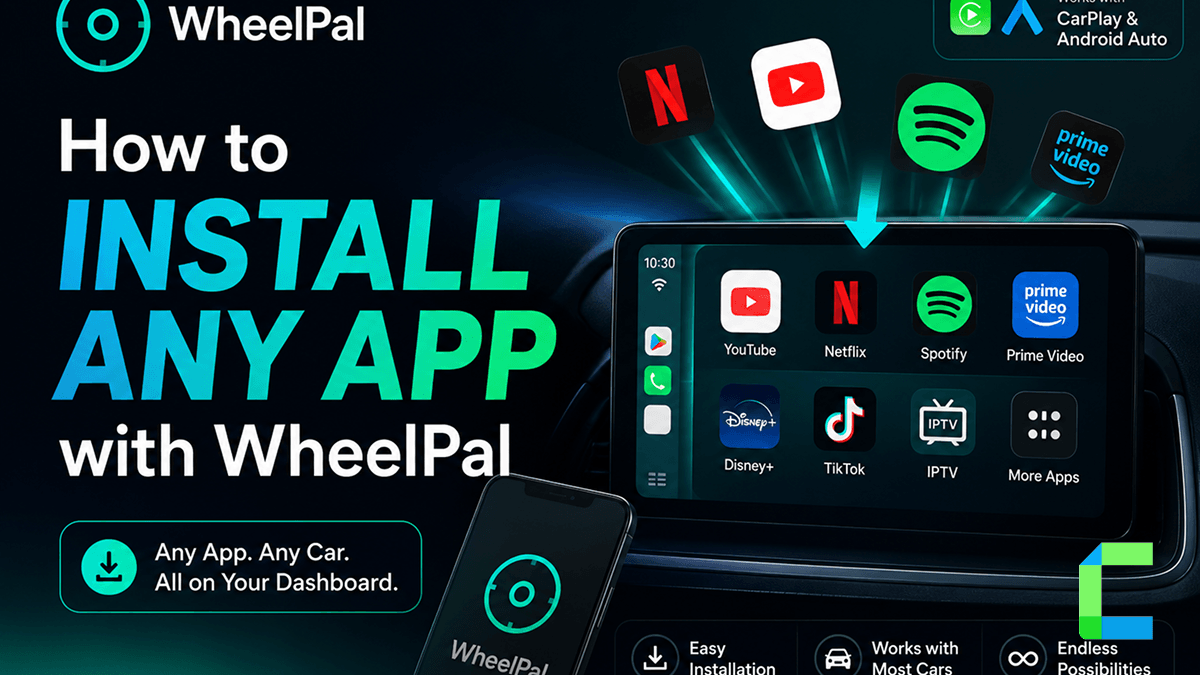
The easiest way to get it is WheelPal. WheelPal supports iOS 9 to iOS 27, needs no jailbreak, and guides the whole setup on your iPhone. If you want to know how to watch movies on CarPlay, this guide walks you through your CarMovie CarPlay setup.
What Is CarMovie?
CarPlay video player that lets you stream movies, TV shows, and videos directly on your car's display. Safe, convenient, and no jailbreak required.
In the iPhone app, you add video files with the "+" button at the top right and manage or remove them with the "Edit" button at the top left. When your iPhone is connected to your car, the same video list appears on your head unit, and any video you select plays full screen.
| Feature | Detail |
|---|---|
| iOS support | iOS 14 to 17 |
| How to get it | Through WheelPal |
| Jailbreak needed | No |
How to Get CarMovie With WheelPal
Getting the CarMovie IPA onto your iPhone is easiest with WheelPal. Sideloading a video app on your own usually means extra tools and configuration. The WheelPal app gives you guidance matched to your iPhone and iOS version, so you can play video on CarPlay without jailbreaking.
The app works on iOS 14 to 17. If your iPhone runs any other version, WheelPal shows you the options that work on your device instead.
 Eliza Faith
How to Add Videos and Play Them on CarPlay
Adding videos and playing them on your car screen takes a few moments. Here is how to play movies on CarPlay and watch downloaded videos on CarPlay:
CarMovie vs CarTube vs Streaming Apps
The right video app depends on what you want to watch while parked. One app plays files you already have. The others cover online video.
| App | What it plays | Best for |
|---|---|---|
| CarMovie | video files | Downloaded movies and videos |
| CarTube | YouTube | YouTube videos |
| Streaming apps | Netflix and other services | Streaming services |
To watch YouTube on your car screen, see our guide on CarTube for YouTube on CarPlay. For Netflix, read how to watch Netflix on CarPlay.
Prefer a Plug-In Option? Use a CarPlay AI Box
If you would rather skip iPhone setup altogether, a CarPlay AI box is a simple hardware alternative. It plugs into your car's USB port and runs its own apps, so you can play saved videos and streaming apps on the car screen while parked.
See our top picks for the best CarPlay AI box, or shop CarPlay AI boxes.
Is It Safe and Legal to Watch Videos on CarPlay?
Video on CarPlay is for parked use or for passengers only. Watching video while driving is dangerous and illegal in many places. Make sure your car is fully parked before you start playback.
This app puts your video files on the CarPlay screen in full screen while you are parked, with no jailbreak. On iOS 14 to 17, WheelPal is the easiest way to set it up, and on any other version it shows you what works instead. For more ways to customize your car screen, explore CarPlay tweaks without jailbreak.


