


Last Updated: September 2026
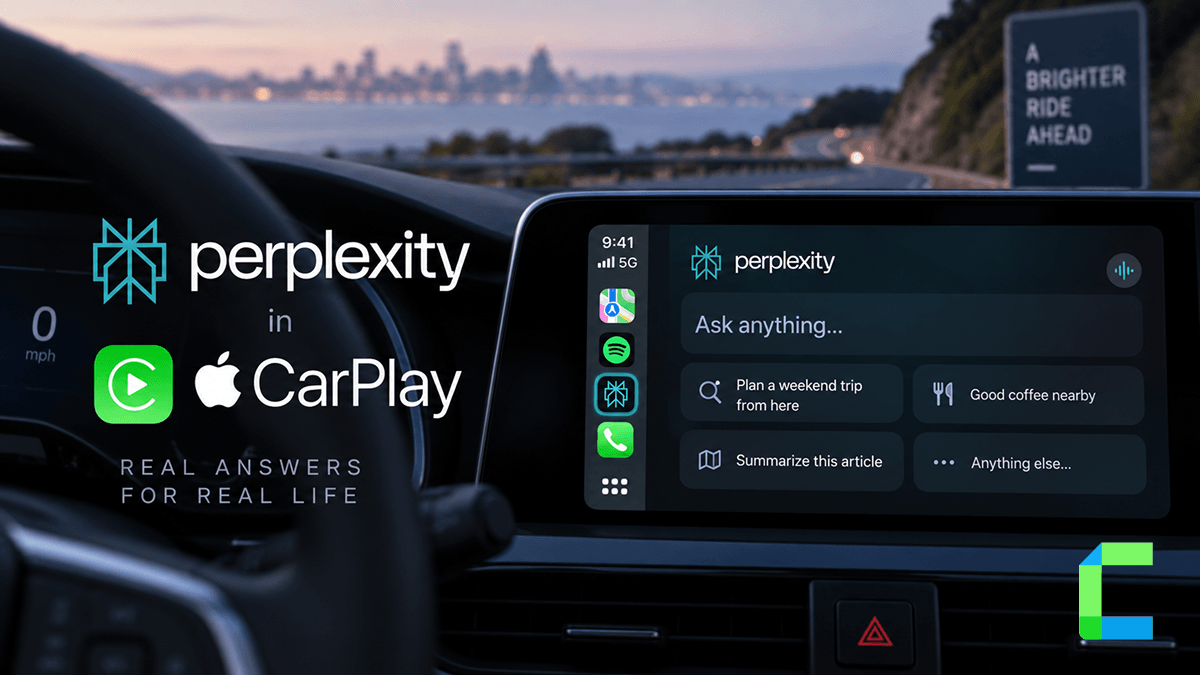
Perplexity is now available directly on Apple CarPlay, giving drivers a voice-first AI assistant on the car dashboard. It arrived shortly after ChatGPT became the first AI app approved for CarPlay's voice-based conversational app category, and it works in a similar hands-free way. The catch: getting real use out of it in the car mostly depends on whether you pay for Perplexity Pro.
What is Perplexity on CarPlay?
Perplexity on CarPlay is a voice-first integration built for Apple's in-car infotainment system. Like other AI apps in this category, it doesn't display text or graphics on your vehicle touchscreen. You speak a question aloud, and Perplexity answers verbally through your car speakers, sourced and summarized the same way its iPhone app works.
Requirements for Using Perplexity on CarPlay
- iOS: An iPhone running iOS 26.4 or later.
- Perplexity app: The official app from the App Store, updated to the latest build.
- CarPlay compatibility: A vehicle or aftermarket head unit supporting wired or wireless CarPlay.
- Account: A Perplexity account signed into the mobile app with microphone permissions granted.
- Perplexity Pro, practically required: A free account can open the CarPlay app, but voice sessions hit a usage limit almost immediately. See below.
How to Set Up and Start Using Perplexity on CarPlay
There's no wake word for Perplexity on CarPlay. You have to tap the icon on the CarPlay screen to start a session, or trigger it through Siri Shortcuts if you've set one up on your iPhone.
The Perplexity Pro Catch
This is the part most coverage of Perplexity on CarPlay glosses over. Unlike ChatGPT, which is free to use on CarPlay across every ChatGPT plan, Perplexity's voice mode is largely gated behind a Perplexity Pro subscription, currently $20 a month. Free accounts can open the CarPlay app and start a voice chat, but they run into a voice mode limit very quickly, at which point the app simply tells you the limit has been reached.
In practice, this means Perplexity on CarPlay is mainly useful if you're already a Pro subscriber. If you're not, you'll likely hit the wall on your first real conversation and be prompted to upgrade. Worth knowing before you plan on using it as your default in-car assistant.
What Perplexity on CarPlay Cannot Do Yet
Apple enforces the same strict interface rules on every voice-based conversational app on CarPlay, Perplexity included:
- No text or image display, the interface is voice-only.
- No wake word, you tap the screen icon or launch it via Siri Shortcuts.
- No vehicle controls, it can't adjust climate, change radio stations, or alter car settings.
- No live location access, it can't read GPS coordinates from your phone or car.
- No messaging or app control, it can't read texts, send messages, control Apple Music, or set navigation in Maps.
Perplexity vs ChatGPT vs Grok on CarPlay
All three currently work the same way on CarPlay: tap the icon, start a voice chat, speak naturally. The practical differences come down to cost and reliability rather than the interface itself. ChatGPT is free to use on CarPlay regardless of subscription tier. Perplexity technically opens for free accounts but hits a voice limit fast, making it a Pro-subscriber feature in practice. For a full setup walkthrough of the other two, see our ChatGPT on CarPlay and Grok on CarPlay guides.
Beyond Native CarPlay: Sideloading Apps with WheelPal
Perplexity is one of the AI apps Apple has approved for native CarPlay use, but Apple still restricts many other app categories from vehicle screens entirely. For apps Apple hasn't natively enabled, WheelPal offers a sideloading solution through standard iOS methods like AltStore and IPA installation, no jailbreak required. Explore it at wheelpal.carplayhacks.com. Read more about Best Carplay Apps and ways to customize Apple CarPlay to learn more.