


Last Updated: September 2026
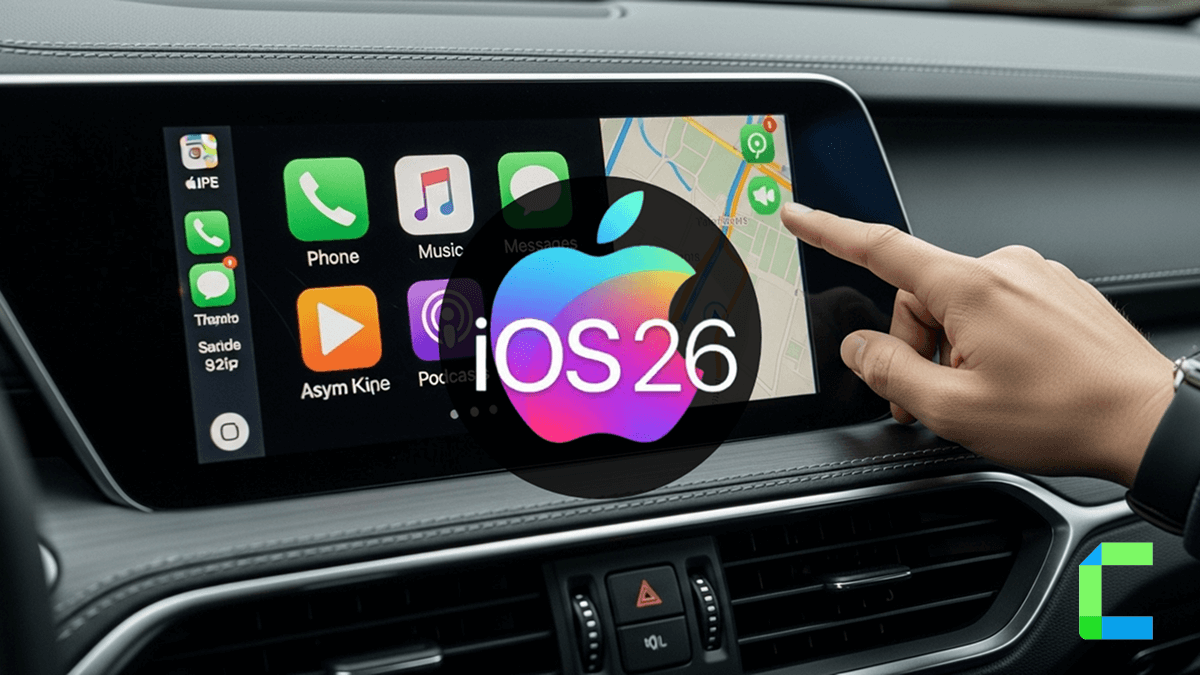
iOS 26 CarPlay brings Apple's biggest in-car upgrade yet. The update introduces a redesigned interface, smarter Siri, home screen widgets, and full dashboard integration. Here is everything that changed and why it matters for your daily drive.
What Are the New Features in iOS 26 CarPlay?
The latest features available in iOS 26 Apple CarPlay are listed below.
- Liquid Glass Design and Widgets
- Live Activities
- Messages, Phone, Maps improvements
- Smart Display Zoom
- Wireless Video Streaming
- AI Chatbot Apps (New in iOS 26.4)
Liquid Glass Design and Widgets
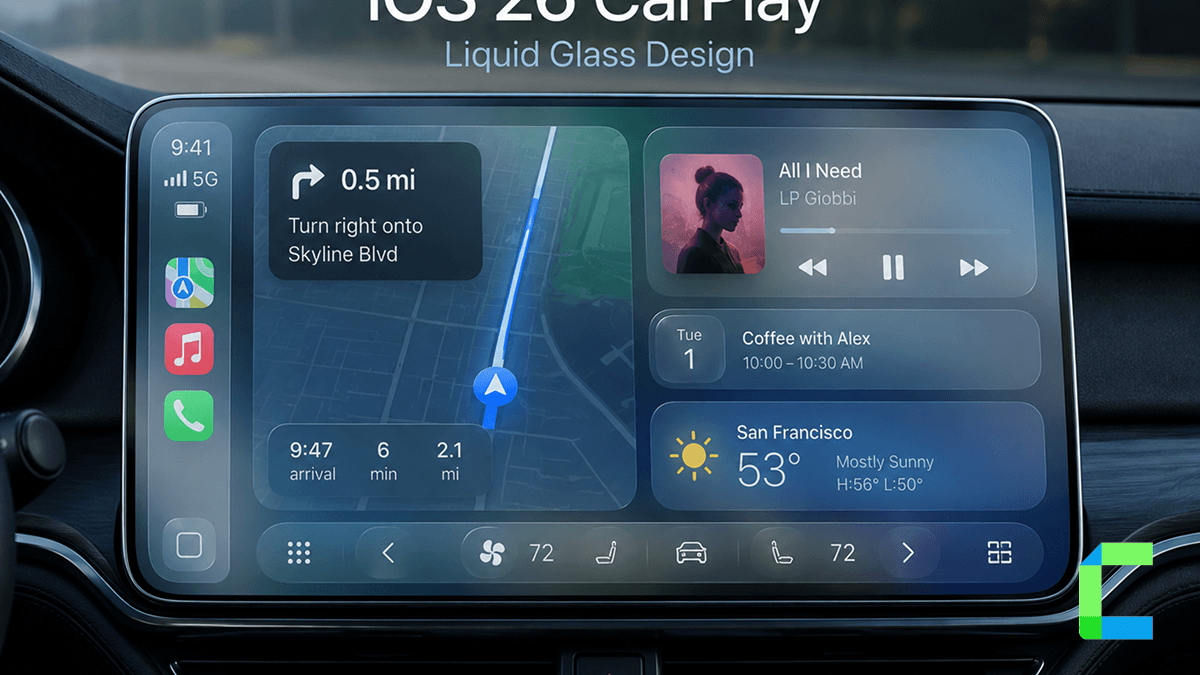
Apple has added a new Liquid Glass aesthetic to CarPlay. It brings a glossy look to your dashboard. It is compatible with iOS 26, iPadOS 26, and macOS 26.
- Translucent interface elements
- Dynamic light and dark modes
- Liquid Glass app icons
For every way to change how CarPlay looks or what it runs beyond Apple's defaults, see our full CarPlay customization guide.
Apple has added Widgets to Apple CarPlay iOS 26, allowing users to do everything without touching their iPhone. These widgets allow drivers to view:
- Real-time weather updates
- Calendar events
- Smart Home controls
- Battery status or charging info
Live Activities
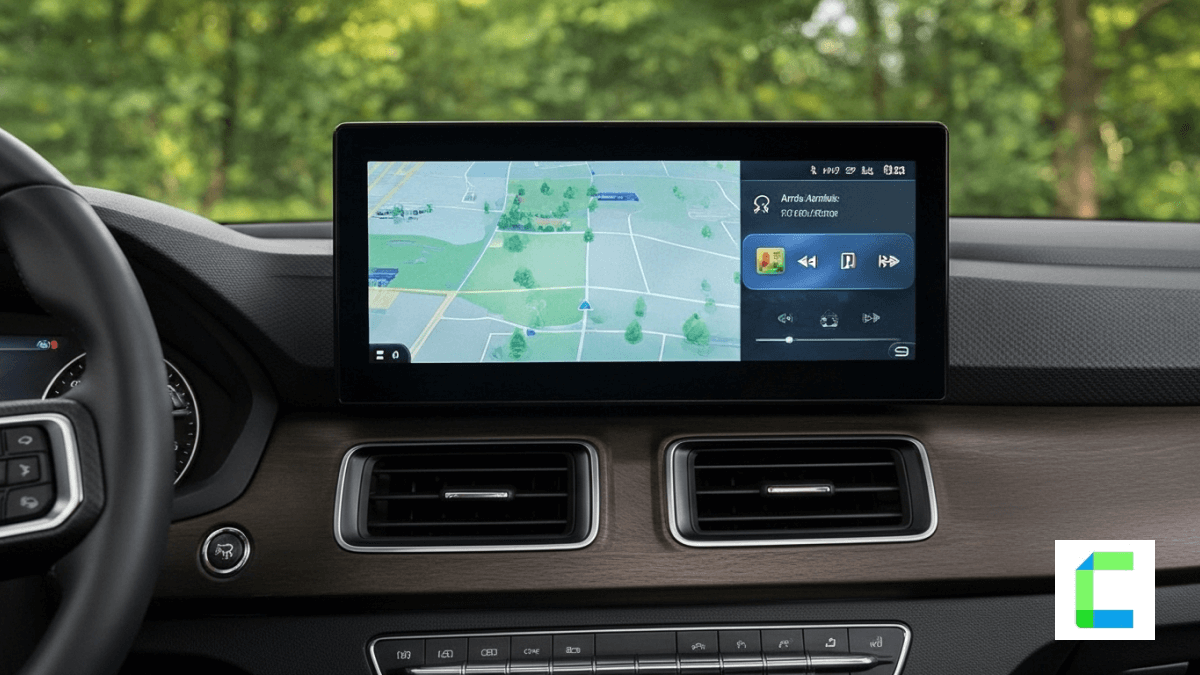
Another great addition to CarPlay iOS 26 is Live Activity support. Previously, this feature was limited to the iPhone Lock Screen and Dynamic Island.
Use cases include:
- Food delivery or ride-sharing ETA updates
- Live sports scores
- Timer progress or countdowns
Messages, Phone, Maps improvements
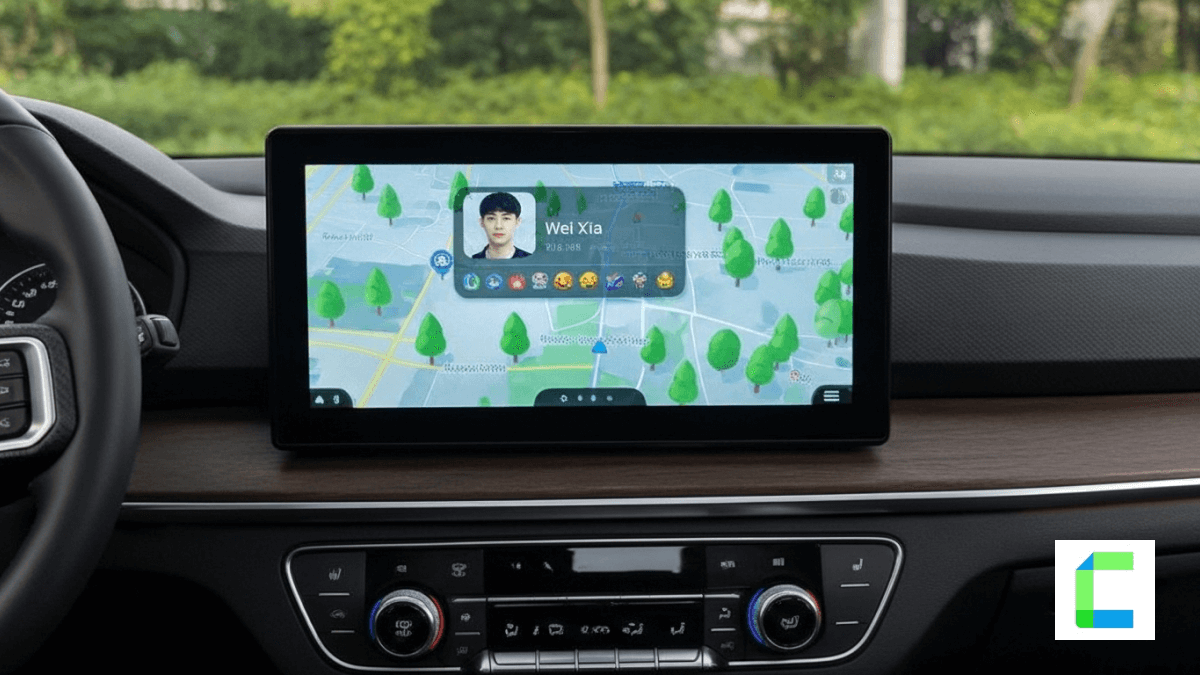
With iOS 26, there are major improvements to Messages in CarPlay, creating a smoother and more intuitive communication experience for drivers. New CarPlay features include:
- Tap back reactions (👍 ❤️ 😂) right from your car’s screen
- Pinned conversations now visible within CarPlay
- Compact notification banners that keep navigation in view
Phone call alerts have also received iOS 26 CarPlay updates. This allows you to:
- Keep navigation directions visible
- Quickly decide to accept or decline a call
- Maintain your app session without interruption
Also, drivers can now adjust with CarPlay in iOS 26:
- Climate control
- Radio and audio input
- Seat settings or ventilation
Smart Display Zoom
iOS 26 introduces a new Smart Display Zoom setting for CarPlay features. When enabled, it reduces the size of UI elements, allowing for an extra row of app icons and providing a better layout.
Wireless Video Streaming
There's a catch! iOS 26 introduces AirPlay video streaming support for both standard CarPlay and the CarPlay Ultra. This allows users to wirelessly stream video (YouTube, Netflix, Amazon Prime Video, Hulu, etc.) from their iPhone to their car's infotainment screen. But this can only be done when the vehicle is parked. As soon as the car starts moving, the iPhone automatically stops playing video.
AI Chatbot Apps in CarPlay (iOS 26.4)
iOS 26.4 added a new class of CarPlay app: voice-only AI chatbots. ChatGPT, Perplexity, and Grok have all released CarPlay-compatible versions, letting you talk to them hands-free the same way you'd talk to Siri. iOS 26.4 also added an Ambient Music widget and an Apple Sports widget for live scores.
How to Watch YouTube on Apple CarPlay?
Here are the top tools and devices that let you add YouTube, Netflix, and more to your CarPlay screen safely and easily.
WheelPal (Software Solution)
WheelPal is the recommended CarPlay upgrade solution. This is a third party app store that allows you to add third party apps into your Carplay and works on any iPhone regardless of jailbreak status.
 Madusanka Premaratne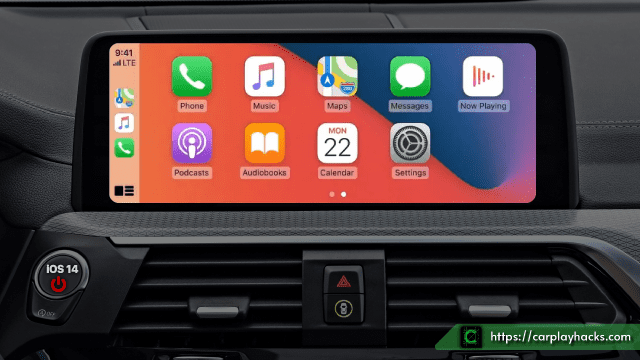
CarBridgeX (Hardware Solution)
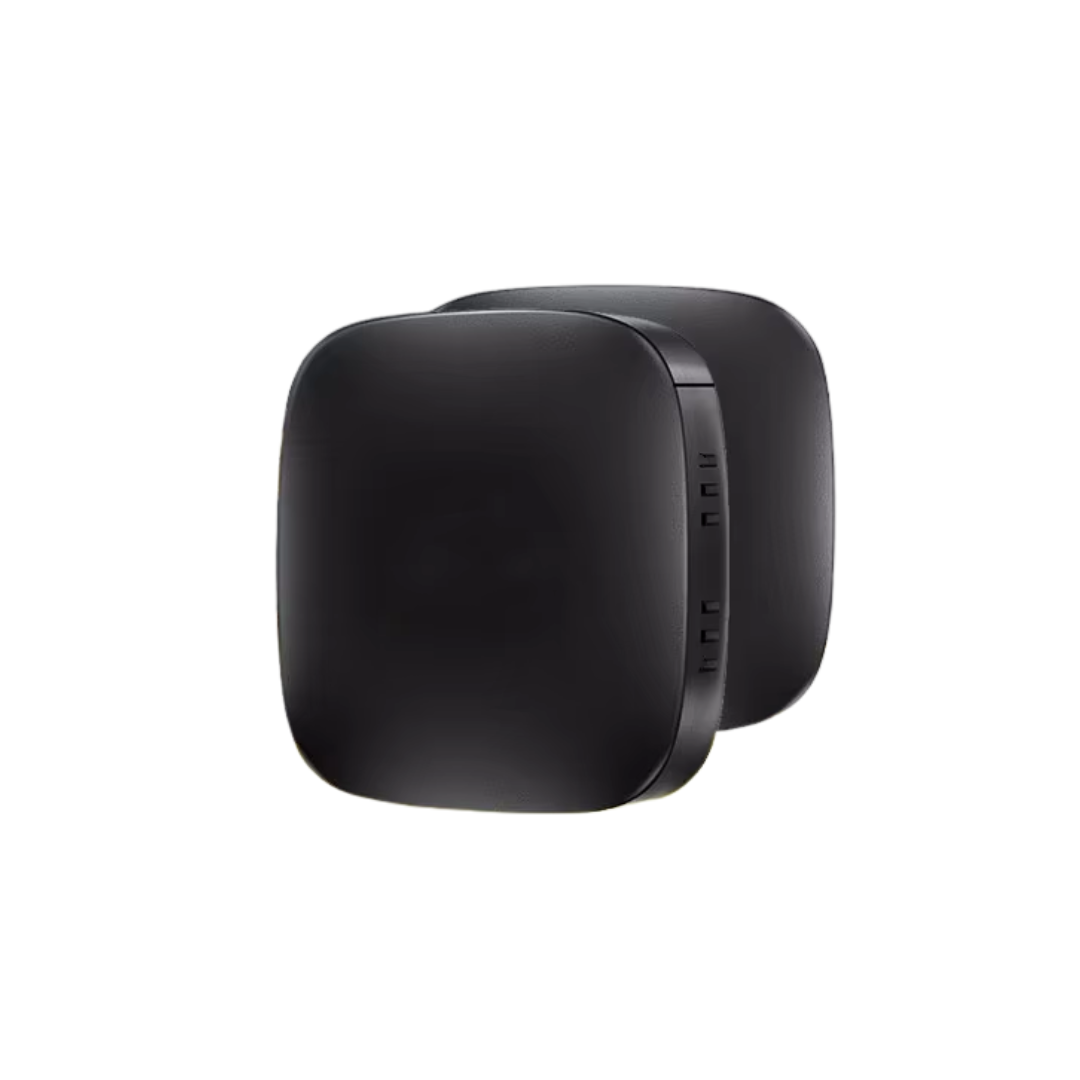
For iOS 26 users, CarBridgeX is the primary recommended solution. This wireless CarPlay adapter connects your iPhone without cables and gives you access to YouTube, Netflix, Prime Video, TikTok, and more on your car screen. No jailbreak, no warranty issues. Compatible with any car that has factory wired CarPlay.
- Automatic wireless connection after first setup
- Access to CarPlay App Store (YouTube, Netflix etc.)
- Plug & Play installation
- Safe installation: No jailbreak, no warranty issues
- Full Siri integration
Which Devices Are Compatible with iOS 26 CarPlay?
- iPhone 17 / Pro / Pro Max
- iPhone Air
- iPhone 16 / Plus / Pro/ Pro Max / 16e
- iPhone 15 / Plus / Pro/ Pro Max
- iPhone 14 / Plus / Pro/ Pro Max
- iPhone 13 / Mini / Pro/ Pro Max
- iPhone 12 / Mini / Pro/ Pro Max
- iPhone SE (2nd generation and later)
What Changed Between iOS 18 and iOS 26 CarPlay?
| iOS 18 CarPlay | iOS 26 CarPlay | |
|---|---|---|
| Design / UI | Minor tweaks, Control Center improvements | New “Liquid Glass” look, sleeker UI |
| Widgets / Live Activities | Limited widgets | Full widgets + Live Activities on dashboard |
| Messages / Notifications | Better visuals, Siri replies | Tapbacks, compact call/message pop-ups |
| Maps / Navigation | Lane guidance, hazard detection | Smarter lane guidance, live traffic, pinch-to-zoom |
| Media / Streaming | Audio only, no video | Video via AirPlay (when parked, automaker-enabled) |
| Smart / Home Controls | Few dashboard widgets | Expanded widgets incl. HomeKit controls |
| Accessibility | Color filters, voice control | More compact notifications for less distraction |
| Compatibility | Standard CarPlay, some CarPlay Ultra | Requires automaker support for new features |
| AI Assistants | Siri only | Siri, plus ChatGPT, Perplexity, and Grok apps (26.4+) |
Disclaimer: Watching videos in the car while driving is dangerous. Make sure you watch video content and other distractions responsibly.
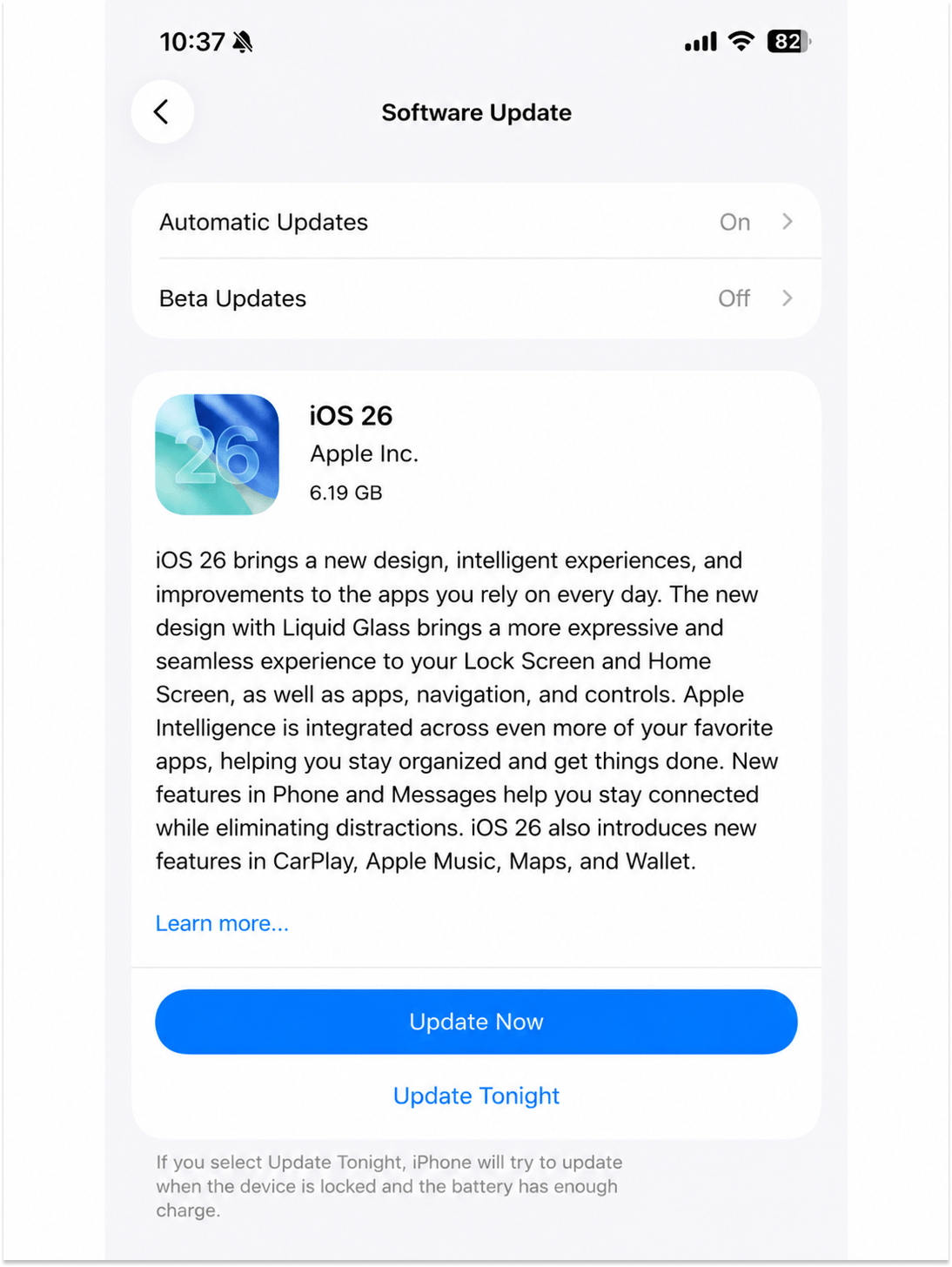
How Do You Update CarPlay to iOS 26?
Follow these steps to get the iOS 26 CarPlay features:
Why Is CarPlay Not Working After iOS 26 Update?
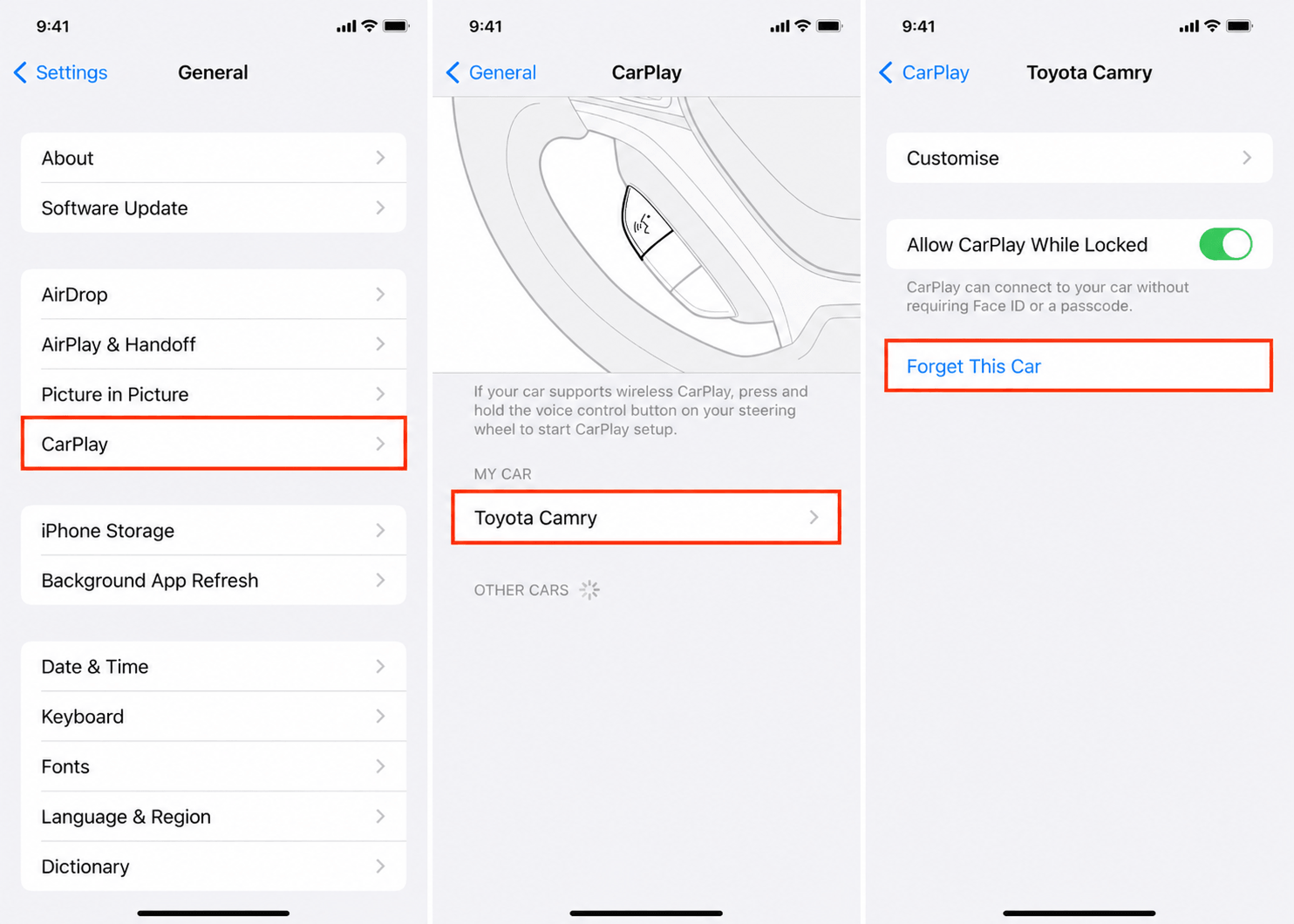
If you encounter connection issues after updating, try these fixes:
- Restart your iPhone and disconnect then reconnect the CarPlay link
- Visit your automaker's website to check if your car firmware needs an update for iOS 26 compatibility
- Reset the connection by going to Settings > General > CarPlay > select your car > Forget this Car, then reconnect
- If you are using a wireless adapter, check the manufacturer's site for a firmware update
- Note that some iOS 26 CarPlay features require specific automaker support and may not appear in every vehicle
Which Car Brands Support iOS 26 CarPlay Features?
Support for new features depends on your car manufacturer:
- Full iOS 26 CarPlay: Requires the automaker to enable deep integration. Apple has not published the final list of supported models.
- Liquid Glass design and widgets: Available on all CarPlay-compatible cars immediately after updating to iOS 26.
- AirPlay video streaming: Requires specific automaker support. BMW, Mercedes, Audi, Honda, and Toyota are among the expected supporters.
- Live Activities: Available on all CarPlay-compatible vehicle displays.
Check your car manufacturer's website for specific iOS 26 compatibility updates.
Cian Roark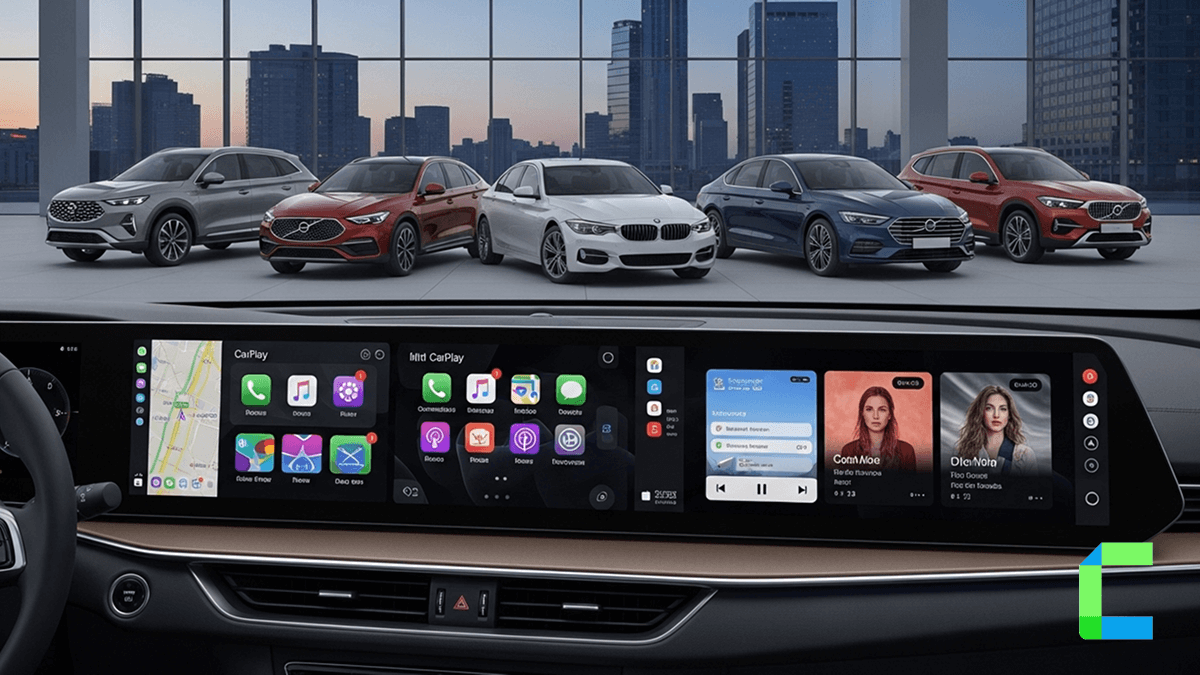
Conclusion
iOS 26 brings the biggest CarPlay upgrade in years. If you want to go beyond what Apple allows by default streaming YouTube and Netflix while driving or running any iPhone app on your car screen, CarBridgeX is the solution built for iOS 26 users. For iPhone users still on iOS 17, WheelPal remains the recommended software solution. Learn more on how iOS 26 effected nugget.